
Here’s how an ad renders on the front end. In this example, an image ad is running in the Listing Archive → Before listing loop slot — it sits above the results, right where visitors’ eyes land first.
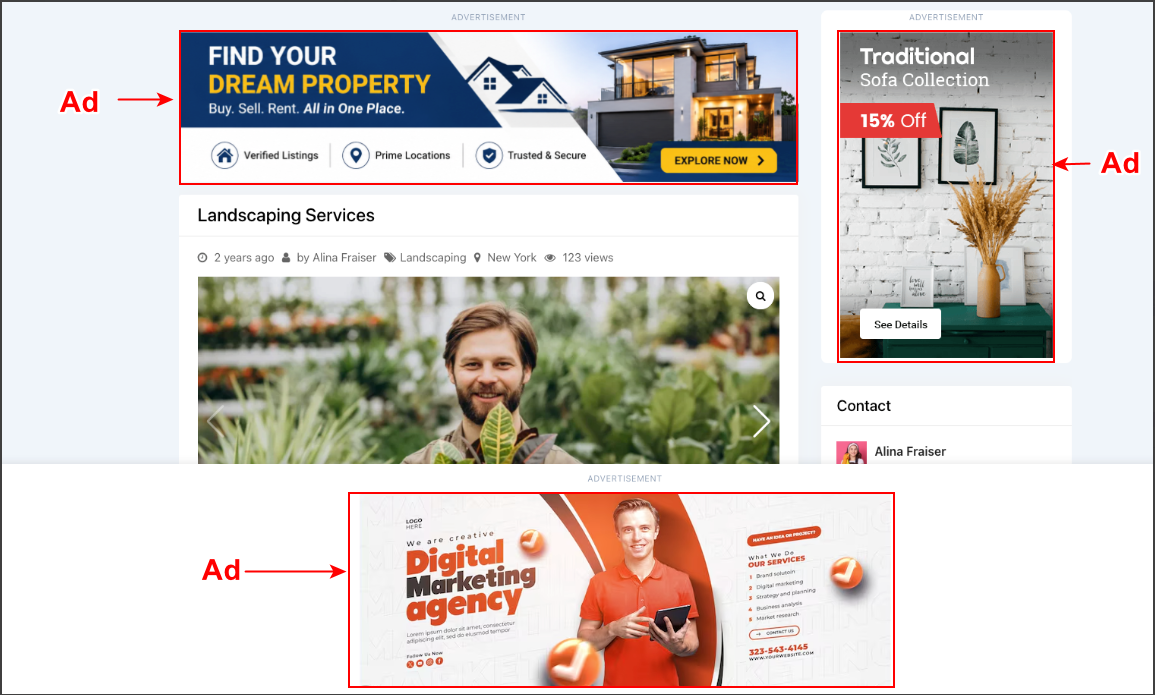
The above image is from the Details Page showing multiple ads.
Notice the small ADVERTISEMENT label above the banner: that comes from the Ad Disclosure setting (Settings → 1). Turn the disclosure off in settings and the label goes away; change the wording and it updates everywhere at once.
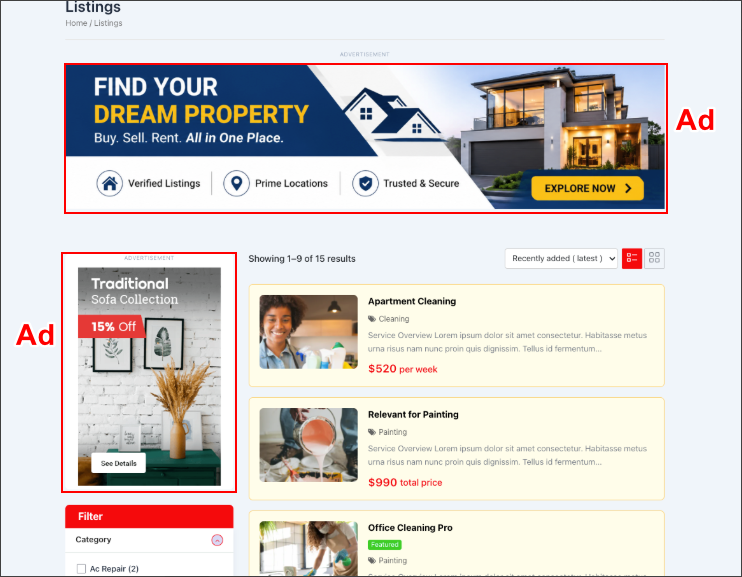
The above image is from the Archive Page showing multiple ads.
The banner itself is clickable (because a Link URL was set), opens in a new tab (Open in new tab was on), and is marked nofollow sponsored (Add nofollow was on) — exactly as configured on the ad.
Every time this page loads, that ad’s Impressions counter goes up by one; every click adds to Clicks. Both flow straight into the Analytics tab.


