
If you’ve enabled Enable Lead for Specific Membership Pricing in Settings, you’ll need to turn on lead access individually for each membership plan that should include it.
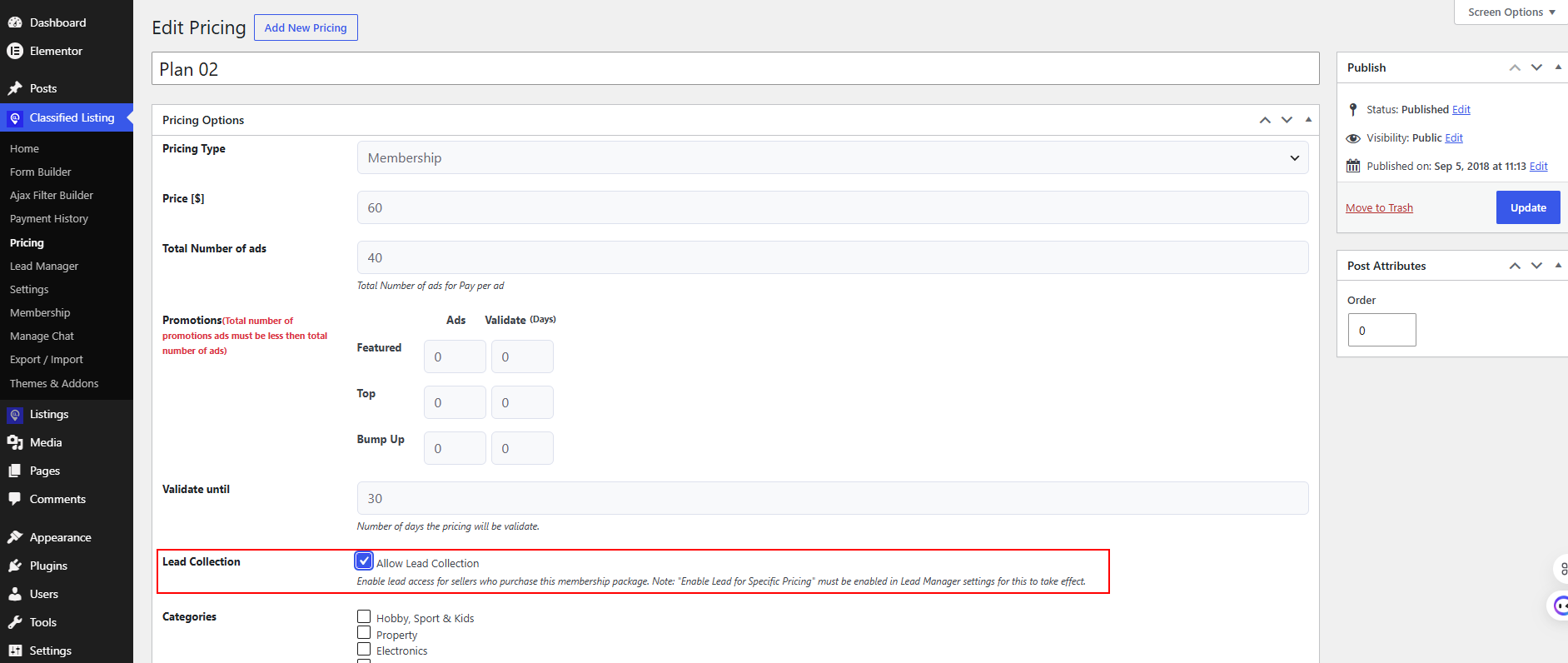
Go to Classified Listing → Pricing, edit the plan you want to update, and scroll down to the Lead Collection section. Check the Allow Lead Collection box to grant lead access to sellers who purchase that plan, then click Update to save.
Note: The “Enable Lead for Specific Pricing” toggle in Lead Manager Settings must be turned on for this checkbox to take effect.


