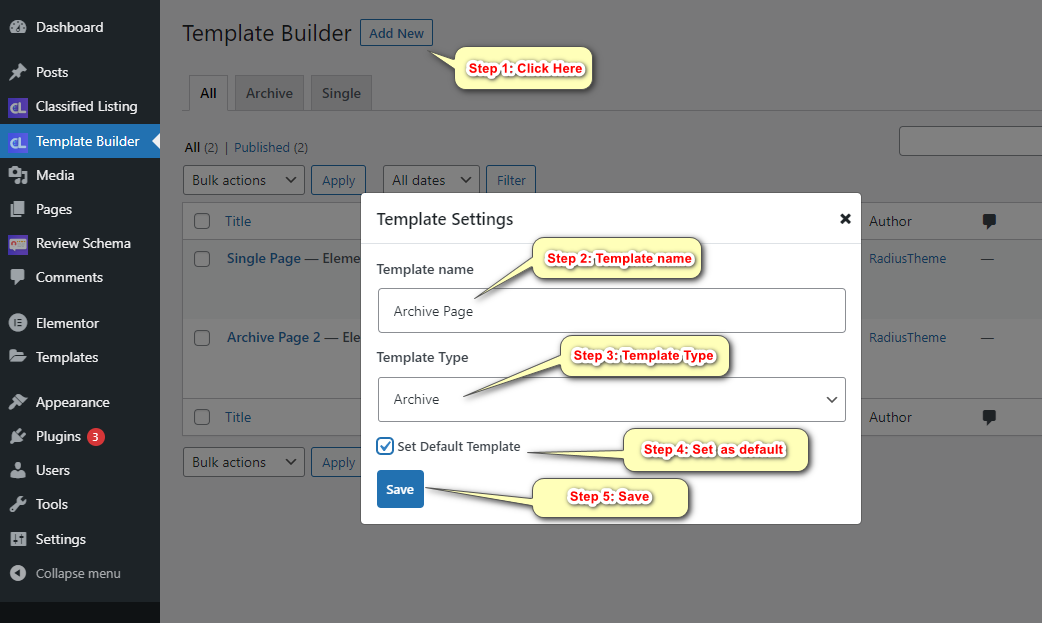
Go to the Template Builder page and click add new button, A modal will open, The builder form required a Template name and Template Type, You have to choose the Template Type from the dropdown as Store Single , You can checkmark the checkbox Set the Default Template for your Store Single page as default then Classified listings Store Single page will overwrite by this template.
An image is provided below to make it understandable.
Note: Most of the same as archive and Single page builder. Step 1 set a name for Store Single page , Step 3 Just Select Store Single instant of archive
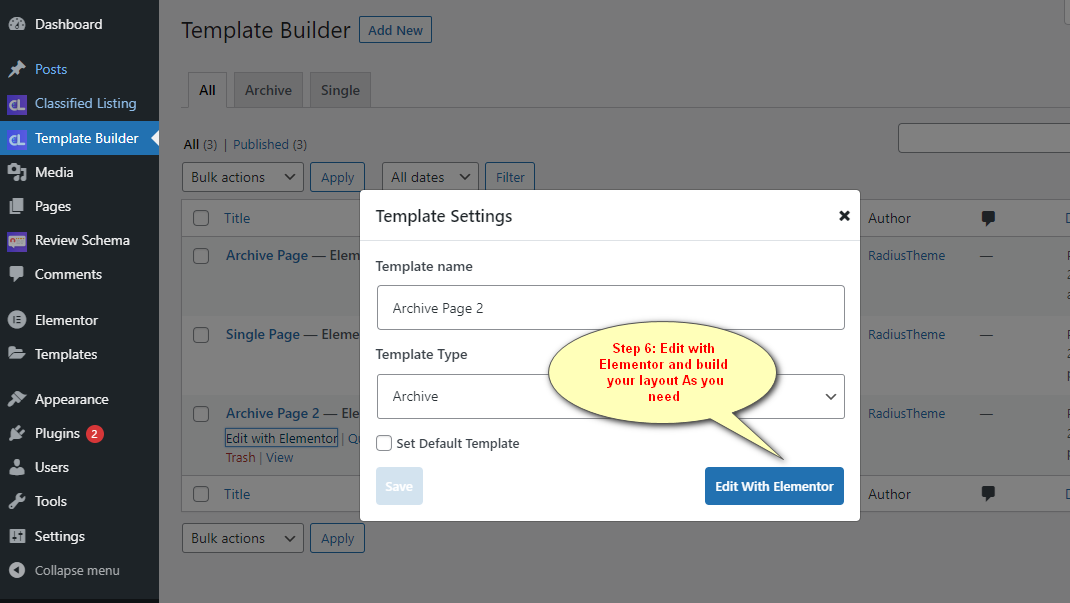
Edit the Store Single page and build a new layout.
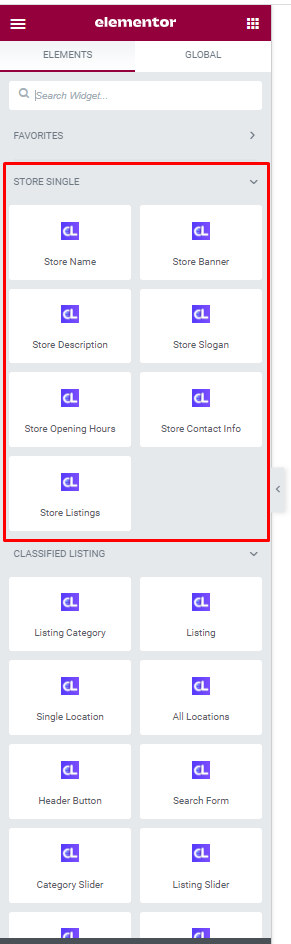
Now elementor widget sidebar can see the new widget category name “STORE SINGLE” here are some specific widgets for the Store Single page.