
Once you include the ‘Listing Categories’ module in a column, you can view the module settings window, featuring three tabs: Content, Design, and Advanced.
The ‘Content’ tab has the following configuration settings:
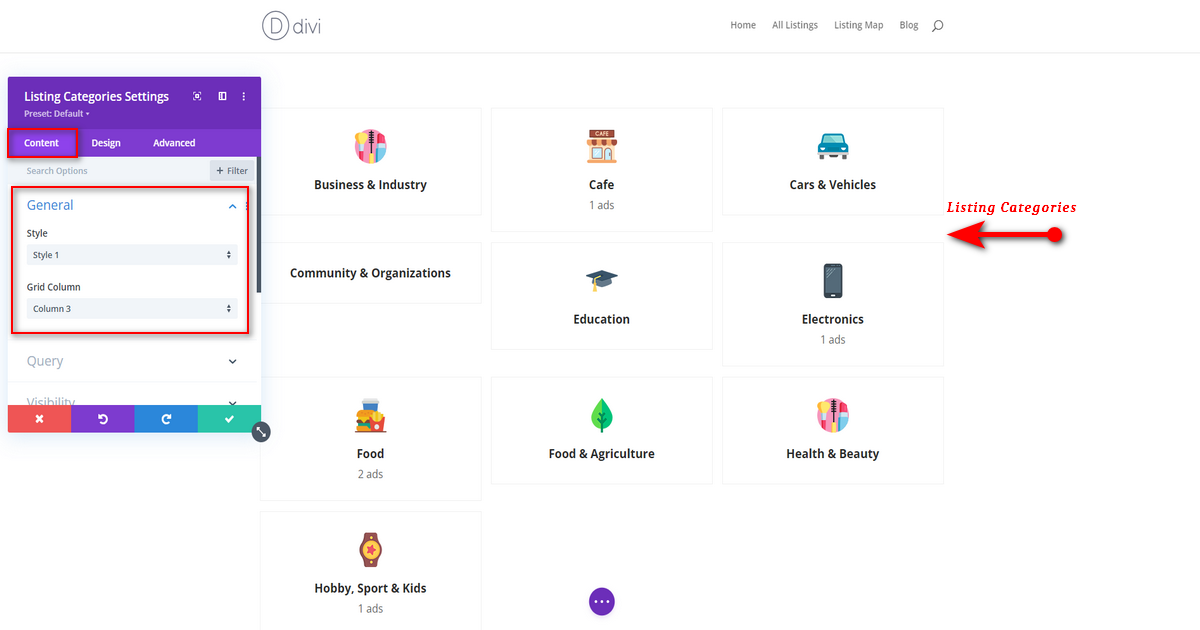
General #
It allows you to change the listing category layout and grid column numbers.
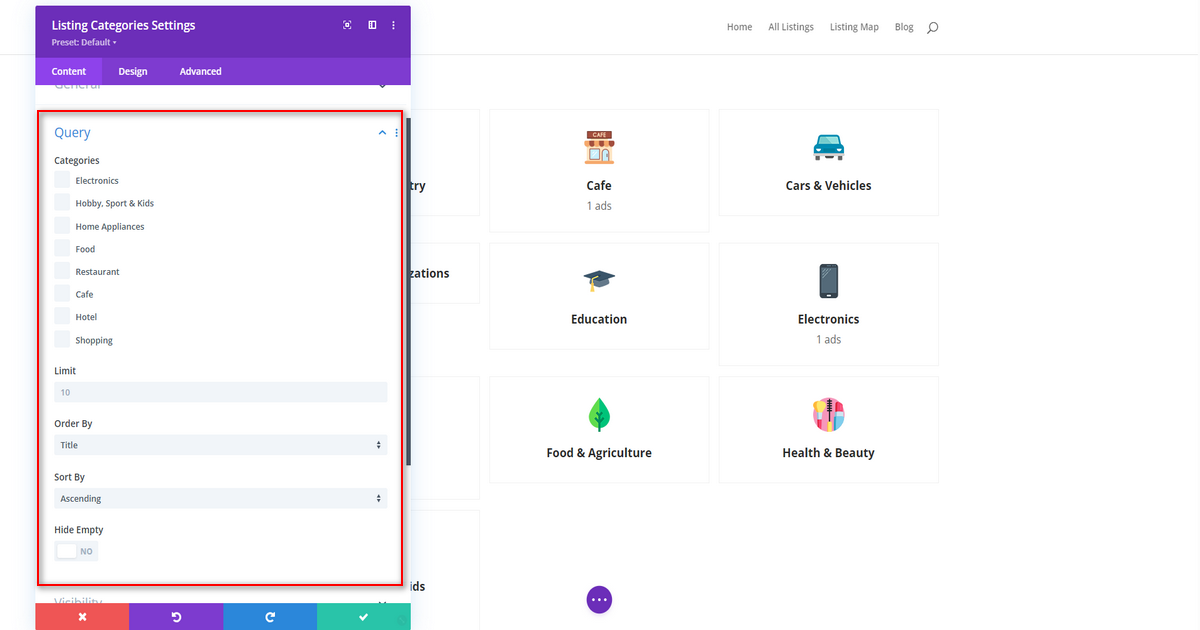
Query #
This option helps you determine which particular listing categories you want to display. Additionally, it allows you to set a listing category limit per page, hide empty listings, sort listings by specific criteria, and more.
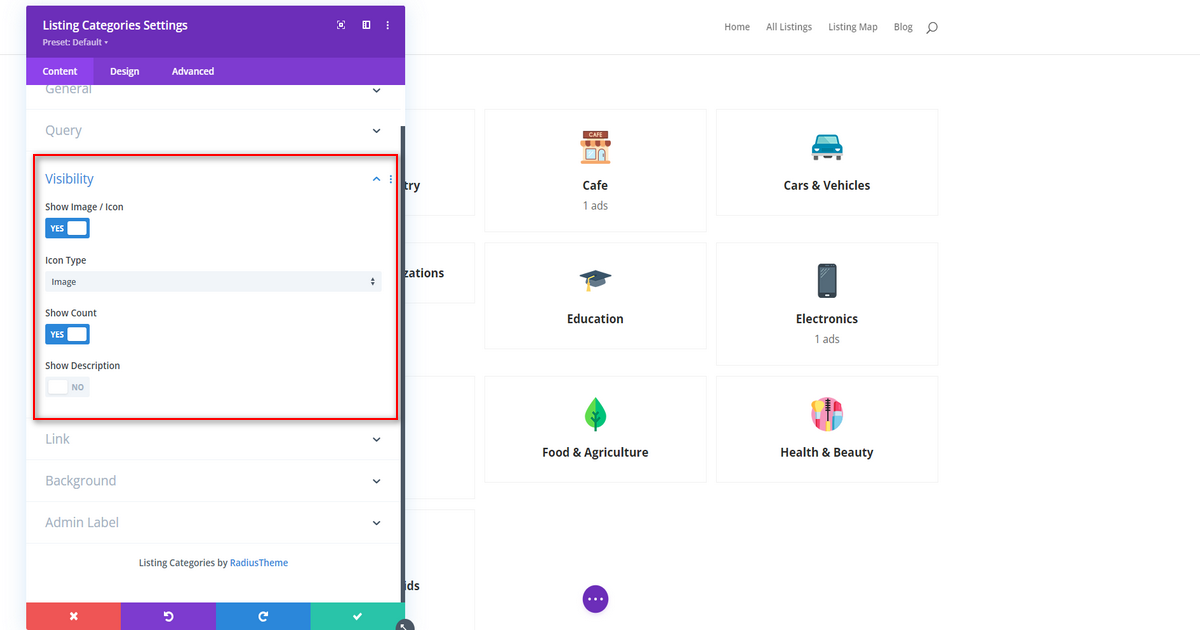
Visibility #
The ‘Visibility’ configuration setting enables you to control the visibility of the image, ad count, and short description of listing categories. It also helps you choose the icon type for the category.
N.B. We avoid including other settings of the Divi Module Settings Window in the documentation since you can learn about these through the Divi documentation.


