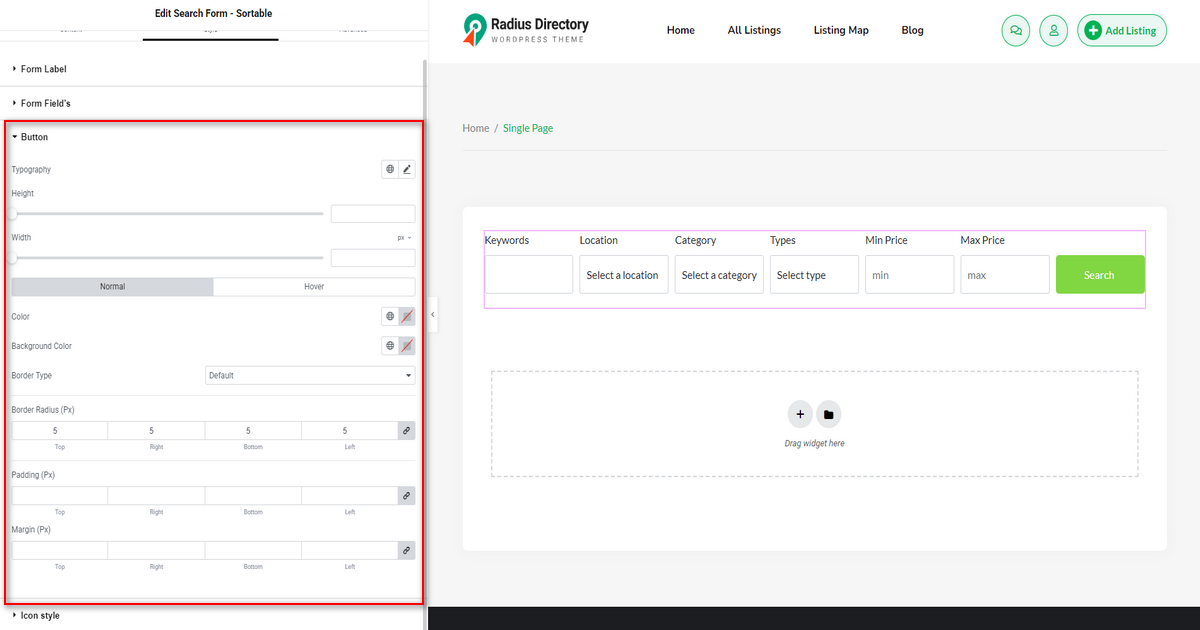
This “Search Form – Sortable” widget functions similarly to the “Search Form” widget, but it also includes additional features. You can include or exclude search form fields, customize the search button text, add an icon, and do much more.

N.B. You can refer to the “Search Form” widget documentation if you need to learn how to work with this sortable one.
Style #
With the ‘Style’ tab, you can edit the form label, margin, typography, form fields’ gap, height, border type, text color, background color, border radius, field padding, button height, width, etc.