
Now navigate to the admin dashboard and click on PDF Invoices menu to load settings page
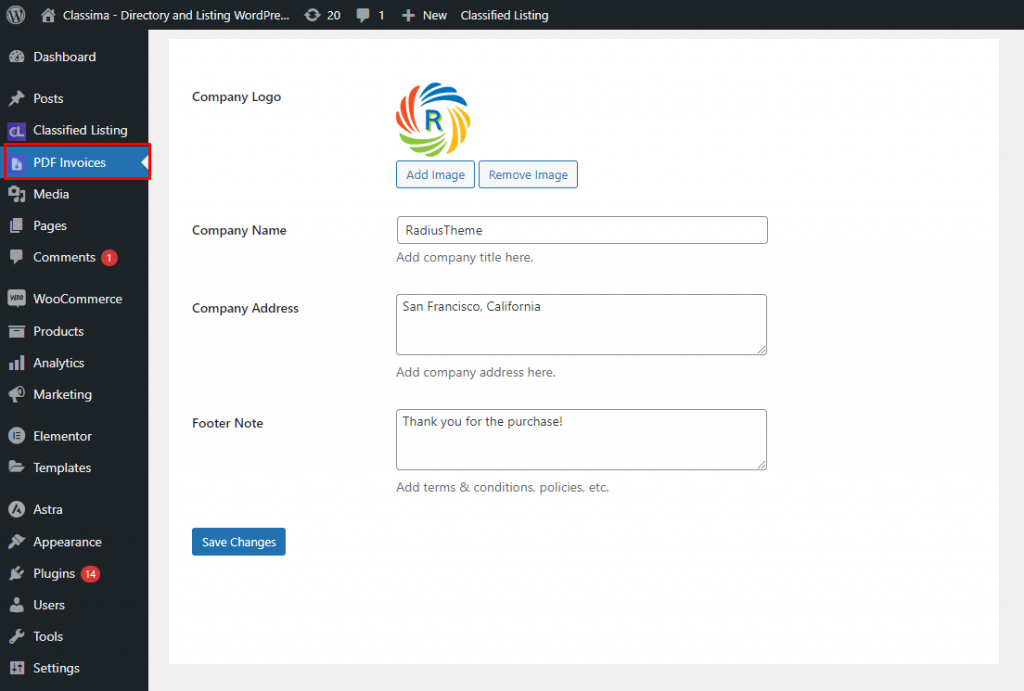
Company Logo: Add/remove logo for invoice.
Company Name: Set company name from here for invoice.
Company Address: Set company address from here if you want to add it with invoice
Footer Note: Add terms & conditions, policies etc.


