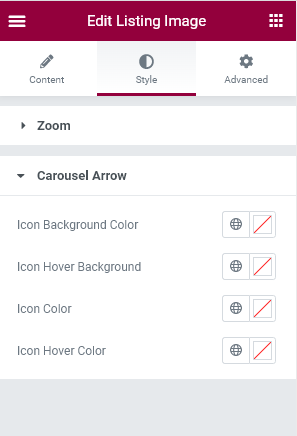
Listing Image Widget can drag and drop where need.

General settings has image and gallery related control for this widget. All settings descriobed below
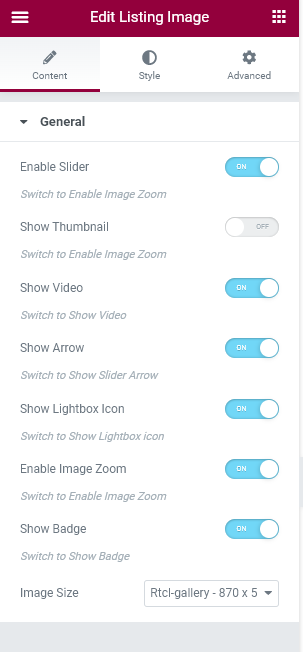
Enable Slider: Switch to gallery slider on/off.
Show Thumbnail: Switch to show/hide the thumbnail images.
Show Video: The image widget has video and image. Users can skip videos from the image section.
Show Arrow: Switch to show/hide image/gallery slider arrow.
Show Lightbox Icon: Switch to show/hide the lightbox icon.
Enable Image zoom: Switch to enable/disable the Image zoom option.
Show Badge: Switch to Show/Hide Badge. The image section has sold out badges this will be show hide.
Image Size: Select image size for gallery image.
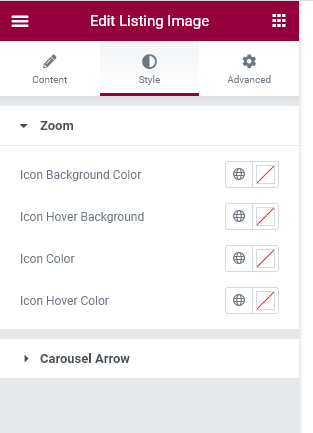
Image zoom icon style can change background color, hover background color icon color and icon hover color
Carousel arrow icon style can change background color, hover background color icon color and icon hover color