On This Page
You can spend hours on a blog post, but a reader may take only seconds to decide whether to stay. If the page loads slowly or feels cramped on a phone, your words may never get a chance. Your theme shapes that first impression, so it is worth choosing carefully.
Astra, Kadence, GeneratePress, Blocksy and Neve are the five personal blog themes we recommend looking at first. All five have a free version, at least 200,000 active installs and a rating of 4.7 or higher.
Which personal blog theme should you choose?
You can spend hours on a blog post, but a reader may take only seconds to decide whether to stay. If the page loads slowly or feels cramped on a phone, your words may never get a chance. Your theme shapes that first impression, so it is worth choosing carefully.
Astra, Kadence, GeneratePress, Blocksy and Neve are the five personal blog themes we recommend looking at first. All five have a free version, at least 200,000 active installs and a rating of 4.7 or higher.
A theme now has to do more than look good, because blogging on WordPress has changed in four ways:
- The editor has moved to blocks. Blocks are now the default way to edit in WordPress, though classic themes are still supported. New design features tend to reach the Site Editor first.
- AI is part of WordPress. WordPress 7.0, released on May 20, 2026, added an AI Client and a Connectors screen. Nothing is sent to an AI service until you connect one.
- Search rewards trust and speed. AI Overviews now answer many simple queries directly, so real author profiles, clear opinions and a responsive site matter more.
- Your audience needs a home outside Google. An email list gives you a way to reach readers even when your rankings slip.
There is also a new option on the way. Ipsum, a minimal default theme built around blogging, is planned for WordPress 7.2 on December 9, 2.
You also might want to install the Strive plugin on your site. Strive adds a responsive content calendar into your WordPress dashboard, where you can easily view your upcoming posts and reschedule them with drag-and-drop.
Best personal blog WordPress themes at a glance
GeneratePress and Neve were the lightest and fastest in Colorlib’s test, while Astra has the largest install base. Colorlib measured each homepage on the same site with the same content, so these speed figures reflect the theme rather than a polished demo.
| Theme | Best for | Active installs | Rating (out of 5) |
| Astra | Starting quickly from a template | 1M+ | 4.9 |
| Kadence | Free design control | 500K+ | 4.9 |
| GeneratePress | Speed and clean code | 500K+ | 5.0 |
| Blocksy | Modern design, one-time payment | 300K+ | 5.0 |
| Neve | Mobile-first simplicity | 200K+ | 4.7 |
Astra is the best choice for most new bloggers. Pick Kadence for the most free design tools, GeneratePress for speed, Blocksy for a modern look, or Neve if most readers use phones. All five are free to start, so you can try one before you pay.
1. Astra
Best for new bloggers.
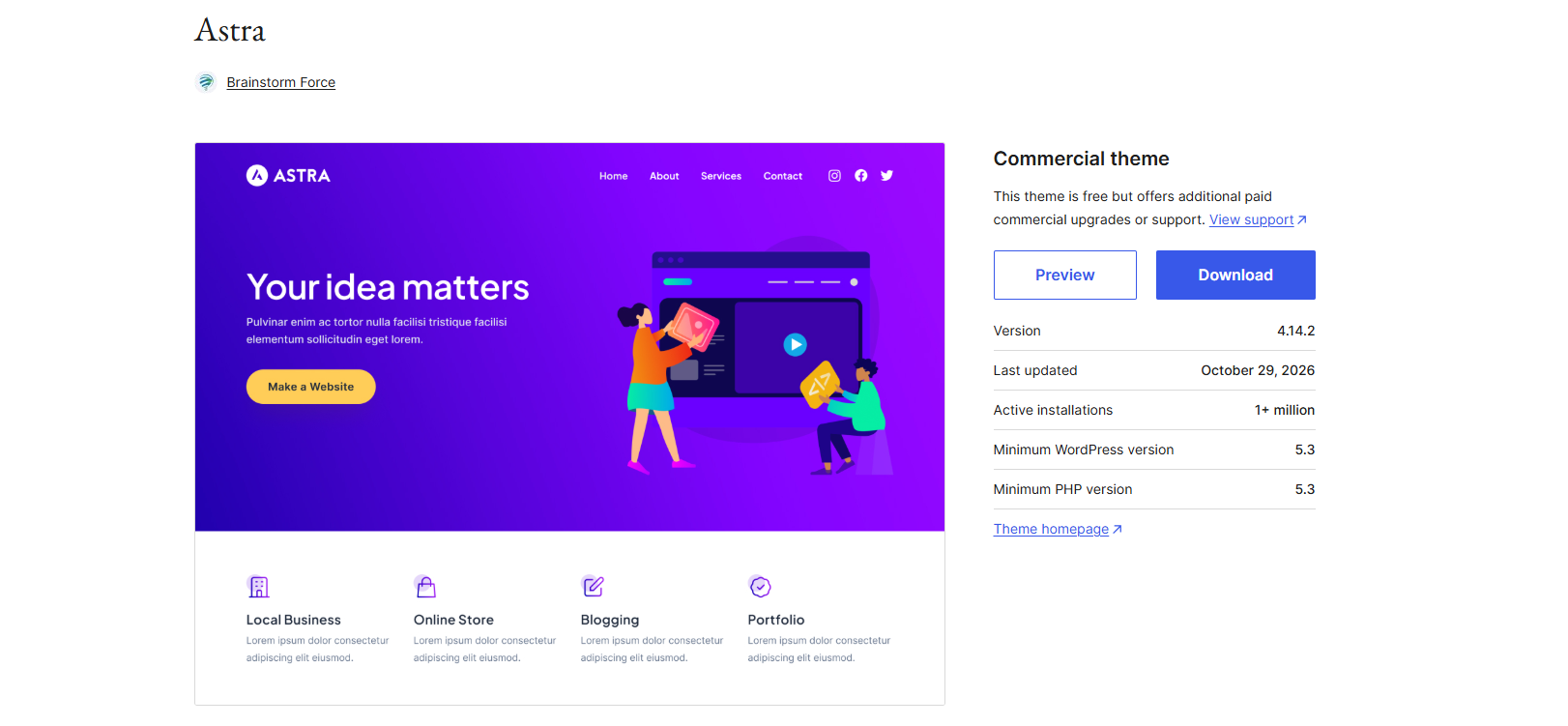
Astra is a free theme that helps you launch fast. You pick a ready-made design, add your posts and change the colors. Its templates cover many niches, from technology to finance. You can also find portfolio layouts if you want to show your work.
- Best for: New bloggers who want a good-looking site without design work.
- Why it stands out: It is SEO friendly and works with the block editor and every major page builder. With 1M+ active installs, help is easy to find.
- Blog features: You can control your post layout and choose which details appear, such as the date or author. The Pro version adds an author box, read time and masonry layouts.
- Works with: Yoast, Rank Math, WPML, Polylang and popular cache tools.
- Watch out for: The best starter templates are not in the free version. Astra also had the heaviest homepage of these five, at 425 KB.
2. Kadence
Best for free design tools
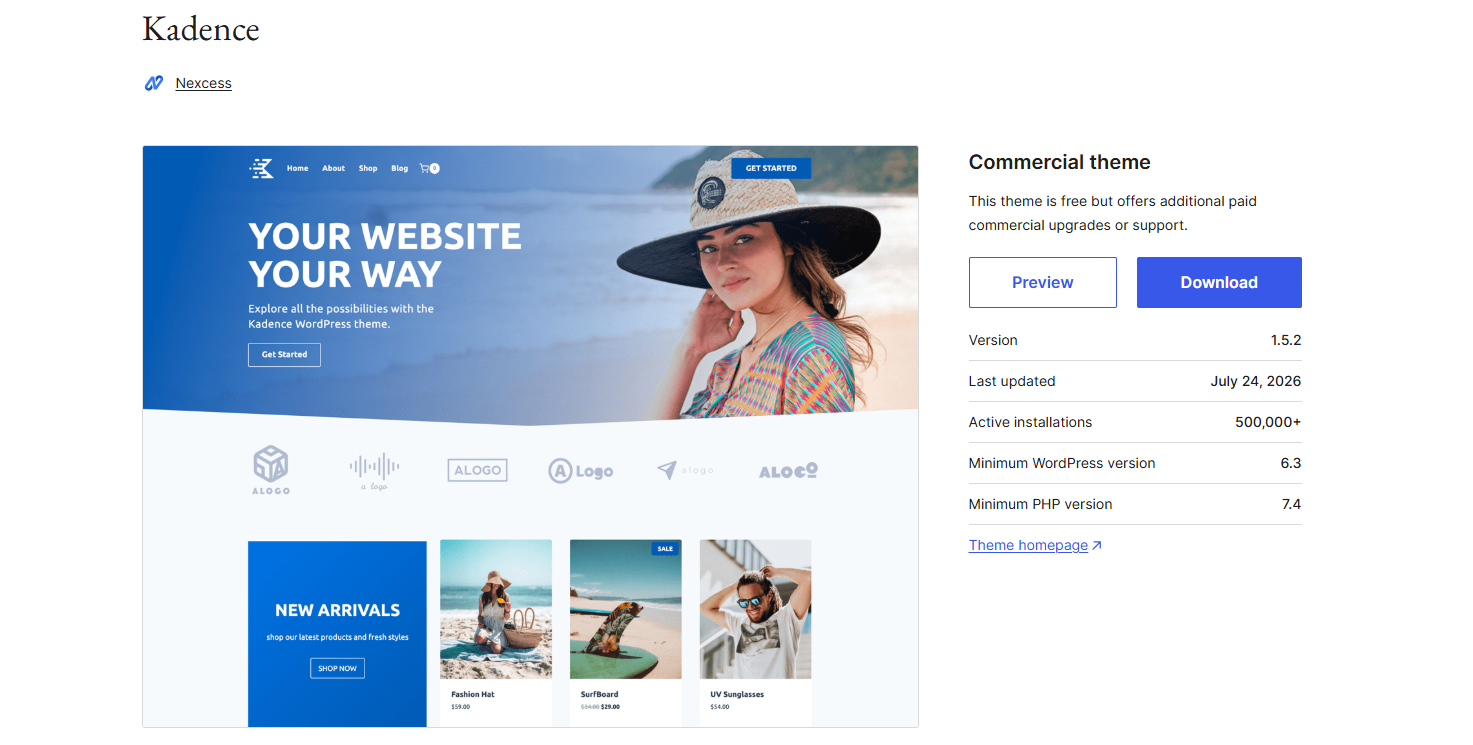
Kadence is a free theme with drag-and-drop header and footer builders. It goes beyond the basics, so you can shape your blog without paying.
- Best for: Bloggers who want design control on a free plan.
- Why it stands out: You can set fonts and colors once and choose from Google fonts. The theme is SEO optimized and has built-in schema markup. The free version also includes grid, list and masonry blog layouts.
- Blog features: It includes post navigation and related posts. You can also set font size, layout and spacing for phones, tablets and desktops.
- Works with: WooCommerce and popular SEO plugins. Its breadcrumbs work with these SEO tools.
- Watch out for: Its companion library of Gutenberg blocks is one more tool to learn.
3. GeneratePress
Best for speed
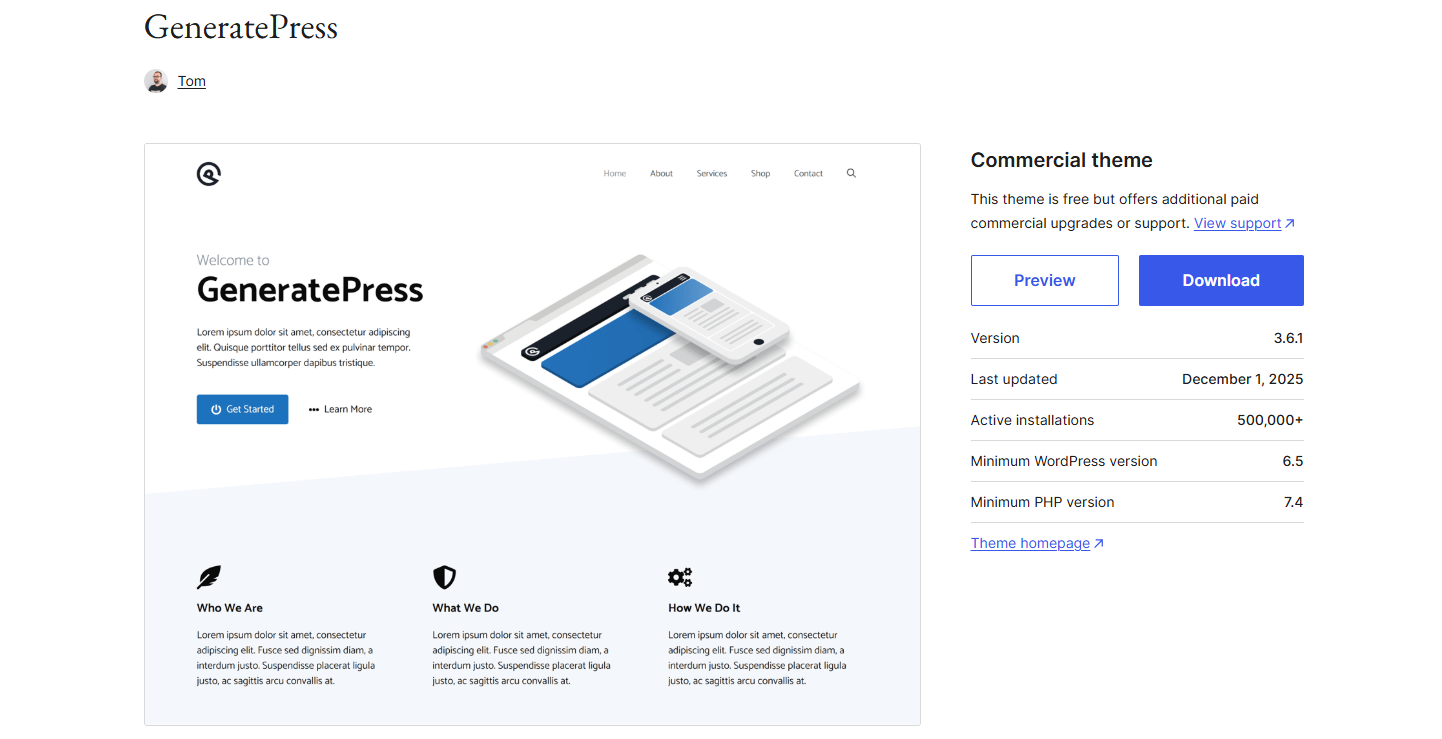
GeneratePress is a free theme built for speed. Minimalist themes keep attention on your words, and this one was the lightest ready-to-use theme in Colorlib’s test. It scored 99 out of 100 at 277 KB.
- Best for: Writers who care more about speed than a fancy look.
- Why it stands out: Its small size helps the loading speed of your site. It can also suit larger content sites that need a lean start.
- Reader features: It does not rely on jQuery, and its templates include skip links and screen-reader text. This helps people who use keyboards or screen readers.
- Editing style: GeneratePress is a classic theme. It works with the block editor, but it is not a true block theme.
- Watch out for: It looks plain at first, and the free version has no ready-made site templates. Plan to do some styling yourself.
4. Blocksy
Best for a modern look.
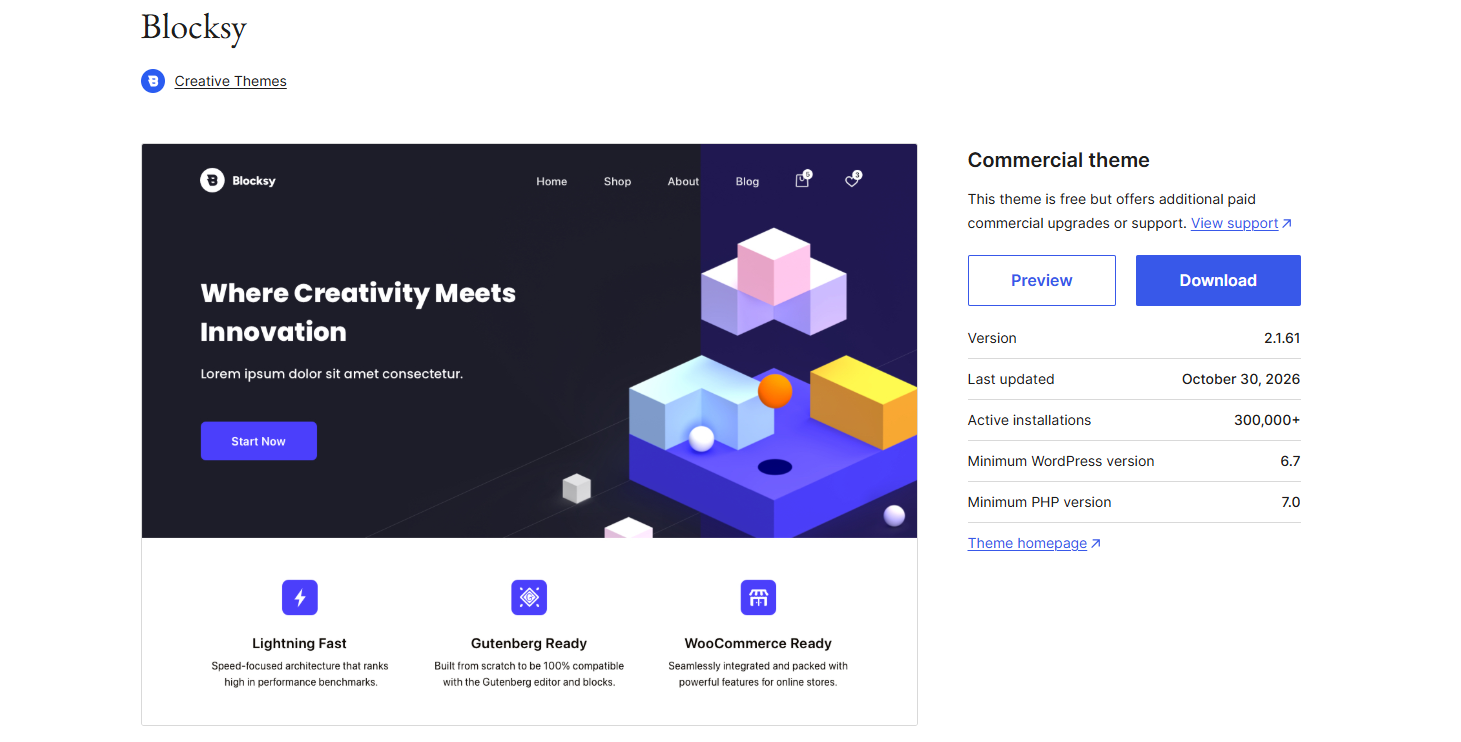
Blocksy is a free theme made with the Gutenberg WordPress editor in mind. Its free version includes a header builder, content blocks and one-click starter sites.
- Best for: Bloggers who want a polished site from day one.
- Why it stands out: It holds a 5.0 rating across 872 reviews. Its live preview shows your changes as you make them.
- Blog templates: It has starter designs for food, travel, personal, fashion and tech blogs.
- Watch out for: Its community is smaller than Astra’s, so you may find fewer tutorials. Dark mode needs Blocksy Pro.
- Tip: If you mix text, image and video posts, test how each type looks in its blog layouts. You can also add one of the popular cache plugins for extra speed.
5. Neve
Best for phone readers.
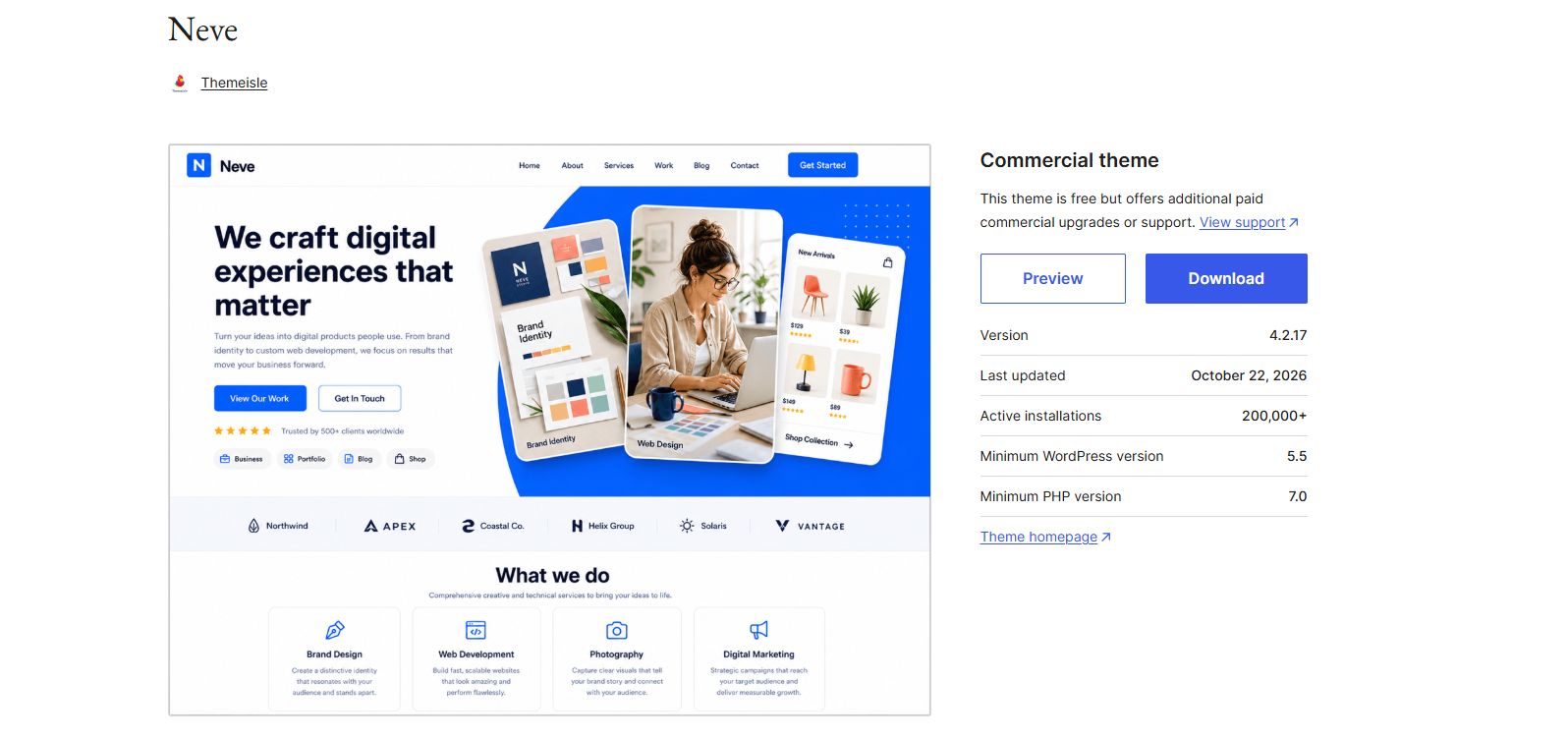
Neve is a free, mobile-first theme. It matched GeneratePress with a score of 99 out of 100, at 299 KB.
- Best for: Bloggers whose readers mostly arrive on phones.
- Why it stands out: It supports right-to-left languages, is compatible with Google AMP, and works with the block editor and popular page builders.
- Blog features: The free version includes a header and footer builder and one-click starter sites. Neve Pro adds 30+ settings for blog and single post layouts.
- Watch out for: The full starter library and WooCommerce shop layouts are paid features.
Quick answers to common theme questions
These are the choices bloggers often weigh up in WordPress communities.
- Astra or GeneratePress? Choose Astra if you want a quick start with templates. Choose GeneratePress if you want speed and do not mind styling it yourself.
- Kadence or Blocksy? Choose Kadence for more free layout control. Choose Blocksy for a polished look from day one.
- Do I need a paid plan on day one? No. Start free, and upgrade only when you hit a real limit.
- Will a new theme fix a slow blog? Not on its own. Hosting, images and plugins often affect speed more than the theme does.
- What if my blog grows into a magazine or news site? Magazine websites often need more category layouts. Compare these five with our best news WordPress theme picks.
How to set up your theme
You can test a theme without changing your live blog. Use these steps:
- Back up your site, or make a staging copy.
- In your dashboard, go to Appearance > Themes > Add New Theme.
- Search for the theme name, click Install, then click Activate.
- Import a starter site only if your blog is new. Check what it will change first.
- Set your fonts and colors, then add your photo and a short author bio.
- Add an email sign-up form after your posts.
- Test a long post on your phone and in PageSpeed Insights.
Repeat steps 2 to 7 with your second choice, then keep the theme that reads best on your own posts.
How to choose the right theme for your blog
Choose the theme that fits how you work, then test it with your own content. Start with the basic features of WordPress themes you need. A demo full of professional photos tells you little about how your blog will perform.
- Check recent updates. A theme that has not been updated in a year or more can become a security and compatibility risk.
- Decide how you want to edit. A true block theme lets you change headers, footers and templates in the Site Editor. Many popular themes, including Kadence, still handle much of their design in the Customizer. If you prefer to build visually, compare free page builder options too.
- Test real speed. Run a sample post through PageSpeed Insights on mobile. Wbcom Designs suggests taking action if INP is above 200 ms. INP measures how quickly a page responds when someone interacts with it. A fast, SEO friendly theme gives your posts a better start.
- Read a full post on your phone. Check the font size, line spacing and contrast. These matter more on a personal blog than a complex homepage.
- Plan for trust. Add an author bio with your photo and links, and use your name rather than “Admin” as your byline. If you also want to show your work, look for portfolio layouts.
- Make email sign-up easy. Look for a clean place to add a newsletter form after posts and in the footer.
- Use AI as an assistant. WordPress can now connect to AI tools, but your experience and opinions are what make a personal blog worth reading.
Back up your site and try any new theme on a staging copy before you switch.
Frequently asked questions
What is the best WordPress theme for a personal blog in 2026?
Astra is the easiest all-round choice for most new bloggers. Choose GeneratePress if speed comes first, or Kadence if you want more design control for free.
Are free WordPress themes good enough for a personal blog?
Yes. All five themes here have a free version you can use without a time limit. Paid plans mainly add extra templates, layouts and support.
Do I need a block theme?
No. Classic themes are still supported, and WordPress has not announced plans to end that support. If you are starting a new site, though, DreamHost recommends a block theme because new design features reach the Site Editor first.
Will I lose my posts if I change themes?
No. Your posts, pages and images stay in your site’s database. Layouts built with theme-specific features may need rebuilding, so make a backup and test the change first.
Does my WordPress theme affect SEO?
Yes, mainly through speed, mobile usability and clean code. Speed alone will not earn you a better rating in Google, but an SEO optimized theme gives you a strong base. Useful content and real authorship still matter most.
Should I wait for the new Ipsum theme?
There is no need to wait. Ipsum is planned for December 9, 2026, and its details could still change. It will not replace your current theme when you update WordPress.
Final word
The best personal blog theme is the one that keeps your site fast, readable and easy to maintain. Shortlist two themes from this list, test them with a real post, and keep the one you enjoy using.
Once your theme is in place, The Post Grid by RadiusTheme can help you present your post formats in attractive layouts. It works with Gutenberg blocks, Elementor and Divi, so it fits whichever way you prefer to build.