

On This Page
Calendly is one of the most popular scheduling tools available. It works well for basic meeting links. But if you run a WordPress website, you have probably noticed some friction.
Your booking page lives on Calendly’s domain. Your visitors leave your site to schedule. You pay per user as your team grows. And you have limited control over how the booking form looks or behaves on your pages.
That is why thousands of WordPress users are switching to native booking plugins. These tools run directly on your site. You own the data. You control the design. And most of them cost a fraction of what Calendly charges.
We tested over a dozen WordPress booking plugins to find the best Calendly alternatives. This guide covers the top 7 options with real pricing, features, and honest recommendations for different use cases.
Why WordPress Users Switch Away from Calendly
Per-User Pricing Adds Up Fast
Calendly’s free plan limits you to one active event type and one calendar connection. The Standard plan costs $10 per user per month (billed yearly). The Teams plan jumps to $16 per user per month. For a team of five on the Teams plan, that is $960 per year.
Most WordPress booking plugins charge a flat annual fee with no per-user costs. A five-person team can run a full booking system for $79 to $199 per year total.
You Don’t Own Your Booking Data
When you use Calendly, your appointment data sits on Calendly’s servers. If you cancel your account, you lose access to your booking history and client details. WordPress plugins store everything in your own database. You can back it up, export it, and keep it even if you stop using the plugin.
Limited Customization and Branding
Calendly gives you basic color options and lets you upload a logo on paid plans. But you cannot deeply customize the booking form layout or match it perfectly to your WordPress theme. With a native plugin, your booking form is part of your site and you can style it freely.
No Native WordPress Integration
Calendly connects to WordPress through embed codes or iframes. It does not know about your WordPress users, your WooCommerce store, or your contact forms. Native booking plugins integrate directly with tools like WooCommerce, Elementor, and popular WordPress form plugins for smoother workflows.
What to Look for in a WordPress Booking Plugin
- Calendar sync and reliability: Two-way sync with Google Calendar and Outlook is a must. Without it, you risk double bookings.
- Payment support: If you charge for services, look for Stripe, PayPal, or WooCommerce payment integration. Collecting payment at booking time reduces no-shows.
- Page builder compatibility: Make sure the plugin works with your page builder (Elementor, Divi, Beaver Builder) through native widgets or blocks.
- Page speed impact: Some plugins load heavy scripts on every page. The best ones only load assets where the booking form appears. Check your site speed after installation.
Pricing structure: Look at the total cost. Check whether you pay per site, per user, or per feature. Some plugins lock important features behind higher tiers.
Quick Overview
| Plugin | Price | Free Plan | Calendar Sync | Payments | Best For |
| FluentBooking | $79/yr | Yes | Google, Outlook | Stripe, PayPal | All-around booking |
| SSA | $99/yr | Yes (limited) | Google, Outlook | Stripe | Consultants |
| Amelia | $79/yr | No | Google, Outlook, Apple | Stripe, PayPal, Woo | Multi-staff |
| BookingPress | $79/yr | Yes | Google, Outlook | Stripe, PayPal, Woo | Service businesses |
| Bookly | $89/yr | Yes (limited) | Google, Outlook | Stripe, PayPal | Scalable add-ons |
| Booknetic | $79 once | No | Google, Outlook, Apple | Stripe, PayPal | One-time purchase |
| LatePoint | $79/yr | No | Google, Outlook | Stripe, PayPal | Speed and clean UI |
7 Best Calendly Alternatives for WordPress
1. FluentBooking

Best for: WordPress users who want an all-in-one native booking solution
FluentBooking runs entirely inside WordPress with no external dependencies. The free version is surprisingly capable. You get unlimited calendars, unlimited hosts, one-on-one meetings, and CRM integration through FluentCRM.
The paid version adds group bookings, Zoom and Google Meet integration, Stripe payments, and advanced automation. If you already use the Fluent plugin ecosystem (FluentCRM, Fluent Forms), this is a natural fit.
Strengths: Deep WordPress integration, setup wizard takes under 10 minutes, buffer times and UTM tracking included.
Weaknesses: Still maturing compared to older plugins. SMS reminders need third-party tools.
Pricing: Free version available. Pro starts at $79/year.
2. Simply Schedule Appointments
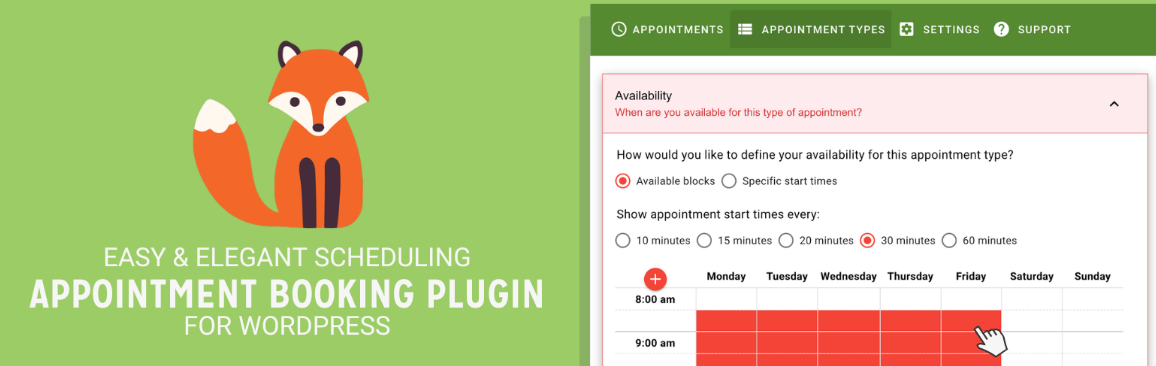
Best for: Freelancers, consultants, and coaches
SSA has built a loyal following among solo professionals. It does not charge per user or per calendar. All plans include unlimited users and unlimited booking calendars. That is a direct win over Calendly’s per-seat model.
The plugin works with Gravity Forms, Formidable Forms, Elementor, Beaver Builder, and Divi. Logged-in WordPress users get auto-filled name and email fields. No “Powered By” branding on any plan. If you use Elementor to build pages, SSA fits right in.
Strengths: Unlimited users on all plans, full style control, fast support.
Weaknesses: Advanced features like payments and calendar sync require paid plans.
Pricing: Free version available. Paid plans start at $99/year.
3. Amelia
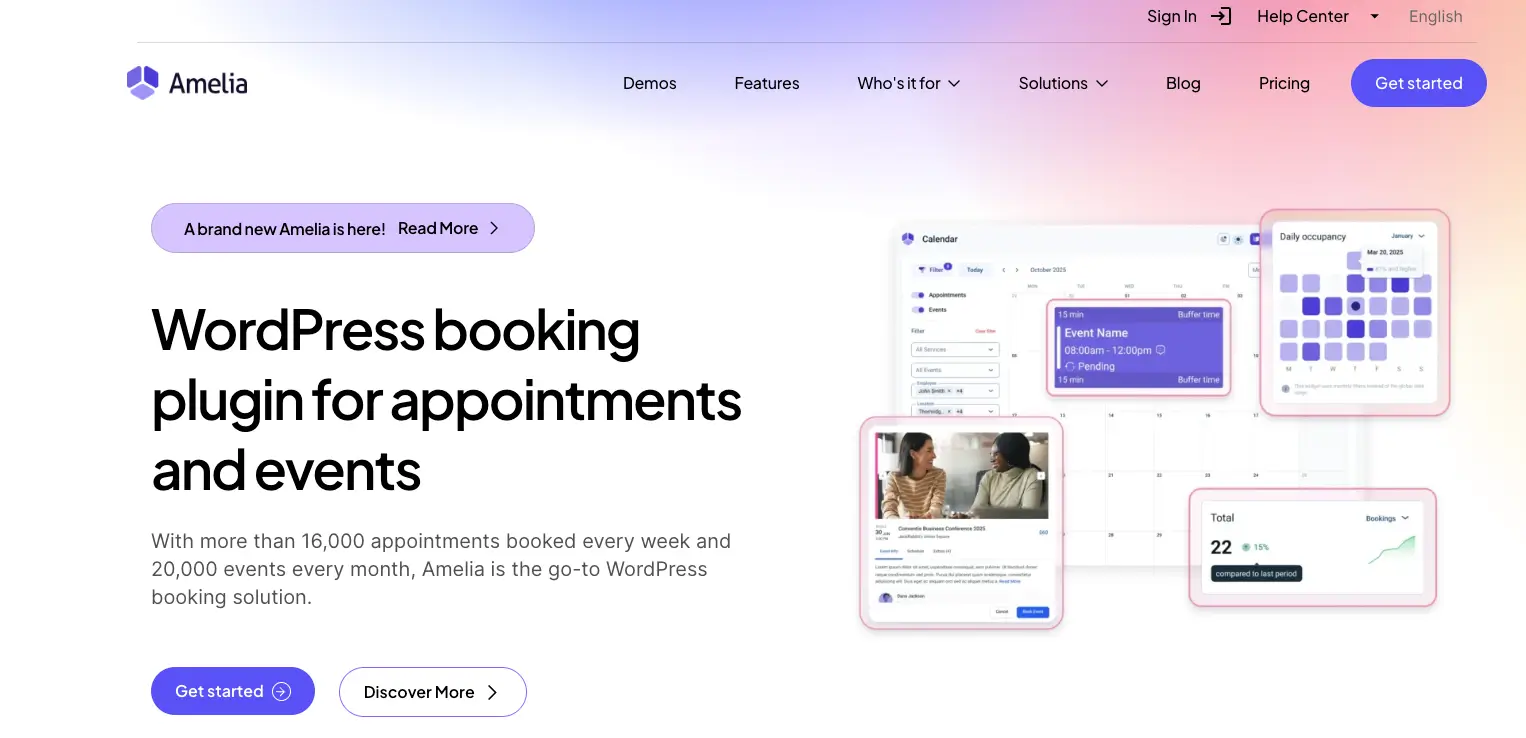
Best for: Service businesses with multiple staff and locations
Amelia is one of the most powerful booking plugins for WordPress. It was built for salons, clinics, fitness studios, and agencies that manage multiple employees and service types.
Customers can pick a service, choose a staff member, select a time, and pay in just a few steps. Amelia also handles multiple business locations and supports recurring appointments, group bookings, and coupons.
It integrates natively with WooCommerce for payments. If you run an eCommerce store on WordPress, Amelia connects your booking flow with your existing checkout system.
Strengths: Built-in employee management, WooCommerce support, Google/Outlook/Apple Calendar sync.
Weaknesses: No free plan. Learning curve for beginners.
Pricing: Basic at $79/year (1 domain). Pro at $119/year (multiple domains).
👉 Good Read: Amelia Alternatives
4. BookingPress
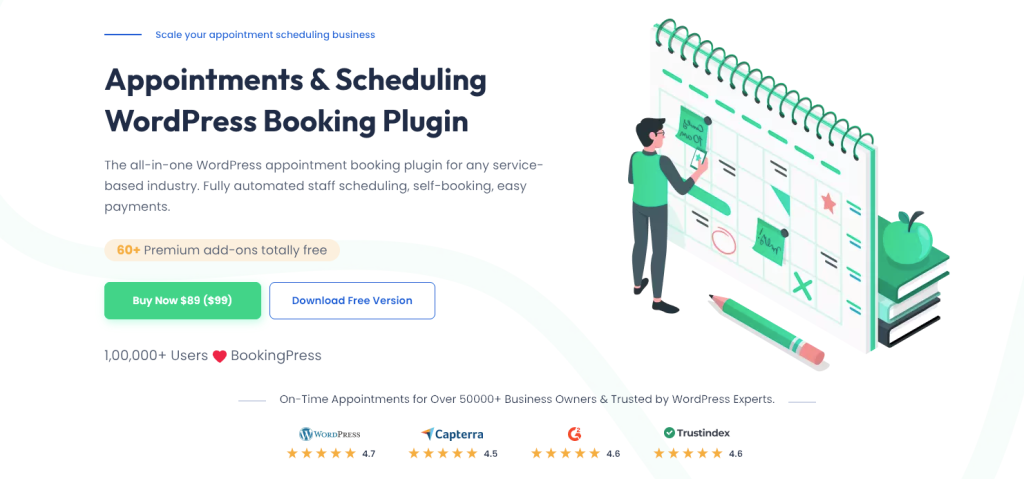
Best for: Service businesses that need advanced scheduling features
BookingPress covers a wide range of use cases from yoga studios to medical clinics. The free version includes basic booking, Google Calendar sync, and email notifications. The premium adds team scheduling, waiting lists, recurring appointments, and Zoom integration.
Group appointments, recurring bookings, and waitlists are standout features that Calendly does not offer on lower-tier plans. The form builder lets you add custom fields to your booking form.
Strengths: Waitlists and group booking, custom form fields, works with Elementor.
Weaknesses: Premium version needed for most useful features. Admin panel can feel cluttered.
Pricing: Free version available. Premium starts at $79/year.
5. Bookly
Best for: Businesses that want to start simple and add features over time
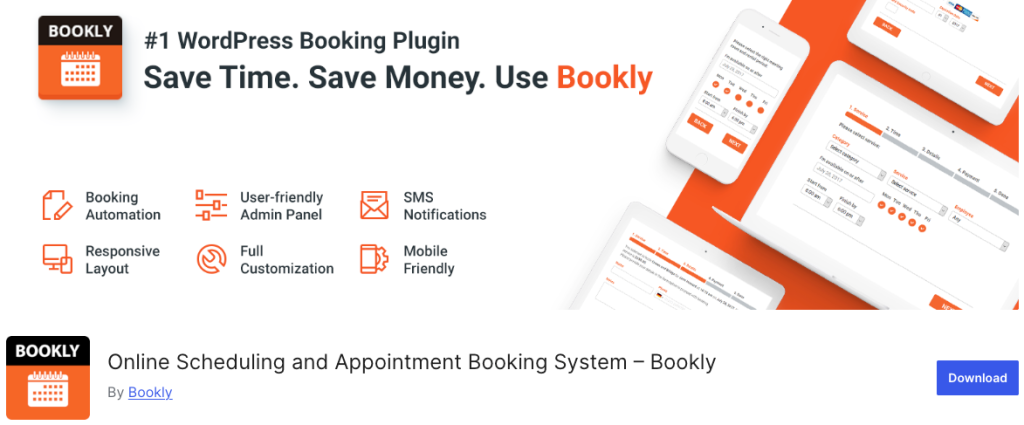
Bookly uses an add-on system. You start with the core plugin and add only the features you need. Need group bookings? Add it. Need payments? Add it. This keeps initial costs low while letting you scale.
The booking interface is modern and mobile-friendly. Good documentation helps you get started fast. If you are looking for the best WordPress plugins for your site, Bookly’s modular approach is worth considering.
Strengths: 30+ add-ons available, modern responsive form, flexible pricing.
Weaknesses: Add-on costs stack up. Full feature set can cost more than competitors.
Pricing: Free version available. Pro starts at $89/year. Add-ons $29–$49 each.
👉 Good Read: Bookly Alternatives
6. Booknetic
Best for: Budget-conscious businesses that prefer a one-time payment
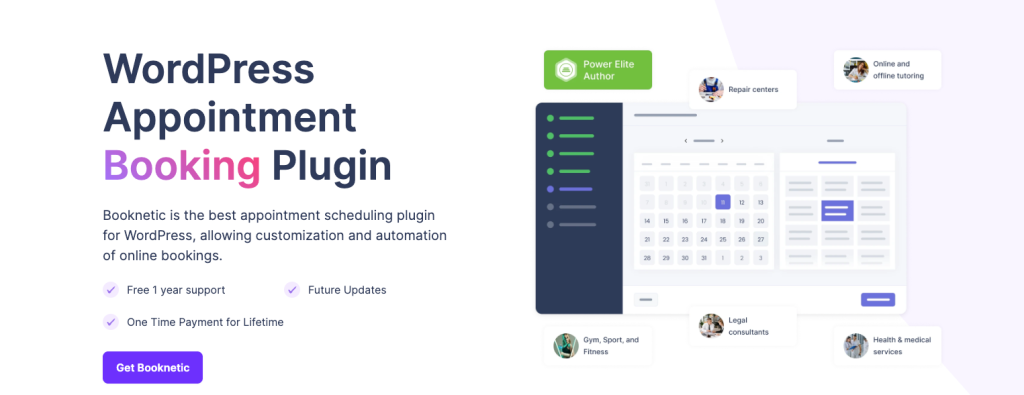
Booknetic stands out because you can buy it with a one-time payment. No recurring annual fee. It supports customizable booking forms, automated reminders, recurring appointments, social login, and multi-language support.
Strengths: One-time purchase, social login for faster booking, solid feature set.
Weaknesses: Updates and support may expire. Smaller community than Amelia or Bookly.
Pricing: Starting at $79 one-time. SaaS version also available.
7. LatePoint
Best for: Businesses that prioritize fast, clean booking design
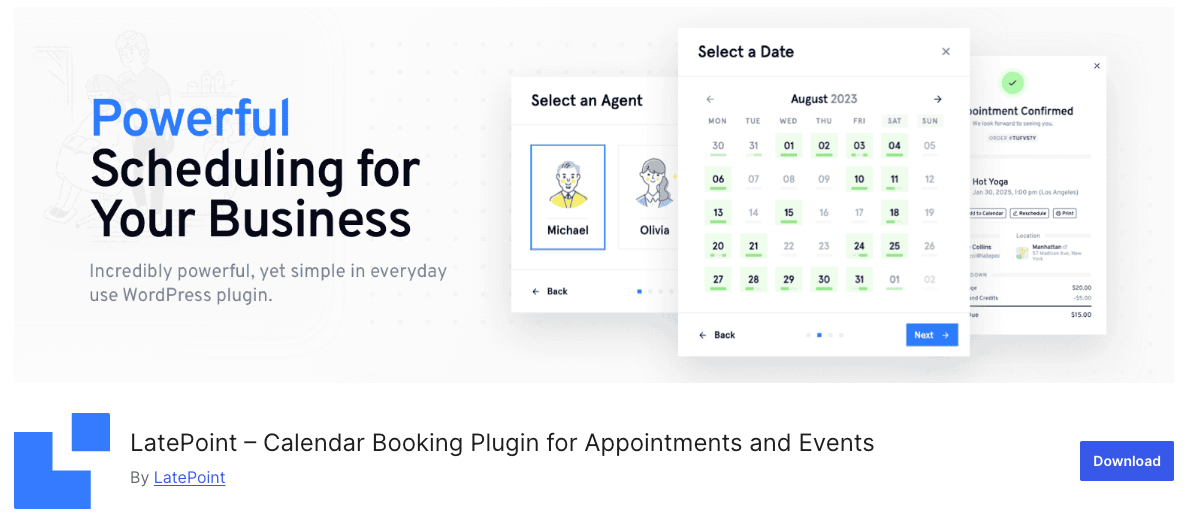
LatePoint is known for speed and an attractive user interface. The booking flow is smooth and loads quickly. It handles staff management, services, locations, and customer profiles with Google Calendar sync, Zoom integration, and Stripe/PayPal payments.
If your booking experience is a key part of the customer journey and you care about website speed optimization, LatePoint is a strong pick.
Strengths: One of the fastest booking plugins, polished premium UI.
Weaknesses: No free version. Smaller community. Fewer page builder integrations.
Pricing: Starts at $79/year.
Which Plugin Is Best for Your Use Case?
- Freelancers and solo consultants: Simply Schedule Appointments or FluentBooking Free. Both offer clean booking forms without multi-staff complexity.
- Service businesses (salons, clinics, agencies): Amelia is the strongest choice with multi-staff scheduling, multiple services, and WooCommerce payments.
- eCommerce stores: Amelia or BookingPress with WooCommerce integration lets customers book and check out in one flow.
Budget-conscious buyers: Booknetic with its one-time purchase eliminates recurring subscription costs entirely.
Frequently Asked Questions
Are WordPress booking plugins better than Calendly?
For most WordPress users, yes. You get data ownership, full branding control, and flat pricing without per-user fees.
Can I use a WordPress booking plugin for free?
Yes. FluentBooking, BookingPress, and Bookly all offer free versions with core scheduling features.
Do these plugins sync with Google Calendar?
Yes. All seven plugins listed here support Google Calendar sync. Most also support Outlook.
Will a booking plugin slow down my site?
Well-coded plugins only load scripts on pages with booking forms. Test your WordPress site speed before and after installation.
Can I accept payments through these plugins?
Yes. Most support Stripe and PayPal. Amelia and BookingPress also integrate with WooCommerce.
What happens to bookings if I deactivate the plugin?
Your data stays in your WordPress database. You can export it or reactivate the plugin anytime.
Do these plugins work with Elementor?
FluentBooking, SSA, BookingPress, and Bookly have native Elementor widgets. Others work via shortcodes.



