

On This Page
Amelia is a popular appointment booking plugin, but it is not the only option out there. Maybe you want better pricing, a different workflow, or features that Amelia does not offer. Whatever the reason, switching to the right alternative can make a real difference for your business.
We tested and researched five WordPress booking plugins that can serve as solid replacements. For each one, we looked at the official plugin pages, landing sites, real user reviews, and community feedback to give you an honest, practical breakdown.
👉 Good Read: Best WordPress Booking & Appointment Plugins
What Actually Matters When Choosing a Booking Plugin?
Before we get into the list, here are the things that matter most when picking a booking plugin:
- Setup speed: Can you go from installation to your first booking in under 10 minutes?
- Calendar flexibility: Does it support time slots, recurring bookings, and buffer times?
- Payment support: Can it process payments through Stripe, PayPal, or WooCommerce?
- Notifications: Does it send email and SMS reminders to cut down on no-shows?
- Integrations: Does it connect with Google Calendar, Zoom, and marketing tools?
- Pricing clarity: Are there hidden costs or booking limits you should know about?
If you are new to WordPress plugins in general, our guide on how to install a WordPress plugin walks you through the basics.
1. Bookly
The feature-rich powerhouse with 70,000+ businesses trusting it
| Rating: 4.4/5 (553 reviews) | Active Installs: 70,000+ | Free Version: Yes |
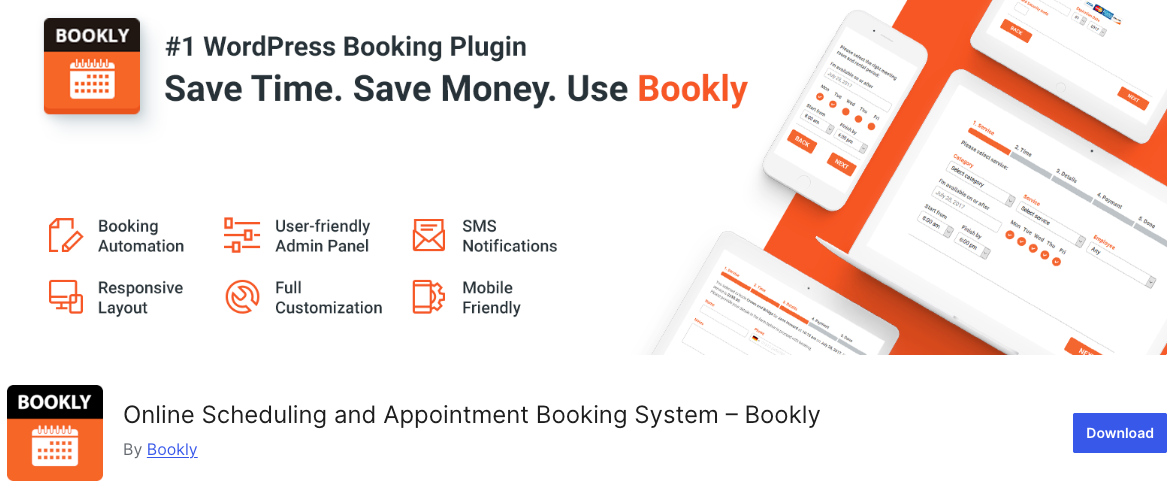
Bookly is one of the most established booking plugins in the WordPress world. It gives you a responsive, multi-step booking form that walks customers through service selection, staff choice, and time picking. No coding needed to set it up.
Key Features
- Fully customizable multi-step booking form (works on any device)
- Color-coded calendar with daily, weekly, and monthly views
- Email and SMS notification system with customizable templates
- WPML integration for multilingual websites
- Gutenberg and Elementor block support
- Google Calendar 2-way sync, Zoom, and Google Meet (Pro)
- Online payments via Stripe, PayPal, and more (Pro)
- WooCommerce compatibility (Pro)
- 30+ add-ons for group bookings, recurring appointments, deposits, coupons
Pricing at a Glance
| Plan | Cost | What You Get |
| Free | $0 | Basic booking form, 5 services, 1 staff |
| Pro (One-time) | $89 | Unlimited staff, services, payments, calendar sync |
| Add-ons | Varies | Group bookings, deposits, coupons, waiting lists |
What Real Users Think
On WordPress.org, users highlight how reliable Bookly has been over multiple years. Support responses typically come within a day. On review platforms like Capterra, the setup process and day-to-day operation get high marks. The main criticism? Add-on costs can stack up if you need several premium extensions, and the initial configuration takes some patience for complex setups.
Best Suited For
Salons, clinics, fitness studios, and service businesses that need multi-staff scheduling with payment processing. If you are building an online store alongside your booking system, the WooCommerce integration makes Bookly a strong pick.
👉 Good Read: Best Bookly Alternatives for WordPress
2. Simply Schedule Appointments
The simplicity champion loved by 60,000+ businesses
| Rating: 4.9/5 (350+ reviews) | Active Installs: 60,000+ | Free Version: Yes |
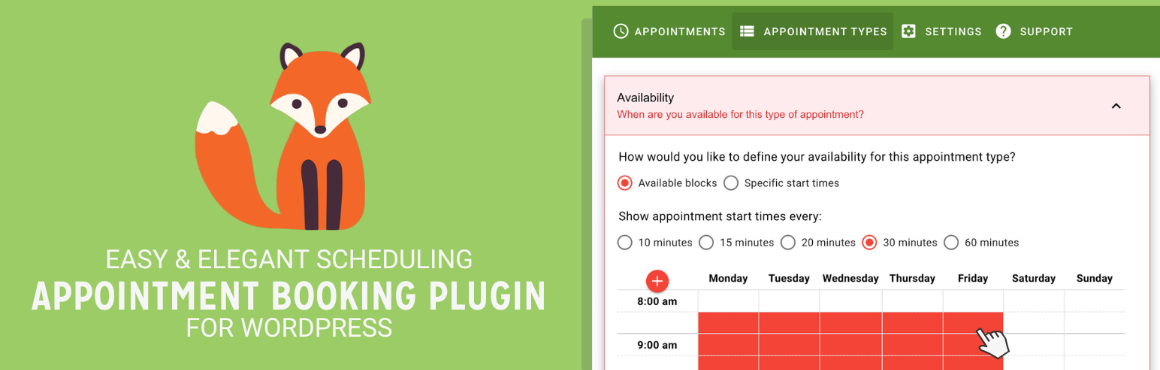
Simply Schedule Appointments (SSA) is built around one idea: booking should be easy. The plugin claims you can set up your first appointment calendar in under 5 minutes, and based on user feedback, that is not an exaggeration. It holds a near-perfect 5-star rating on WordPress.org, which is rare for any plugin.
Key Features
- Unlimited booking calendars with full style customization
- Setup wizard that gets you running in minutes
- Native Elementor, Divi, and Beaver Builder widgets
- Google Calendar sync to prevent double bookings (Plus+)
- Group/class event booking with capacity limits (Plus+)
- Stripe and PayPal payment processing (Professional+)
- Zoom and Google Meet for virtual appointments (Professional+)
- Team booking with individual staff schedules (Business)
- Resource booking for rooms, equipment, and vehicles (Business)
- SMS notifications via Twilio (Business)
Pricing at a Glance
| Plan | Annual Cost | Highlights |
| Basic (Free) | $0 | Unlimited calendars, notifications, page builder support |
| Plus | $99/year | Google Calendar sync, group events, reminders |
| Professional | $199/year | Payments (Stripe/PayPal), Zapier, Zoom/Meet |
| Business | $399/year | Team + resource booking, SMS, advanced management |
Lifetime licenses are also available if you prefer a one-time purchase.
What Real Users Think
SSA’s support is a standout. Multiple WordPress.org reviewers mention getting helpful responses within hours, even on the free version. One remarkable review came from a visually impaired user who praised the plugin’s accessibility, reporting that he set up his entire booking system in 8 minutes using a screen reader. The overall sentiment is that SSA is clean, reliable, and genuinely user-friendly. Power users who need very advanced features may find the feature set lighter than some competitors.
Best Suited For
Consultants, coaches, tutors, therapists, and small service providers who value ease of use and excellent customer support over a massive feature list. Also, a great self-hosted Calendly alternative.
3. LatePoint
The modern design leader with a beautiful booking experience
| Rating: 4.9/5 (70 reviews) | Active Installs: Growing fast | Free Version: Yes (limited) |
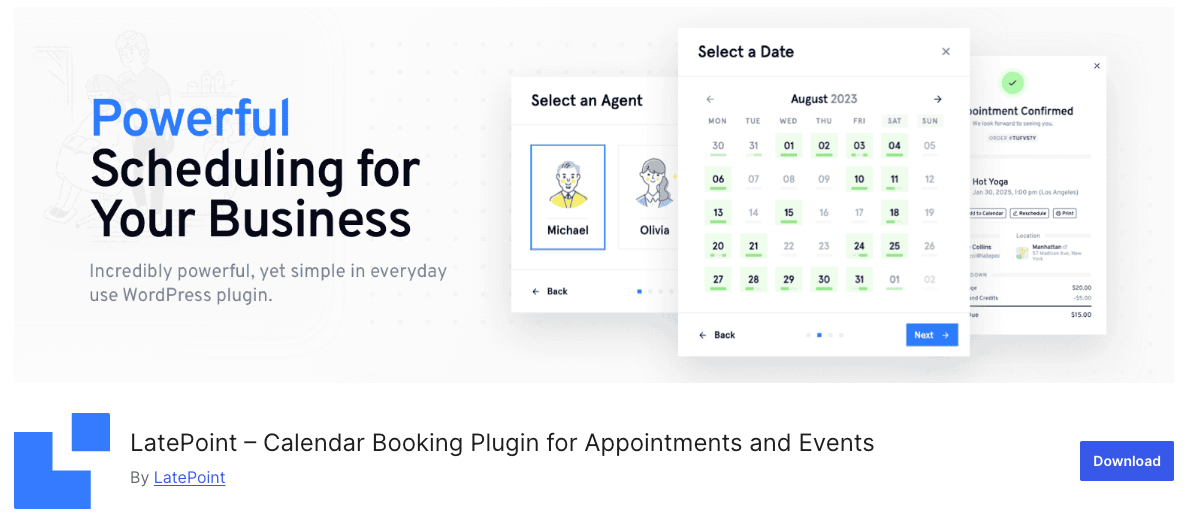
If design quality is a top priority, LatePoint is hard to beat. It started as a premium-only plugin and now offers a free version on WordPress.org, but the premium polish is visible throughout. Web design agencies frequently choose LatePoint for client projects because of how good the booking flow looks out of the box.
Key Features
- Sleek, modern booking form with multiple trigger options (form, button, calendar, list)
- Intuitive admin dashboard accessible on any device
- Recurring appointment scheduling
- Custom forms with file upload, address autocomplete, and more
- Workflow automation for complex booking scenarios
- Google Calendar, Outlook Calendar, and Apple Calendar sync
- Zoom and Google Meet integration
- Invoices, bundles, coupons, and service extras
- Role-based access with agent dashboards and customer cabinets
- Stripe payment processing with taxes and fees support
Pricing at a Glance
| Plan | Annual | Lifetime | Sites |
| Free | $0 | $0 | Unlimited |
| Starter | $79/year | $199 | 1 site |
| Scale | $149/year | $399 | 5 sites |
| Agency | $299/year | $599 | 100 sites |
All paid plans include every feature. The only difference is the number of sites you can use it on.
What Real Users Think
Web agencies consistently praise the design quality and the results they get for clients. Support is described as detailed, responsive, and genuinely helpful. One reviewer specifically mentioned that even after requesting a refund (due to project-specific reasons, not plugin quality), the process was smooth and professional. Users running salons, cleaning businesses, and coaching practices report that the plugin works without issues in their daily operations.
Best Suited For
Beauty salons, yoga studios, driving schools, photographers, private tutors, and any business where the visual experience matters. Agencies building client sites will find it especially appealing. If you are creating a salon website, check out our salon website template for design inspiration.
4. SimplyBook.me
The full-featured SaaS booking platform with a WordPress plugin
| Rating: 4.6/5 (1,280+ reviews on Capterra) | Active Installs: 4,000+ (WP plugin) | Free Version: Yes (50 bookings/mo) |
Links: WordPress.org | Official Website
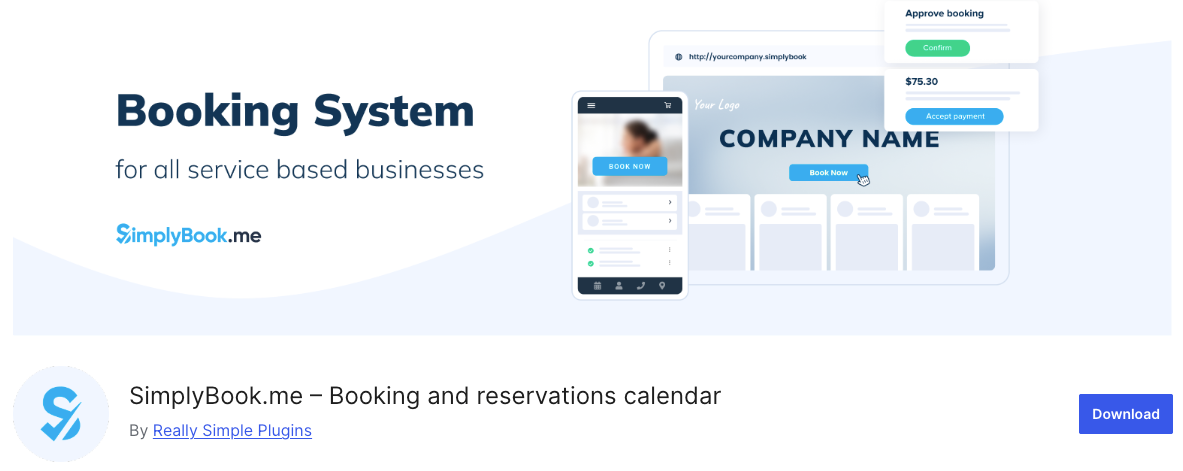
SimplyBook.me works differently from the other plugins on this list. Instead of storing data in your WordPress database, it runs as a cloud-based (SaaS) platform with a WordPress plugin that embeds the booking widget on your site. This gives you access to a powerful mobile admin app, high email deliverability, and features that go well beyond what a typical WordPress plugin offers.
Key Features
- Mobile admin app (iOS and Android) for managing bookings on the go
- Social media booking buttons for Instagram, Facebook, and Google Business
- Memberships, packages, and gift card sales
- Class and event booking with capacity management
- Coupon codes and customer loyalty program
- Marketing campaigns via email and push notifications
- Waiting lists and smart availability management
- Multiple payment gateways including on-site touchless checkout
- Gutenberg block, Elementor widget, and shortcode support
- ISO 27001 compliant data handling
Pricing at a Glance
| Plan | Monthly | Bookings | Providers | Features |
| Free | €0 | 50/mo | 1 | 1 custom |
| Basic | €9.90 | 100/mo | 5 | 3 custom |
| Standard | €29.90 | 500/mo | 15 | 8 custom |
| Premium | €49.90 | 2,000/mo | 30 | All |
Annual billing saves roughly 17%. Note that pricing is based on booking volume, not per user.
| Important: SimplyBook.me uses a “custom feature” system. Each plan gives you a limited number of feature slots (e.g., 3 on Basic). You choose which capabilities to activate, like payments, intake forms, or HIPAA compliance. If you need more features than your slots allow, you will need to upgrade. |
What Real Users Think
Capterra reviewers appreciate the platform’s range of functions and responsive support. The built-in AI search tool that answers setup questions gets positive mentions. The main complaints center around the custom feature slot system (which forces you to prioritize features) and the fact that booking limits can catch growing businesses off guard if they exceed their monthly allocation.
Best Suited For
Businesses that want an enterprise-grade booking solution with a mobile admin app, social media integration, and built-in marketing tools. Particularly well-suited for gyms, spas, clinics, and multi-location operations. If you are setting up your overall business website, our guide on creating a business website with WordPress covers the foundation.
5. Booking Calendar
The original WordPress booking plugin, running strong since 2009
| Rating: 4.5/5 (100+ reviews) | Active Installs: 60,000+ | Free Version: Yes |
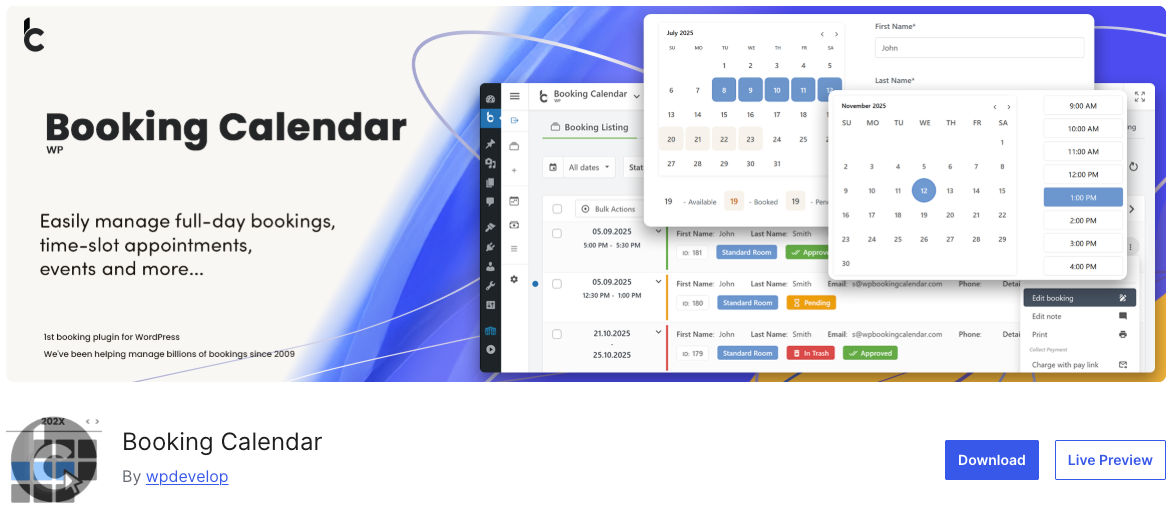
WP Booking Calendar is the original booking plugin for WordPress. It has been around since 2009 and has grown into a comprehensive system that handles everything from simple appointment scheduling to complex property rental management with seasonal pricing. All your booking data stays in your own WordPress database, giving you complete ownership.
Key Features
- Responsive calendar with multiple skins and customizable design
- Time-slot bookings with configurable durations
- New setup wizard for quick initial configuration
- Double-booking prevention (or option for unlimited bookings per date)
- Seasonal pricing with per-day, per-night, or percentage-based rates (Premium)
- Early booking and last-minute discounts (Premium)
- Availability search across multiple resources (Premium)
- .ics feed sync with Google Calendar, Airbnb, Booking.com, VRBO, TripAdvisor
- Changeover day logic for property rentals (Pro)
- Multi-user system with independent admin panels (Premium)
Pricing at a Glance
WP Booking Calendar uses a tiered system with several premium versions. The free version covers basic booking needs. Premium versions (Personal, Business Small, Business Medium, Business Large, Multi-User) progressively unlock features like seasonal pricing, online payments, multi-resource management, and the multi-user portal system. Pricing varies by version, and each license includes 6 months of support.
What Real Users Think
Long-time users describe it as highly configurable and versatile. Support gets strong marks, with many users reporting that questions are answered within minutes. The plugin has been successfully used for everything from simple service calendars to full hotel booking systems. The honest criticism: the interface design looks older compared to newer competitors, and complex setups require significant configuration time. English communication can occasionally be a challenge with support.
Best Suited For
Property rentals (vacation homes, B&Bs, apartments), equipment rentals, and any business that needs seasonal pricing, changeover day management, or .ics syncing with platforms like Airbnb. If you are working on a property project, our guide on how to create a rental property website offers relevant tips.
Side-by-Side Comparison
Here is a quick summary to help you compare all five alternatives in one place:
| Feature | Bookly | SSA | LatePoint | SimplyBook |
| Free Version | Yes | Yes | Yes | Yes (50/mo) |
| Rating | 4.4/5 | 4.9/5 | 4.9/5 | 4.6/5 |
| Pro Starting Price | $89 once | $99/yr | $79/yr | €9.90/mo |
| Payments | Pro | Professional | Paid | Paid |
| Google Cal Sync | Pro | Plus+ | Paid | Paid |
| Staff Management | Pro | Business | All paid | All paid |
| Data Storage | Your DB | Your DB | Your DB | Cloud |
| Best For | Multi-staff | Simplicity | Design | Enterprise |
Note: Booking Calendar is excluded from this table because its pricing structure and feature tiers work differently from the other four. See the dedicated section above for details.
How to Pick the Right One for Your Business
Here is a simple way to think about it:
- Need extensive add-ons and WooCommerce integration? Go with Bookly.
- Want the fastest, simplest setup with great support? Choose Simply Schedule Appointments.
- Care about beautiful design and modern UI? LatePoint is your best option.
- Need a SaaS with mobile app and social booking features? Pick SimplyBook.me.
- Running a rental or property business with seasonal pricing? Booking Calendar has the deepest toolkit.
A practical tip: install the free versions of your top two picks on a staging site. Go through the setup, create a test service, and book a test appointment. The plugin that feels more natural to use is usually the right choice.
Frequently Asked Questions
Yes. All five plugins on this list offer free versions. Simply Schedule Appointments and Bookly provide the most useful free tiers for appointment-based businesses. SimplyBook.me’s free plan caps you at 50 bookings per month.
LatePoint leads the pack when it comes to visual design. Simply Schedule Appointments also delivers a clean, modern look. Both are significantly ahead of older-style plugins in terms of frontend appearance.
Payment processing is typically a premium feature across all five plugins. You will need Bookly Pro, SSA Professional, or a paid plan on LatePoint/SimplyBook.me to accept online payments.
Bookly and LatePoint are both excellent for salons. Bookly offers deeper staff management with individual pricing and schedules. LatePoint delivers a more visually polished booking experience. For theme options, see our salon WordPress theme collection.
All five support Google Calendar syncing in their premium versions. Bookly Pro and SSA Plus offer 2-way sync. Booking Calendar supports sync through .ics feeds and Google API.
Bookly Pro’s one-time $89 payment with lifetime updates is hard to beat on value. LatePoint’s $199 lifetime plan is also very competitive. Simply Schedule Appointments offers lifetime licenses too. SimplyBook.me’s SaaS model means ongoing monthly costs that add up over time.
Wrapping Up
There is no single “best” Amelia alternative. The right choice depends on your budget, your technical comfort level, the type of business you run, and how much you value design versus features versus simplicity.
Whatever you choose, make sure your WordPress site is fast and secure. Our guides on speeding up your WordPress website and WordPress security best practices will help you build a solid foundation for your booking system.
Have you tried any of these plugins? Let us know your experience in the comments below.



