

On This Page
Looking for a better booking plugin than Bookly for your WordPress website? You’re not alone. While Bookly is a solid appointment scheduling plugin, many store owners and service providers find its add-on-heavy pricing, limited free plan, and dated interface frustrating as their business grows. If you’re exploring the broader landscape, our complete guide to the best WordPress booking plugins covers even more options worth considering.
The good news? There are excellent alternatives that offer modern interfaces, more inclusive pricing, and features that Bookly locks behind expensive add-ons. In this guide, we’ll compare 5 of the best Bookly alternatives so you can find the perfect fit for your business.
Why Look for Bookly Alternatives?
Bookly is a well-known WordPress booking plugin trusted by thousands of businesses. However, several limitations push users to explore other options:
- Add-on costs add up quickly: Essential features like payment gateways, SMS reminders, group bookings, and recurring appointments each require separate paid add-ons. A fully-featured setup can exceed $200 or more.
- Limited free version: The free plan restricts you to just 5 services, which isn’t enough for growing businesses.
- Complex setup for beginners: Navigation and initial configuration can feel overwhelming if you’re new to WordPress.
- Outdated interface: Compared to newer plugins, Bookly’s UI feels less modern and polished.
- Limited native integrations: Deep CRM, form builder, and automation integrations are lacking without third-party workarounds.
1. Amelia – Best for Service-Based Businesses
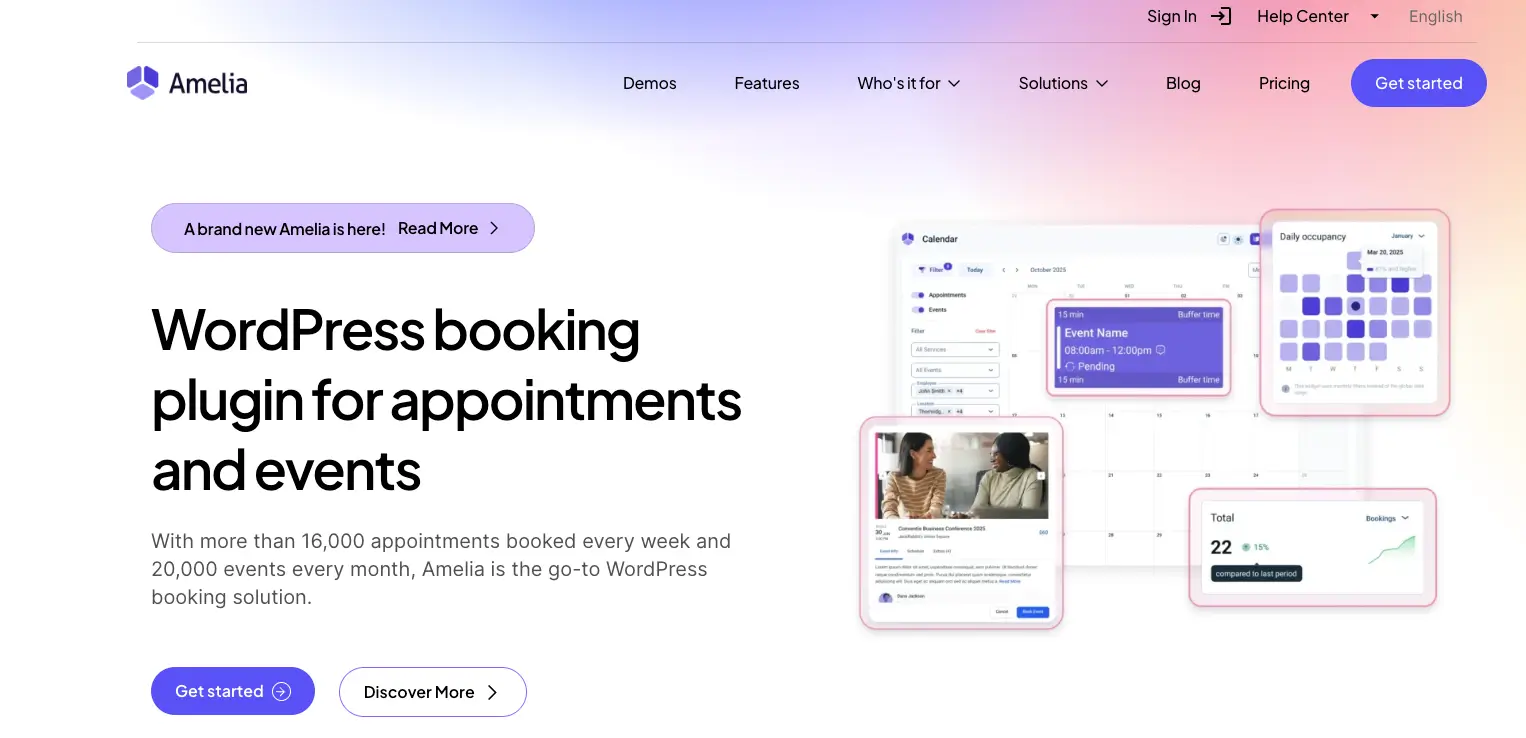
Amelia is a powerful, enterprise-grade booking plugin designed for businesses that rely heavily on appointments. Think salons, spas, medical clinics, fitness studios, and consulting firms. If you’re specifically building a salon website, our guide on setting up an online salon booking system walks you through the full process. Amelia offers one of the most polished and conversion-optimized booking experiences available for WordPress.
Key Features
- Unlimited appointments, services, employees, and locations included in all paid plans
- Step-by-step booking wizard optimized for conversions with modern, customizable design
- Built-in video conferencing: Native Zoom, Google Meet, and Jitsi integration for virtual appointments
- Event management: Handle one-time events, recurring workshops, and classes alongside regular appointments
- 20+ payment gateways: Stripe, PayPal, Square, Razorpay, Mollie, and more included at no extra cost
- Advanced features: Recurring appointments, group bookings, service packages, deposit payments, waiting lists, and custom service durations
- Automated notifications: Email, SMS, and WhatsApp reminders to reduce no-shows
- Customer and employee panels: Front-end dashboards for self-service management
- Multilingual support for international businesses
Pricing
Starter $49/yr, Standard $99/yr, Pro $315/yr, Elite $798/yr. Lifetime: Standard $249, Pro $797, Elite $1998. Free Lite version available.
Who Should Use Amelia?
Amelia is ideal for medium to large service businesses like salons, clinics, fitness centers, and consulting agencies that need a comprehensive, all-in-one booking system with advanced scheduling, payments, and team management built in. If you’re building a healthcare or clinic website, our tutorial on how to create a medical website in WordPress pairs nicely with Amelia’s features.
Verdict: If you want everything included without nickel-and-diming through add-ons, Amelia is the most feature-complete option on this list.
2. BookingPress – Best Budget-Friendly Alternative
BookingPress takes a refreshingly different approach: give away remarkable functionality for free, then offer affordable upgrades. Its generous free tier includes unlimited bookings, multiple services, customizable forms, and PayPal payments — features that competitors like Bookly charge extra for.
Key Features
- Generous free version: Unlimited services, bookings, and customizable forms without paying a cent
- 20+ payment gateways: Stripe, PayPal, Square, Mollie, Razorpay, Authorize.net, and even Stripe POS for in-person payments
- 60+ premium add-ons included: Staff management, invoicing, cart, tax calculation, and more — all bundled free with paid plans
- Staff cabinet: Dedicated staff dashboards where employees manage their own schedules, appointments, and clients
- Two-way calendar sync: Google Calendar, Apple Calendar, and Outlook integration
- Multi-location support in Professional and Enterprise plans
- Notifications via email, SMS, and WhatsApp to keep both staff and clients informed
- Highly customizable booking form: Colors, layouts, typography, fields, and button text — all adjustable
- Analytics dashboard with appointment, customer, and revenue reports
Pricing
Free plan available. Standard $89/yr (1 site), Professional $139/yr (3 sites), Enterprise pricing higher. Lifetime deals available.
Who Should Use BookingPress?
BookingPress is perfect for budget-conscious businesses of all sizes, especially those starting out who want to test extensively before committing. If you’re just setting up your business site, our step-by-step guide on how to create a business website with WordPress can help you get the foundation right before adding a booking system.
Verdict: BookingPress offers the best value for money. Its free tier alone handles what Bookly charges $100+ annually to provide.
3. FluentBooking – Best for WordPress-Native Workflow

FluentBooking is a modern booking plugin built by WPManageNinja, the team behind FluentCRM and Fluent Forms. It’s purpose-built for WordPress and focuses on performance, privacy, and deep integration with the WordPress ecosystem. Think of it as the Calendly alternative that lives entirely inside your WordPress dashboard.
Key Features
- Unlimited hosts and calendars with no per-user pricing
- Meeting types: One-on-one, group meetings, round-robin (team rotation), and one-off events
- Two-way calendar sync with Google Calendar, Outlook, Apple Calendar, and Nextcloud
- Video conferencing: Built-in Zoom, Google Meet, and Microsoft Teams integration
- Deep CRM integration: Native FluentCRM integration for email automation workflows triggered by booking events
- Fluent Forms integration: Build custom booking forms and map calendar data within forms
- Payment processing via Stripe and PayPal
- Automated email and SMS reminders to reduce missed appointments
- Recurring events, coupons, and UTM tracking added in recent updates
- Self-hosted and privacy-first: All data stays on your server — no third-party SaaS dependency
Pricing
Solo $79/yr (1 site), Small Business $199/yr (5 sites), Agency $399/yr (50 sites). Lifetime: Solo $249, Small Business $349+, Agency $599+. Free version available.
Who Should Use FluentBooking?
FluentBooking is ideal for coaches, consultants, agencies, and online educators who already use or plan to use the Fluent ecosystem (FluentCRM, Fluent Forms). If CRM integration is important for your business, explore our list of the best CRM WordPress plugins to find the perfect pairing. FluentBooking is also excellent for anyone who wants full data ownership without relying on external SaaS platforms.
Verdict: If you want a Calendly-like experience that lives entirely within WordPress with zero SaaS fees and deep CRM automation, FluentBooking is the standout choice.
4. Simply Schedule Appointments
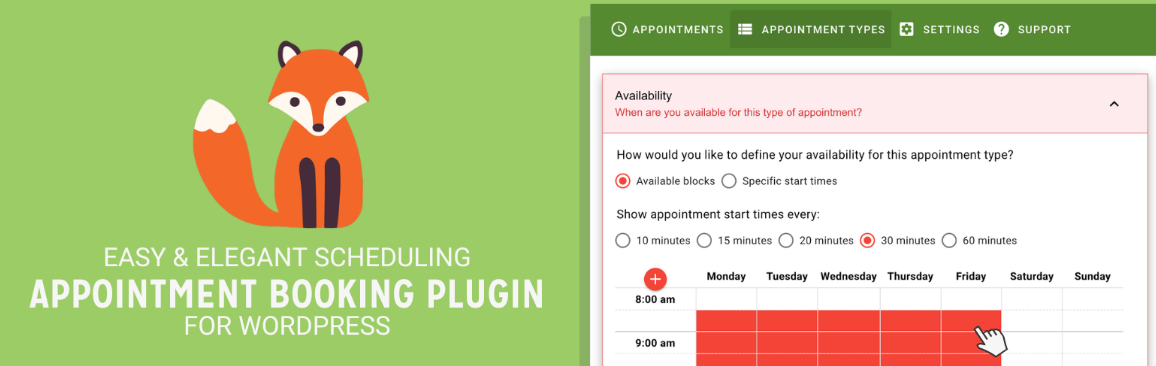
Simply Schedule Appointments (SSA) is often called the “Calendly of WordPress” — and it lives up to that reputation. Its legendary 5-minute setup wizard genuinely works, making it the easiest booking plugin to get running on any WordPress site. Trusted by over 70,000 businesses, SSA focuses on simplicity without sacrificing essential features.
Key Features
- 5-minute setup wizard: Genuinely fast onboarding — you can have a functional booking system running before your coffee gets cold
- Unlimited booking calendars even in the free version
- Google Calendar sync to prevent double-bookings and keep personal/business schedules in sync
- Group and class bookings for workshops, live demos, and multi-attendee sessions
- Team and resource booking: Let clients choose preferred staff members or book shared resources like meeting rooms
- Payments via Stripe and PayPal so you get paid at the time of booking
- Deep WordPress integration: Works with Block Editor, Elementor, Beaver Builder, Divi, Gravity Forms, MemberPress, and more
- Accessibility-first design: WCAG-compliant interface — praised by visually impaired users for screen reader compatibility
- Custom booking links for personalized client outreach
Pricing
Free Basic. Plus $99/yr (intro), Professional $199/yr (intro), Business $399/yr (intro). Regular prices: $129, $249, $499. 30-day refund.
Who Should Use SSA?
SSA is perfect for solo practitioners, coaches, consultants, tutors, and small service businesses who need a clean, simple booking system that just works. If you’re building a platform where clients can find and book service providers, our guide on how to create a service finder website shows how to combine a directory with scheduling.
Verdict: If you’re a solo practitioner who values simplicity and speed above everything else, SSA removes every possible friction point from setup to daily use.
5. Booknetic – Best for SaaS-Ready Booking Systems
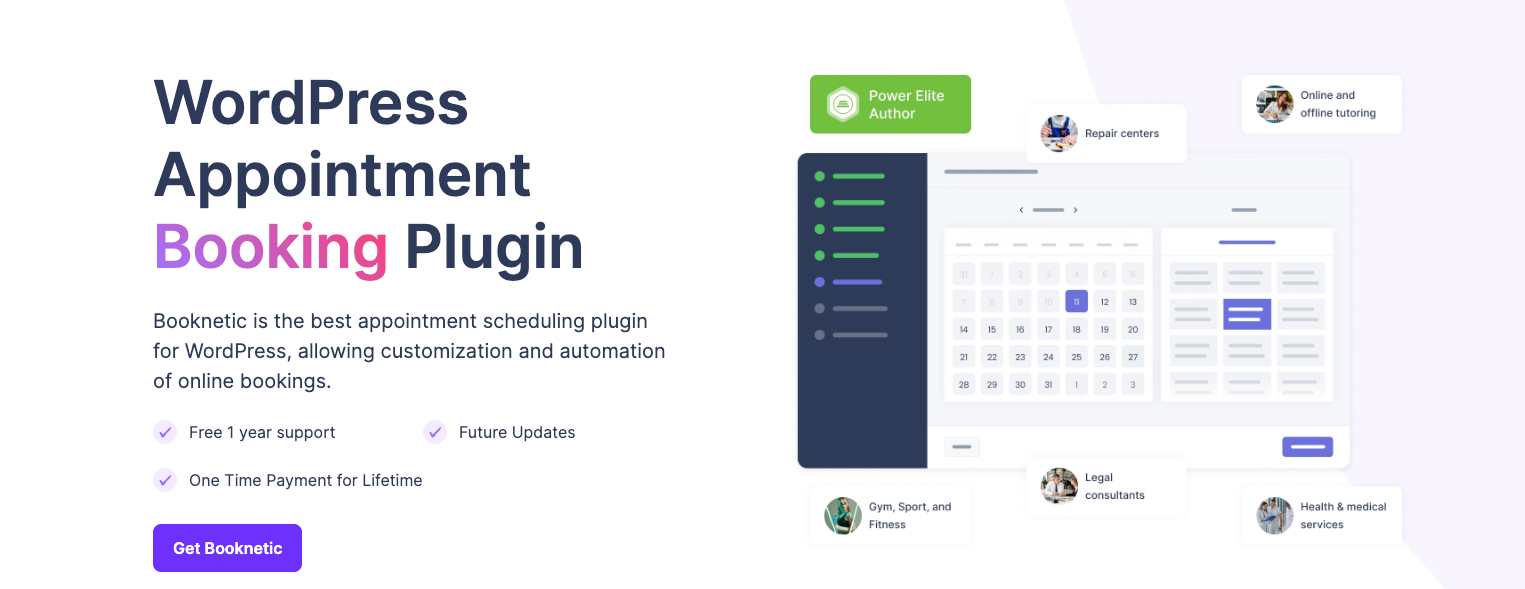
Booknetic takes a unique position in this list. While other plugins focus on standard WordPress site owners, Booknetic is built for entrepreneurs who want to run booking-as-a-service platforms. Its SaaS module lets you sell booking subscriptions to other businesses — turning your WordPress site into a multi-tenant scheduling platform.
Key Features
- SaaS module: Create a multi-tenant booking platform where businesses sign up, subscribe, and manage their own bookings independently
- Unlimited appointments and services for all tenants
- Recurring appointments for clients who book on a regular schedule
- Group bookings for classes, workshops, and multi-attendee sessions
- Google Calendar, Outlook, and Apple Calendar sync for conflict-free scheduling
- Zoom, Google Meet integration for virtual appointments
- Payment processing: Stripe, PayPal, WooCommerce, Mollie, Square, and Razorpay
- Automated notifications: Email, SMS, WhatsApp, and Telegram reminders
- Custom workflows and webhooks for advanced automation
- Waitlist management to capture demand for fully booked slots
Pricing
Starting at $79 one-time (CodeCanyon). SaaS add-on sold separately. No free version.
Who Should Use Booknetic?
Booknetic is ideal for entrepreneurs and agencies who want to build a booking SaaS business, as well as multi-location businesses that need a scalable, multi-tenant solution. If you’re planning to resell booking services to clients, Booknetic’s SaaS module is unmatched.
Verdict: Booknetic is the only plugin on this list that lets you build and sell a booking platform as a business. If SaaS is your goal, this is the clear winner.
Quick Comparison: Bookly Alternatives at a Glance
Here’s a side-by-side comparison of all five plugins to help you make a quick decision:
| Feature | Amelia | BookingPress | FluentBooking | SSA | Booknetic |
| Free Version | Limited | Yes (Generous) | Yes | Yes | No |
| Paid Starts At | €49/yr | $79/yr | $79/yr | $99/yr | $79 (Lifetime) |
| Unlimited Bookings | Yes (Paid) | Yes (Free) | Yes | Yes | Yes |
| Staff Management | Yes | Yes | Yes | Business Plan | Yes |
| Group Bookings | Yes | Yes (Add-on) | Yes | Plus Plan+ | Yes |
| Google Calendar Sync | Yes | Yes | Yes (2-Way) | Yes | Yes |
| Zoom / Google Meet | Yes (Built-in) | Add-on | Yes | Yes | Yes |
| Payment Gateways | 20+ | 20+ | Stripe, PayPal | Stripe, PayPal | Stripe, PayPal + |
| SMS Notifications | Yes | Yes | Yes | Pro Plan+ | Yes |
| WhatsApp Reminders | Yes | Yes | No | No | Yes |
| Recurring Appts | Yes | Add-on | Yes | No | Yes |
| Event Booking | Yes | No | Yes | No | No |
| Multi-Location | Yes | Pro Plan | No | Business Plan | Yes |
| CRM Integration | No | No | FluentCRM | Mailchimp | No |
| Lifetime Pricing | Yes | Yes | Yes | No | Yes |
| Best For | Salons, Clinics | Budget-Friendly | WP Native | Solo/Coaches | SaaS Builders |
How to Choose the Right Bookly Alternative for Your Business
Picking the right plugin depends on your specific situation. Here’s a quick decision framework:
- You run a salon, clinic, or fitness studio with multiple staff: Go with Amelia. Its all-inclusive pricing and built-in video conferencing make it the most complete solution for service teams. Building a gym site? Our guide on how to create a gym website in WordPress covers the full setup.
- You’re on a tight budget and want maximum value: Start with BookingPress. Its free version alone outperforms many paid competitors, and premium plans include all add-ons.
- You want full data ownership and WordPress-native automation: Choose FluentBooking. Its deep integration with FluentCRM and Fluent Forms creates powerful automated workflows. Need a contact form alongside your booking? See our best WordPress contact form plugins guide.
- You’re a solo coach, consultant, or tutor who values simplicity: Pick Simply Schedule Appointments. The 5-minute setup and clean UI are unbeatable for individual practitioners.
- You want to build a booking SaaS platform: Booknetic’s multi-tenant SaaS module is the only option designed specifically for this use case.
Tips for Switching from Bookly to a New Plugin
Migrating from one booking plugin to another requires careful planning. Here are some practical steps to make the transition smooth:
- Export your existing data first. Download your appointments, client info, and service lists from Bookly via CSV before deactivating it.
- Set up the new plugin on a staging site. Test the booking flow, email notifications, and payment processing before going live.
- Back up your WordPress site. Always create a full backup before making major plugin changes. Our guide to the best WordPress backup plugins can help you choose a reliable solution.
- Notify your clients. If your booking URL or process changes, send an email to existing clients with the updated booking link.
Secure your site during the transition. Switching plugins can sometimes create temporary vulnerabilities. Make sure you have a solid WordPress security plugin in place.
Frequently Asked Questions
Yes. BookingPress offers the most generous free version with unlimited bookings and services. FluentBooking and Simply Schedule Appointments also have free versions on WordPress.org, though with fewer features.
Amelia is the top choice for salons, clinics, and spas. It includes unlimited staff management, service categories, recurring appointments, deposit payments, and native Zoom integration — all features that salon and clinic owners frequently need.
Most booking plugins don’t offer direct migration tools from Bookly. However, you can export your appointment and client data from Bookly via CSV and manually import or re-enter it into the new plugin. For large datasets, consider hiring a developer to assist with the transition.
BookingPress offers the best overall value. Its free version includes features that Bookly charges for, and all premium add-ons are bundled into the paid plans. Booknetic’s one-time lifetime pricing is also excellent if you prefer avoiding recurring fees.
Yes, Amelia and BookingPress both integrate with WooCommerce for payment processing. Booknetic also offers WooCommerce integration. FluentBooking connects with FluentCart for product-based bookings. Simply Schedule Appointments does not have direct WooCommerce integration but supports Stripe and PayPal payments natively.
Amelia and FluentBooking both include native Zoom and Google Meet integration in their base plans. BookingPress offers Zoom as an add-on. Simply Schedule Appointments supports Zoom through its premium plans. If virtual appointments are central to your business, Amelia or FluentBooking will give you the smoothest experience.
Final Thoughts
Bookly is a decent booking plugin, but it’s no longer the only strong option in the WordPress ecosystem. Each alternative on this list brings something unique to the table:
- Amelia for comprehensive, all-in-one booking
- BookingPress for unbeatable free features and budget-friendly pricing
- FluentBooking for WordPress-native automation and data ownership
- Simply Schedule Appointments for dead-simple setup and solo practitioners
- Booknetic for building SaaS booking platforms
The best approach? Start with the free version of your top pick, test it on your site, and upgrade only when you’re confident it meets your needs. All five plugins offer either free versions or money-back guarantees, so you can try them risk-free.



