On This Page
Do you know that around 70% of US diners check a restaurant’s site to determine whether they want to dine out? If you run a restaurant, you should have a website, especially on WordPress, for easy content management.
Plus, you need to use the best free food menu WordPress plugin to professionally and easily manage your restaurant business online. However, the question is, where can you find that plugin?
It’s here in this article. Just thoroughly read it, check all the plugins, and stick to one that meets your needs.
What Features Make a Food Menu Plugin the Best?
When you seek the best and free restaurant menu plugin, it’ll be wise to know about what makes a food menu plugin the best beforehand. Here are the key features to determine a food menu plugin is the best one.
Multiple Layout Options: the best food menu plugin must feature diverse layouts, including list, grid, isotope, category-based, etc.
Compatibility with Page Builders: It should work with popular page builders.
Online Ordering and Delivery/Pickup Options: It should offer support for food ordering, delivery, and pickup options.
Reservation System: The best food menu plugin should offer a reservation system and simplify booking management.
Location-Based Menus: It’ll be better if the plugin allows you to create location-based food menus.
Product Addons and Tipping: The best food menu plugin should include a product addon feature and a tipping option to help you increase revenue.
Mobile Responsiveness: It must display food menu items correctly across diverse devices.
Reliable Support and Updates: The plugin should offer regular updates for free and reliable support to solve issues instantly.
These are some primary features that make a food menu plugin the best. So, ensure your one has these. You may check any free plugins below if searching for a suitable one with these features is a hassle.
👉🏻 Good Read: Unique Restaurant Menu Ideas
Top 10 Free Food Menu WordPress Plugins
Here are the best and free restaurant menu plugins for WordPress. Most of these plugins are available in both free and pro versions. We recommend you use the free version first and then a pro version of your preferred plugin.
| Free Food Menu Plugins | Key Features | Pricing |
| Food Menu by RadiusTheme | Multiple Data Sources, Various Layout Variations (list, grid, slider, isotope), Food Delivery & Pickup, Restaurant Reservations, Visual Table Reservation, Location-Based Menu, Mini Cart, etc. | Free; Pro version: $39/year |
| WPCafe | 34+ Food Menu Templates, Food Menu List/Tab Widgets, Responsive Online Food Menu, Location-Based Menu, Menu of the Day, etc. | Free; Premium version: begins at $79/year |
| ReDi Restaurant Reservation | Instant Confirmation, Reservation Form, Restaurant Capacity Control, Blocked Time, Email Confirmation | Free; Pro version: starts at €19/month |
| Restaurant Menu by MotoPress | Responsive Design, Unlimited Custom Categories, Various Menu Designs, Import/Export Menu Items, Unlimited Images, etc. | Free; Add-ons for extended features (pricing varies) |
| WPPizza | Online Menu Management, Order Management, Discounts & Tipping, Payment Options, Multiple Tax Rates, and more. | Free; Extensions for premium features (pricing varies) |
| Five Star Restaurant Menu | Responsive Layout, Gutenberg Blocks/Shortcodes, Optional Sidebar, Full Menu Schema, QR Code Generator | Free; Pro version: begins at €67/year |
| Restaurant Menu by GloriaFood | Drag & Drop Menu Editor, Online Food Ordering, Restaurant Booking, Multiple Delivery Zones, Tipping Support | Free; Premium services (e.g., Advanced Promo Marketing) require payment (pricing varies) |
| RestroPress | Delivery/Pickup Timeslots, Ready-made Product Layouts, Product Add-ons, Checkout Tipping, QR Code Table Ordering | Free; Pro version: starts at £199/year |
| Great Restaurant Menu WP | Five Templates, Drag & Drop Menu Editor, Responsive Templates, Quick Menu Creation | Free |
| Restaurant & Cafe Addon for Elementor | 20+ Basic Elements, 30+ Unique Elements, Food Tab, Food Banner, Open Table | Free; Pro version: starts at $29.99/year |
1. Food Menu by RadiusTheme

Food Menu is a simple WordPress plugin that allows you to display food menus on your restaurant website attractively. It helps you exhibit all food items in multiple or single categories.
It has several menu layouts, including a list, grid, category, slider, and isotope, to help you professionally showcase your food items and capture attention.
Food Menu supports both Elementor, a popular page builder, and Gutenberg, the default WordPress block builder. It also works seamlessly with WPBakery Addons. So, no matter your WordPress theme, you can showcase food menu items without hassle.
Last but not least, this free food menu plugin offers a reservation facility. Also, it supports pickup and delivery, allowing restaurant owners to collect tippings online.
All these make it an ideal software for everyone looking for an easy way to display food menu items and manage their restaurant business online.
Key Features:
- Multiple Data Sources
- Various Layout Variations
- Food Delivery & Pickup Options
- Restaurant Reservations
- Visual Table Reservation
- Location-Based Food Menu
- Mini Cart
- Product Addons
- Tipping
and more.
Pros:
- Versatile display options
- Reservation and ordering features
- Mini cart functionality
- Responsive layouts
- Free and easy to use
Cons:
- You need to opt for the pro version to enjoy all the features
Ratings: 5 out of 5 stars on WordPress.org | Active Installations: 3,000+
Pricing: You can use it for free. Also, get the pro version with a yearly pricing of $39 to elevate your online restaurant business.
2. WPCafe

WPCafe is a comprehensive WooCommerce food menu plugin that facilitates the operations of restaurant businesses. It has many features to manage online food ordering, reservations, menu creation, and delivery systems.
This plugin lets you design alluring and customizable food menus with the help of Elementor – a popular WordPress page builder. WPCafe also allows you to include an online ordering system on your restaurant website.
This excellent food menu WordPress plugin contains 34+ templates suitable for block and classic themes. Additionally, it’s got live order notifications with sound and tag, food ordering with QR code, single/multiple slot reservations, and more.
All these features help you easily manage your restaurant business online and take it to a new height.
Key Features:
- 34+ Food Menu Template
- Food Menu List Widget
- Food Menu Tab Widget
- Responsive Online Food Menu
- Location-Based Food Menu
- Menu Of The Day
- Food Ordering with QR Code
- Set Order Preparation Time
and more.
Pros:
- Customizable menu templates
- Comprehensive features
- Multi-location support
- Analytics and reporting tools
- Easy to use
Cons:
- Advanced features require time to master
Ratings: 4.3 out of 5 stars on WordPress.org | Active Installations: 6,000+
Pricing: This plugin is available in both free and paid versions. The yearly pricing of the premium version starts at $79.
3. ReDi Restaurant Reservation
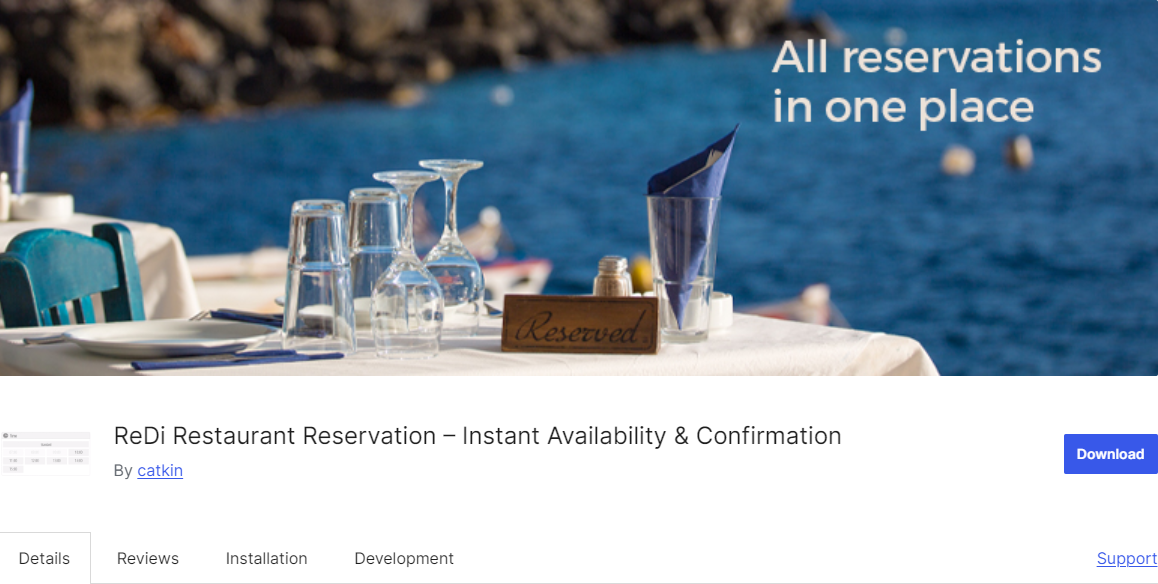
ReDi Restaurant Reservation WordPress plugin is popular among restaurant website owners because of its easy-to-use interface. This plugin allows users to create a robust booking system.
It helps them receive and accept online client reservations instantly. Plus, it allows them to showcase available spaces at a particular time. This plugin works in tandem with the WooCommerce Restaurant Ordering plugin. Therefore, you can easily accept online orders and bookings on your restaurant website.
This one is a great plugin for restaurants of all sizes. Its features and customization options can help restaurant site owners manage bookings and online food ordering.
Key Features:
- Instant Confirmation
- Reservation Form
- Restaurant Capacity Control
- Blocked Time
- Email Confirmation
and more.
Pros:
- Time-saving
- Comprehensive features
- Responsive and intuitive interface
- Versatile integrations
- Multilingual support
Cons:
- Limited features in the free version
Ratings: 4.3 out of 5 stars on WordPress.org | Active Installations: 1,000+
Pricing: This plugin has free and paid versions, and its pro version’s monthly pricing starts at 19€.
4. Restaurant Menu by MotoPress
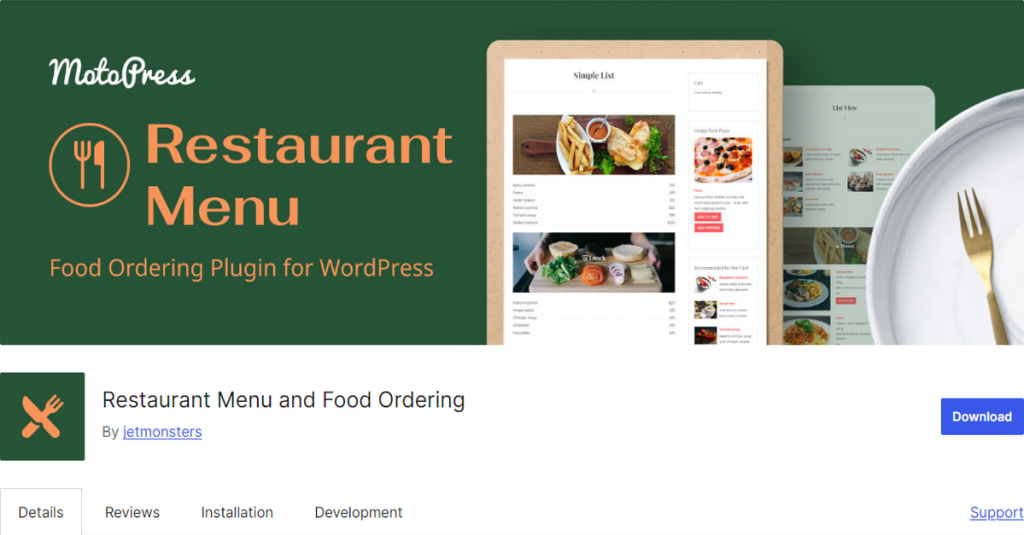
If you run a restaurant or café and want to show off your menu online, Restaurant Menu by MotoPress is worth a look. It lets you put your food and drink options right on your website, and you don’t need to be a tech expert to set it up. You can sort your dishes into categories—starters, mains, desserts, whatever you like—and present them well on phones and computers.
One of the best things is you can start taking orders straight from your website. The basic version lets you accept payments through PayPal or have customers pay when food arrives. If you want to offer delivery or let people pick up their food, or if you want to give customers the option to add extras to their orders, there are extra features you can add later.
People who use this plugin say it’s easy to work with and looks good on any WordPress theme. The main thing to remember is that some fancier features—like delivery options or a shopping cart—cost extra. But if you’re looking for a simple way to show your menu and take orders, the free version covers the basics.
Key Features
- Responsive Design
- Unlimited Custom Categories
- Various Menu Designs
- Import & Export Menu Items
- Unlimited Delicious Images
- Helpful Widgets
Pros:
- Attractive menu layouts
- Allows online ordering
- Allows shopping cart customization
- Reliable developer support
- Intuitive interface
Cons:
- Advanced customization requires you to know about CSS
Ratings: 4.3 out of 5 stars on WordPress.org | Active Installations: 3,000+
Pricing: The plugin is free to use. However, you need to spend money to extend its features with add-ons.
5. WPPizza
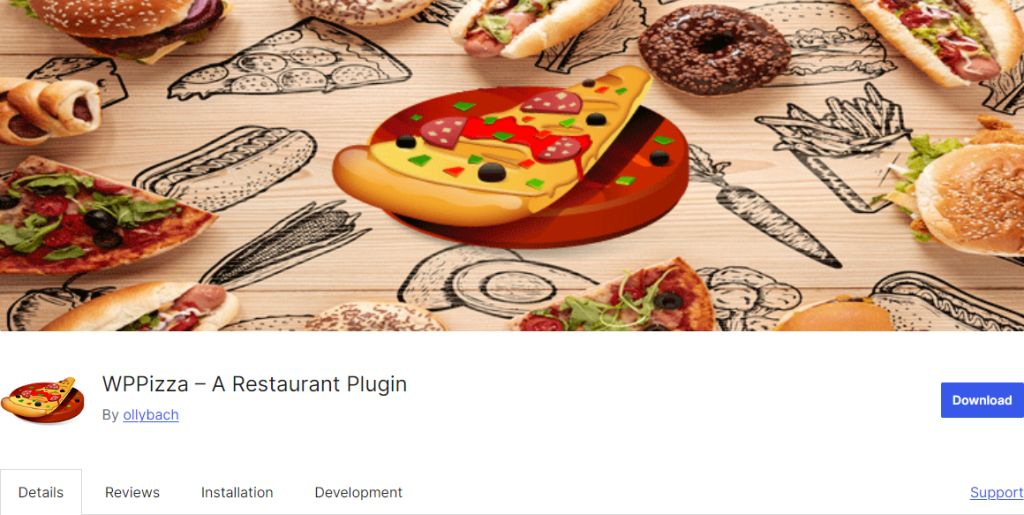
WPPizza is a versatile WordPress plugin that was specifically designed for pizza restaurants. However, it works with all restaurant types and allows you to easily create a food menu with several categories and pricing options.
On top of that, this plugin lets you display your menu in a list or grid. Thus, customers can read menu items in detail before placing orders. Another amazing feature of this plugin is that it supports your restaurant’s opening and closing times.
It also helps you manage several tax rates, offer discounts, and collect tips. All these make it a suitable and free food menu WordPress plugin for all restaurant sites.
Key Features:
- Online Menu Management
- Order Management
- Discounts & Tipping
- Payment Options
- Multiple Tax Rates
- Multilingual Frontend
Pros:
- User-friendly
- Responsive layout
- Versatile
- Multilingual capabilities
- Shortcode support
Cons:
- Dependency on extensions for advanced features
Ratings: 5 out of 5 stars on WordPress.org | Active Installations: 1,000+
Pricing: The plugin is free, but you need to spend bucks on extensions to enjoy premium benefits.
6. Five Star Restaurant Menu
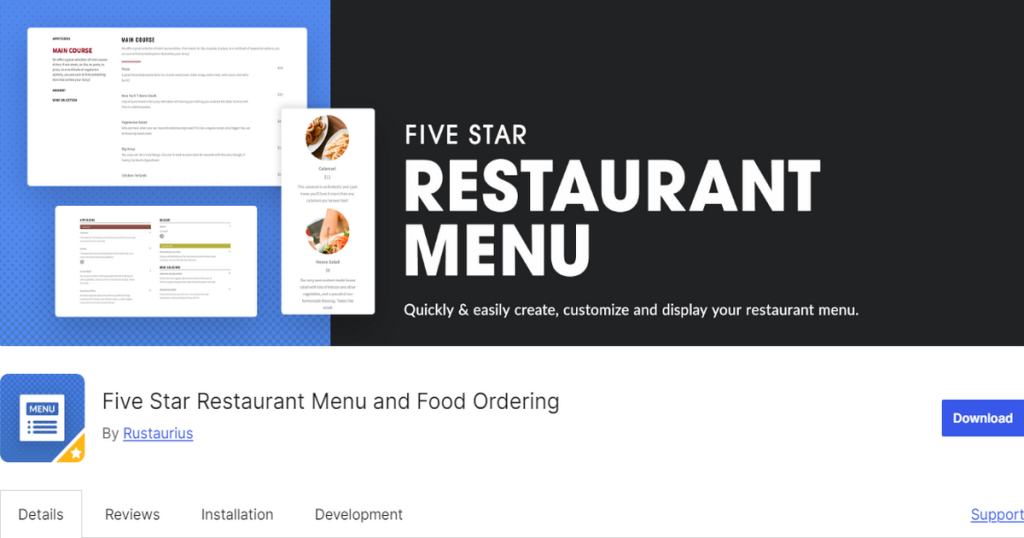
The Five Star Restaurant Menu plugin is a popular one on this list of the best free food menu WordPress plugin. It supports the creation of stylish and responsive food menus.
You can add the responsive layout of your food menu on any page using Gutenberg blocks and shortcodes. Not only this, but this restaurant menu plugin lets you generate a
QR code that you can use to help customers see your food menu by scanning that code.
This restaurant plugin also offers a food ordering system like the Food Menu plugin by RadiusTheme. Yes, you can use your food menu to collect orders online!
Key Features:
- Responsive Layout
- Gutenberg Blocks and Shortcodes
- Optional Sidebar
- Full Restaurant Menu Schema
- QR Code Generator
Pros:
- Customizable layouts
- QR code generation
- Unlimited menu items
- Schema structured data
- Good customer support
Cons:
- Doesn’t have the reservation feature
Ratings: 4.6 out of 5 stars on WordPress.org | Active Installations: 6,000+
Pricing: It’s available in free and pro versions. The pro version’s yearly fee begins at €67.
7. Restaurant Menu By Gloriafood
This restaurant menu plugin boasts a simple user interface, allowing users to create and add food menus to their stores easily. On top of that, this WordPress tool offers a food ordering and restaurant booking system.
The food ordering feature has a single-page checkout and a simple reservation system. Alongside all these, this plugin offers food delivery and pickup facilities.
It is one of the best free food menu WordPress plugins. Try this one for your restaurant site.
Key Features:
- Drag & Drop Menu Editor
- Online Food Ordering
- Restaurant Booking System
- Multiple Delivery Zones
- Supports for Tips
Pros:
- Highly customizable
- Responsive design
- Easy to use
- Restaurant app
- Simple reservation form
Cons:
- Dependency on GloriaFood online ordering and reservation platform
Ratings: 4.4 out of 5 stars on WordPress.org | Active Installations: 10,000+
Pricing: The plugin is free, but you need to spend money to get premium services like Advanced Promo Marketing.
8. RestroPress
RestroPress is a free yet comprehensive food menu plugin. This standalone plugin has no dependency on WooCommerce. Plus, it’s entirely commission-free, meaning you can take and manage unlimited orders without paying third-party platforms.
The beauty of this plugin is that it allows you to track orders, manage delivery, and inform customers through SMS, WhatsApp, and email notifications! It also has a QR-based table ordering feature for dine-in customers.
This plugin is an all-in-one solution; most features come with the free version. Therefore, it can be an ideal companion when you want to level up your online restaurant business.
Key Features:
- Delivery and Pickup Timeslots
- Ready-made Product Layouts
- Product Add-ons
- Checkout Tipping
- QR Code-based Table Ordering
Pros:
- Independent plugin
- All-in-one management
- Time-saving
- Offers automation
- Has mobile apps and POS system
Cons:
- Some users may face difficulties with the payment gateway
Ratings: 4.3 out of 5 stars on WordPress.org | Active Installations: 1,000+
Pricing: Although it’s a free WordPress plugin, it’s got premium versions. The pro version’s lowest yearly pricing is £199 per site.
9. Great Restaurant Menu WP
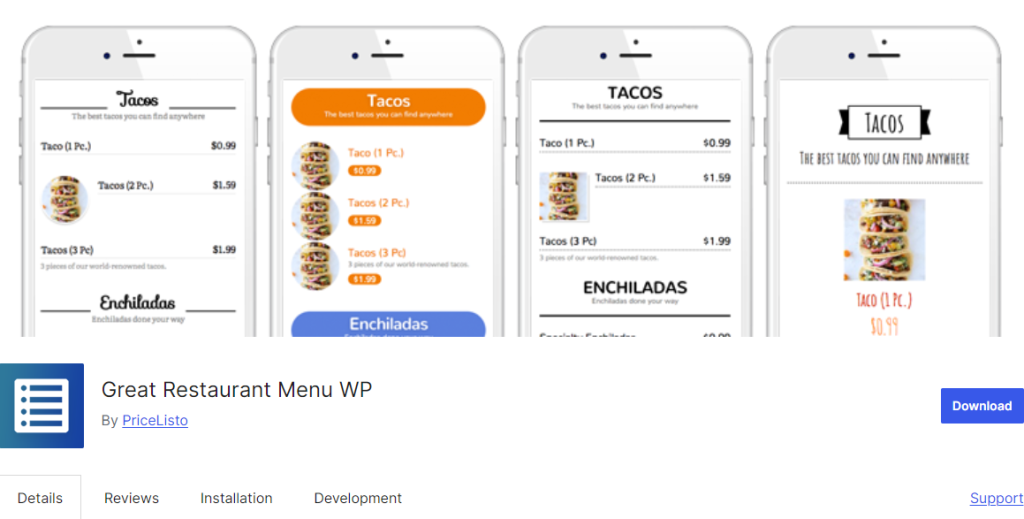
If you’re after simplicity and ease of use to accompany your restaurant menus, consider using Great Restaurant Menu WP. This restaurant menu plugin allows you to create a menu quickly.
It offers 5 elegant templates to build your menus, so you don’t have to start from scratch. All these templates are incredibly responsive and look sleek on all kinds of devices.
Last but not least, this plugin has a menu editor with an easy drag-and-drop interface for reorganizing groups, subgroups, categories, and items.
Key Features:
- Five Templates
- Drag & Drop Menu Editor
- Responsive Templates
- Quick Menu Creation
Pros:
- User-friendly
- Responsive
- Fast
- Decent Templates
Cons:
- Fewer features compared to other plugins
Ratings: 5 out of 5 stars on WordPress.org | Active Installations: 1,000+
Pricing: Free.
10. Restaurant & Cafe Addon for Elementor
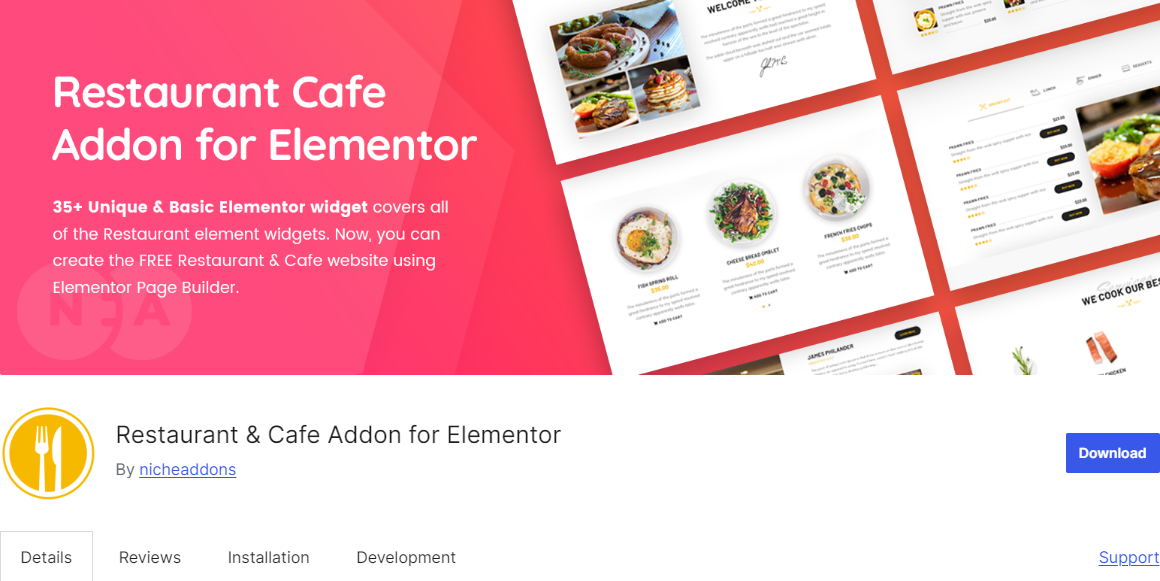
This is the last one on our list of the best free food menu WordPress plugin. It’s basically an add-on of Elementor. If you need to know what an Elementor is, here you go.
Elementor is a WordPress page builder that allows users to build websites by dragging and dropping elements. So, if you want to use this Restaurant & Cafe Addon for Elementor, your restaurant site must have this Elementor plugin pre-installed.
Then, you can use this addon’s 20+ basic and 30+ unique elements to easily build a fully functional restaurant website with all the features.
Whether you want to create an attractive food menu, food banner, or any other restaurant website elements, this addon has you covered.
Key Features:
- 20+ Basic Elements
- 30+ Unique Elements
- Food Tab
- Food Banner
- Open Table
Pros:
- Dedicated restaurant widgets
- Drag-and-drop interface
- Easy customization
- Plenty of free features
- Easy to customize
Cons:
- May slow down website performance
Ratings: 4.8 out of 5 stars on WordPress.org | Active Installations: 2,000+
Pricing: Has a free and pro version. The pro version’s yearly fee starts at $29.99.
👉🏻 Good Read: Unique Restaurant Name Ideas
Frequently Asked Questions (FAQs)
Which is the Best Restaurant Plugin for WordPress?
It isn’t easy to name one as the best restaurant plugin for WordPress. All the plugins you can see in this post are the best. However, the Food Menu by RadiusTheme is loved by many users. It has good ratings and reviews and is available for unrestricted use.
Why Do You Need a Restaurant Plugin?
You need a restaurant plugin if you have a website and use a content management system (CMS) like WordPress. A plugin helps you add essential functionalities like online ordering, menu management, table booking, and more to enhance the customer experience and increase sales.
Is WordPress Good for Restaurant Websites?
Indeed, WordPress is a good option for creating restaurant websites. This platform offers flexibility, extensive customization options, and ease of use. It allows everyone with little technical knowledge to build visually appealing and functional websites easily.
Now Get Your Free Food Menu WordPress Plugin
These are the best and free restaurant menu plugins on your WordPress sites. Some offer many features under the free version, while others have limited features. However, all these can benefit you and help you manage your restaurant business online.
Thus, go through their features. Install free versions of plugins one after another to check which one suits your business needs. Finally, choose one and try to get that plugin’s pro version to take your restaurant business to a new height.