

On This Page
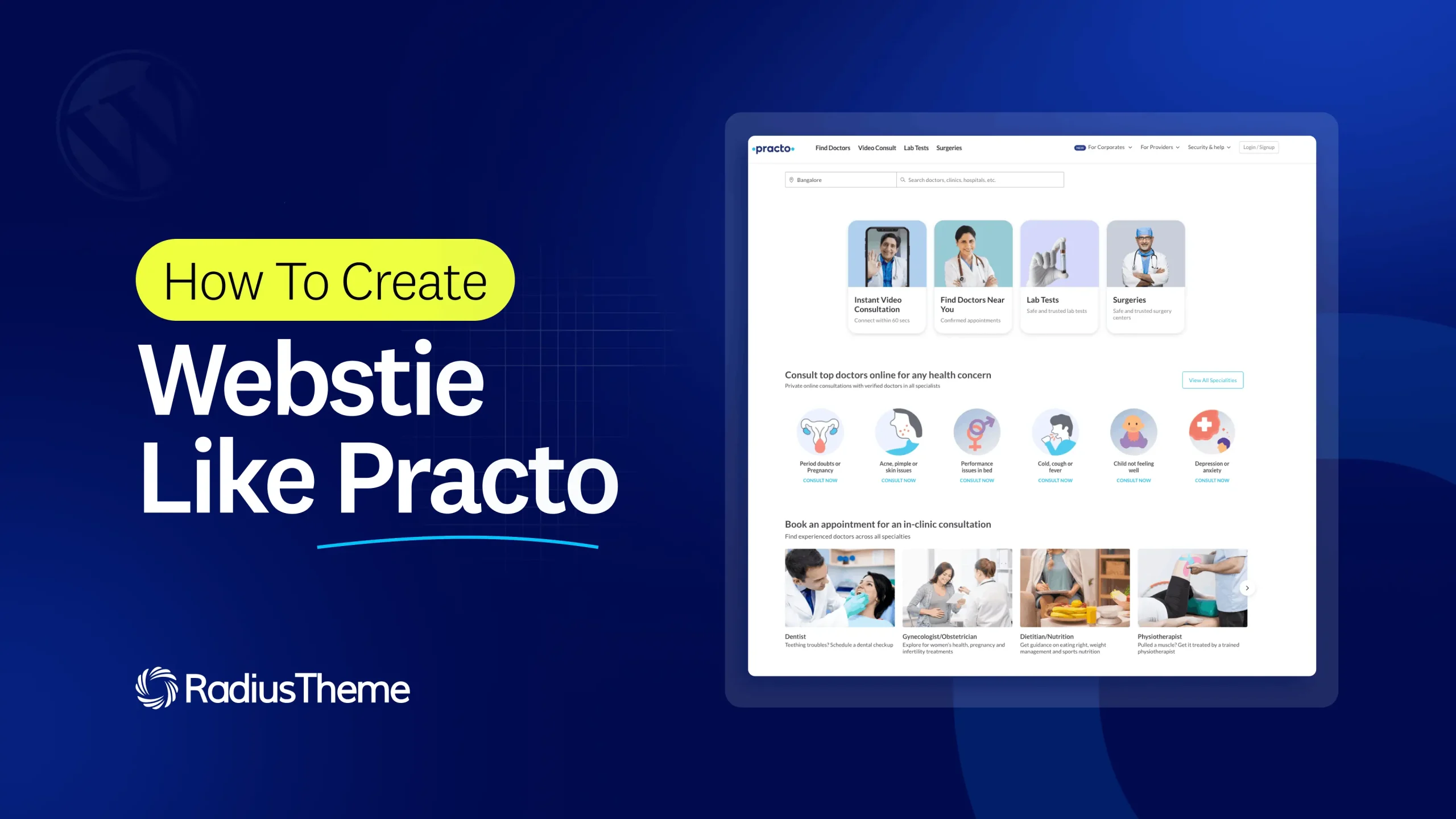
Practo changed how people find doctors. Instead of asking around or making endless phone calls, patients can search by specialty, compare verified profiles, read reviews, and book an appointment in a few taps. If you want to build a doctor booking marketplace like that, the good news is you no longer need a big development team or months of coding.
In this tutorial, you will learn how to create a website like Practo using WordPress and the CL Doctor theme, a healthcare appointment marketplace theme built for exactly this purpose. We will cover what makes Practo work, the tools you need, and a clear step-by-step process to launch your own platform, even if you are not technical.
Key info at a glance
| Detail | Summary |
|---|---|
| What you are building | A doctor booking marketplace (like Practo) |
| Platform | WordPress (no coding required) |
| Theme used | CL Doctor by RadiusTheme |
| Core features | Doctor profiles, smart search, online appointment booking, reviews, maps, live chat |
| Booking system | RadiusBooking — real-time availability, calendar sync, pay at booking |
| Payments | PayPal, Stripe (at booking and for listings) |
| Ways to earn | 8 methods — paid listings, featured, top, bump-up, memberships, subscriptions, claims, commission |
| Listing types | Individual doctors, clinics, and hospitals |
| Setup time | Core site in an afternoon; full launch in days |
| What you need | Domain, WordPress hosting, CL Doctor theme |
| Approx. cost | Domain ~$10–15/yr, hosting varies, theme from ~$34/yr or ~$41 one-time |
| Best first step | Import the demo, then add your doctors |
Prices and features change over time — confirm current details on the CL Doctor product page before you buy.
What is Practo, and what makes it work?
Practo is an online healthcare marketplace that connects patients with doctors, clinics, and hospitals. It is a two-sided platform: patients bring demand by searching for care, and doctors bring supply by listing their profiles and availability.
At its core, Practo does a few key things well. Patients can search and filter doctors by specialty, location, and availability, view detailed profiles with credentials and reviews, book in-person or video appointments in real time, and get reminders and digital records. Doctors get a profile, a booking calendar, and a dashboard to manage patients. Over time Practo added telemedicine, lab tests, and medicine delivery, but the heart of the platform is doctor discovery and appointment booking.
To build a website like Practo, you need to recreate that core experience: search, profiles, reviews, and online booking. That is exactly what CL Doctor is designed to do.
What you need to build a website like Practo
You do not need much to get started. Here is the full checklist:
- A domain name — your website address, such as yourclinicfinder.com.
- WordPress hosting — where your site lives. Any good WordPress host works.
- WordPress — the free platform your site runs on (most hosts install it in one click).
- The CL Doctor theme — the healthcare marketplace theme that provides the design, doctor profiles, search, and booking.
That is it. CL Doctor is built on the Classified Listing Pro plugin and bundles the tools you need, so you will not have to hunt down separate plugins for search, booking, reviews, or payments.
Why use CL Doctor to build a Practo-like site?
CL Doctor is a doctor directory and appointment booking theme made for healthcare marketplaces, clinic networks, and physician-finder sites. It gives you a Practo-style experience without code. Here is what it handles out of the box:
- Doctor profiles and directory — professional listings with photos, credentials, specialties, and business hours, in grid or list view.
- Appointment booking — patients book directly from a doctor’s profile with real-time availability, calendar sync, email confirmations, and payment at booking, powered by the RadiusBooking integration.
- Smart search — real-time AJAX search, AI semantic search that understands intent, radius and map-based search, and filters by specialty, location, and more.
- Reviews and ratings — five-star reviews with automatic schema so ratings can show in Google results.
- Live chat — private, moderated messaging between patients and providers.
- Maps — Google Maps and OpenStreetMap built in.
- Monetization — eight ways to earn, including paid listings, featured placement, and memberships.
- AI tools — generate submission forms, write profile content, and enhance photos automatically.
It also supports multiple listing types, so you can list individual doctors, clinics, and hospitals from one site, just like Practo. Now let us build it.
Step-by-step: how to create a website like Practo
Follow these steps in order. Most people can complete the core setup in an afternoon.
Step 1: Get a domain and hosting
First, choose a domain name that is short and easy to remember. Then sign up for WordPress hosting. During signup, most hosts offer a one-click WordPress install, so pick that option. Once done, you will have a blank WordPress site ready to go.
Tip: choose a host with SSL (the padlock in the browser). Security matters for any site, and especially for healthcare.
👉 Good Read: Best Hosting For Classified and Directory Listing Website
Step 2: Install WordPress and the CL Doctor theme
Log in to your WordPress dashboard. Purchase and download the CL Doctor theme from RadiusTheme, then upload it under Appearance, Themes, Add New, Upload Theme. Activate it, and follow the prompt to install the bundled plugins (like Classified Listing Pro and RadiusBooking) that power the marketplace features.
If you are new to this, our guide on how to install a WordPress plugin walks through the same upload process you will use here.
Step 3: Import a demo to get a ready-made design
Instead of building pages from scratch, use the one-click demo importer. CL Doctor includes a ready-made doctor directory demo with a homepage, search page, doctor profiles, and booking pages already set up.
Import the demo, and in minutes your site will look like a finished healthcare marketplace. From there, you simply replace the sample content with your own. This one step saves you the most time.
Step 4: Set up doctor categories and specialties
A Practo-like site is only useful if patients can find the right doctor fast. Create categories for medical specialties such as dentist, dermatologist, pediatrician, cardiologist, and gynecologist.
You can also add locations (cities or areas) so patients can search near them. These categories power the search filters, so take a few minutes to set them up thoughtfully.
Step 5: Build the doctor profile form
Each doctor needs a profile with the right details. Using CL Doctor’s drag-and-drop form builder, create a submission form with fields like name, specialty, qualifications, experience, clinic address, consultation fee, business hours, and photo. There are 37 field types to choose from, with conditional logic to show or hide fields as needed.
Short on time? Use the AI form generator. Type a prompt like “create a doctor profile submission form,” and it builds the form for you in one click. You can then adjust it to fit your needs.
Step 6: Turn on appointment booking
This is the feature that makes your site feel like Practo. With the RadiusBooking integration, patients can book straight from a doctor’s profile. Set each doctor’s services, durations, buffer times, and available hours, and the system shows real-time open slots.
You can enable an AI booking assistant so patients book by typing a natural request, sync bookings to Google Calendar, and collect payment at the time of booking through PayPal or Stripe. Automated email confirmations go out so no one misses an appointment.
Step 7: Add reviews, maps, and chat
Trust is everything in healthcare. Turn on reviews and ratings so patients can leave feedback, and CL Doctor will auto-generate the schema that can make star ratings appear in Google search. Enable Google Maps or OpenStreetMap so each doctor’s location shows on a map, and switch on live chat so patients can message providers privately, with admin moderation to keep things safe.
Step 8: Set up payments and choose how you earn
Decide how your marketplace will make money. CL Doctor includes eight monetization methods, so you can mix and match. Common choices for a doctor marketplace are charging doctors a fee to list (paid listings), selling featured or top placement for extra visibility, and offering membership or subscription plans for clinics that list many doctors.
Connect your payment gateway (PayPal, Stripe, and others are supported), set your pricing, and you are ready to accept both bookings and listing payments. If you want the full picture first, our guide on how a doctor booking website makes money is a helpful companion.
Step 9: Add key pages and launch
Before going live, add the pages that build credibility and meet legal needs: About, Contact, Terms, and a Privacy Policy (important for any site handling personal health details). Test the site by adding a sample doctor and booking a test appointment as if you were a patient.
Once everything works smoothly, promote your site. Reach out to local doctors and clinics to list, share on social media, and optimize your pages for search so patients can find you.
Tips to make your site stand out
Launching is just the start. A few things will help your marketplace grow:
- Start with a niche. Instead of “all doctors,” consider focusing first, for example a dental directory for your city. It is easier to attract listings and rank in search.
- Get real reviews early. Encourage your first patients to leave feedback. Reviews build trust and improve SEO.
- Keep profiles complete. Full profiles with photos, fees, and availability convert far better than sparse ones. CL Doctor’s AI writing tools make this easy.
- Make booking effortless. The smoother the booking flow, the more appointments you get. Test it often on mobile.
- Add languages if needed. CL Doctor supports translation and RTL, so you can serve multiple regions.
Frequently asked questions
Can I really build a website like Practo without coding?
Yes. Using WordPress and the CL Doctor theme, you can create a doctor booking marketplace with search, profiles, reviews, and online appointments without writing code. The one-click demo importer and drag-and-drop builders handle the technical parts for you.
How long does it take to build?
The core site, importing a demo, setting up categories, profiles, and booking, can be done in an afternoon. Customizing the design, adding real doctors, and preparing content for launch usually takes a few days to a couple of weeks, depending on your goals.
How much does it cost to create a site like Practo?
Your main costs are a domain (roughly $10–15/year), WordPress hosting (varies by host), and the CL Doctor theme, which starts around $34/year or about $41 as a one-time purchase. That is a fraction of the cost of custom development. Confirm current theme pricing on the product page.
Can patients pay for appointments on the site?
Yes. CL Doctor collects payment at the time of booking through PayPal and Stripe, using the RadiusBooking system. You can also charge doctors to list or promote their profiles through the built-in monetization options.
Can I list clinics and hospitals too, not just individual doctors?
Yes. CL Doctor’s multi-directory structure supports individual doctor profiles as well as clinic and hospital listings from one WordPress install, with multiple doctors under each clinic, just like Practo.
How will my website make money?
You can earn in several ways: charging doctors to list, selling featured or top placement for visibility, offering clinic memberships or subscriptions, and more. CL Doctor includes eight monetization methods so you can combine the ones that fit your market.
Final thoughts
Building a website like Practo is far more achievable than most people think. The secret is to focus on the core experience patients love, easy search, trustworthy profiles, honest reviews, and smooth online booking, and to use a tool that has those features built in.
With WordPress and the CL Doctor theme, you can launch a professional doctor booking marketplace without code and without a big budget. Start with a clear niche, import a demo, set up your doctors and booking, and go live. Explore the CL Doctor healthcare marketplace theme and take the first step toward your own Practo-style platform today.



