

On This Page
You built your WordPress website. You added a booking system. Traffic is coming in. But your calendar still has too many empty slots.
If that sounds familiar, you are not alone. Many service-based businesses get decent website traffic but struggle to turn visitors into confirmed bookings. The problem is usually not the traffic itself. It is what happens after someone lands on your site.
A slow page, a confusing booking form, or a missing trust signal can push a potential client away in seconds. The good news is that most of these problems are easy to fix once you know where to look.
In this guide, you will learn 15 practical tips to get more bookings from your WordPress service booking website. Each tip is something you can start working on today.
Why Your WordPress Website Is Not Getting Enough Bookings
Before jumping into solutions, it helps to understand why visitors leave without booking. When you know the cause, you can fix it faster.
Common Reasons Visitors Leave Without Booking
There are several patterns that show up again and again on underperforming booking websites. Your booking form might be buried at the bottom of a long page. The form might ask for too much information. Your site might load slowly on mobile phones. Prices might be hidden, forcing visitors to guess what things cost. There may be no reviews or testimonials visible near the booking area. Or your site might lack a clear call to action that tells people exactly what to do next.
Each of these issues creates friction. Friction is anything that makes a visitor pause, hesitate, or leave. The tips below are designed to remove that friction step by step.
How to Get More Bookings from Your Service Booking Website
Stup and Foundation
1. Use a Dedicated Booking Plugin
A contact form is not a booking system. When visitors have to email you and wait for a reply, many will move on to a competitor who lets them book instantly.
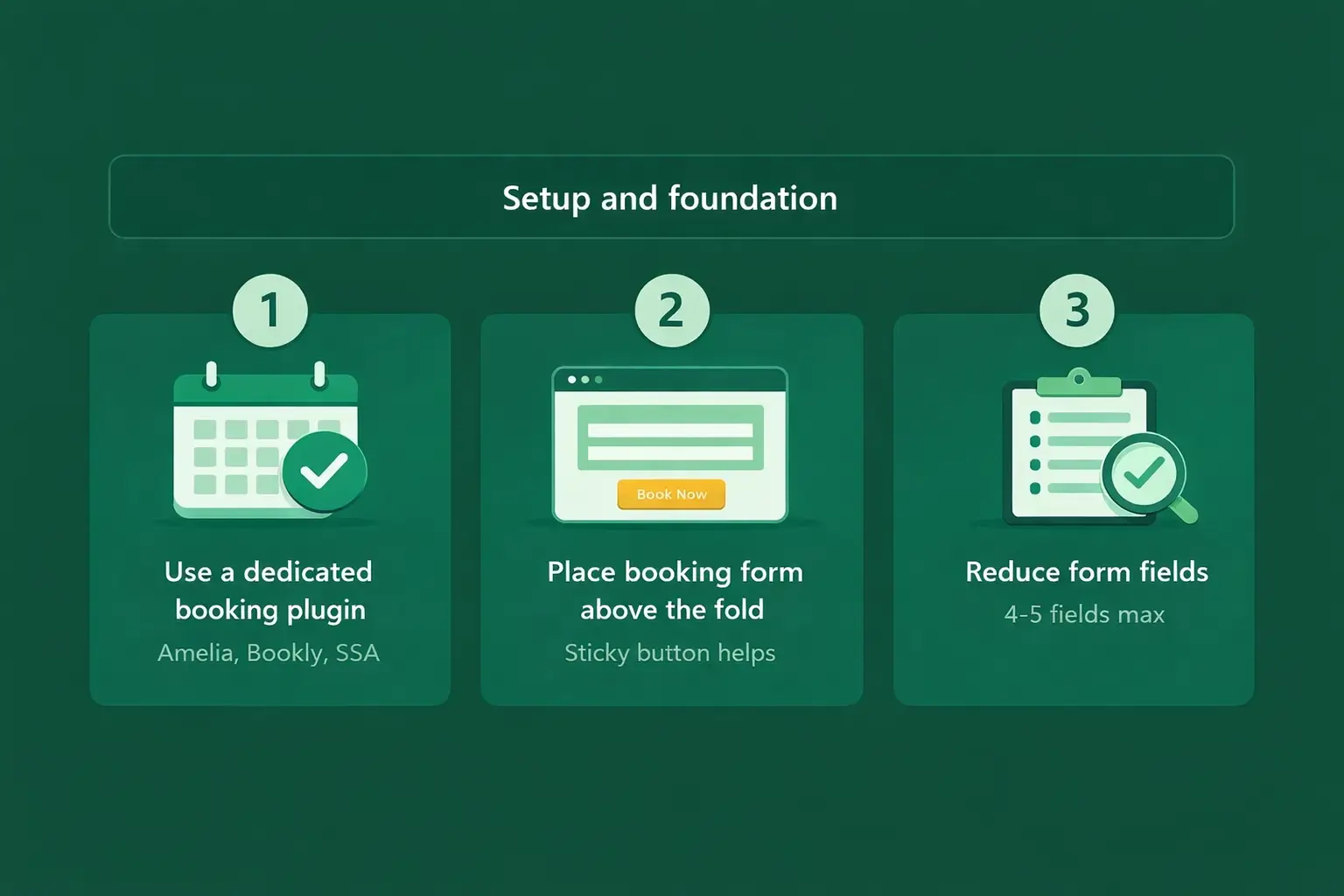
A dedicated WordPress booking plugin gives your visitors a real-time view of your availability. They can pick a date, choose a service, and confirm their appointment without any back-and-forth. Plugins like Amelia, Bookly, and Simply Schedule Appointments are popular choices that work well for most service businesses.
Look for a plugin that supports calendar sync (Google Calendar or Outlook), sends automatic confirmation emails, and accepts online payments. These features alone can significantly increase your booking rate.
2. Place Your Booking Form Where Visitors Can See It
If visitors have to scroll through three screens of text before they find your booking button, you will lose many of them along the way.
Place a clear “Book Now” button or an embedded booking calendar above the fold on your most important pages. Above the fold means the area visitors see without scrolling. Your homepage, service pages, and landing pages should all have a visible booking call to action within the first section.
You can also add a sticky booking button that follows visitors as they scroll. This keeps the option to book always one click away.
3. Reduce the Number of Form Fields
Every extra field you add to your booking form lowers your conversion rate. Research suggests that each additional field can reduce completions by roughly 4 to 7 percent.
Ask yourself: what is the minimum information you need to confirm a booking? For most service businesses, the answer is a name, email or phone number, preferred date, and the service they want. Everything else can be collected later through a follow-up form sent after the booking is confirmed.
Keep the booking form short, simple, and fast to complete.
User Experience
4. Make Your Booking Flow Mobile-Friendly
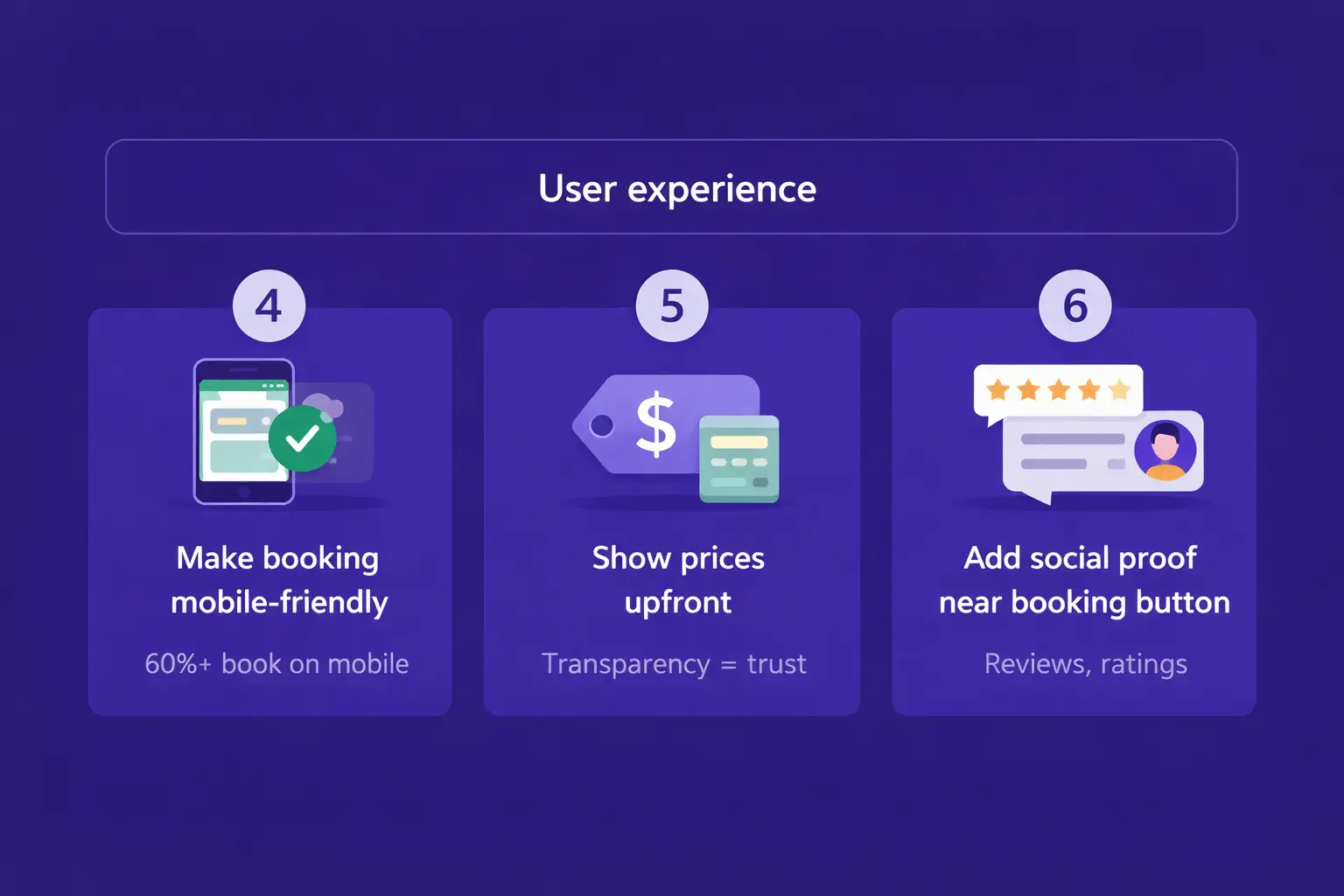
More than 60 percent of bookings now happen on mobile devices. If your booking form is hard to use on a phone, you are losing a large share of potential clients.
Test your booking page on at least two or three different phone sizes. Check that buttons are large enough to tap without zooming. Make sure date and time pickers work smoothly on touchscreens. Avoid multi-column layouts that force sideways scrolling on small screens.
A booking flow that works well on mobile is not optional. It is a requirement.
5. Show Prices Upfront
Hiding your prices creates uncertainty. Visitors wonder if they can afford your service, and many will leave rather than fill out a form just to find out what it costs.
Display your pricing clearly on your service pages and inside your booking form. If your pricing varies based on the service, show a price range or a “starting at” price. Transparency builds trust, and trust leads to more bookings.
The only exception is highly customized services that truly require a consultation to price accurately. Even then, providing a ballpark range helps visitors feel more comfortable taking the next step.
6. Add Social Proof Near Your Booking Button
People feel more confident booking when they see that others have had a good experience. This is called social proof, and it is one of the most powerful conversion tools you can use.
Place a few short testimonials, star ratings, or a Google review widget right next to your booking form. You do not need dozens of reviews. Even two or three genuine, specific testimonials can make a real difference.
If you have a Google Business Profile, display your overall rating with a link to your reviews. If clients have given you video testimonials, embed one near the booking area. The closer the social proof is to the booking button, the more impact it has.
Performance and Automation
7. Speed Up Your Website
A slow website kills bookings. Studies show that a one-second delay in page load time can reduce conversions by up to 7 percent. When your booking page takes five or six seconds to load, many visitors will close the tab before the form even appears.
Here are a few quick wins to improve speed. Use a caching plugin like WP Super Cache or W3 Total Cache. Compress your images with a tool like ShortPixel or Imagify. Choose a reliable hosting provider with good server response times. And remove any plugins you are not actively using.
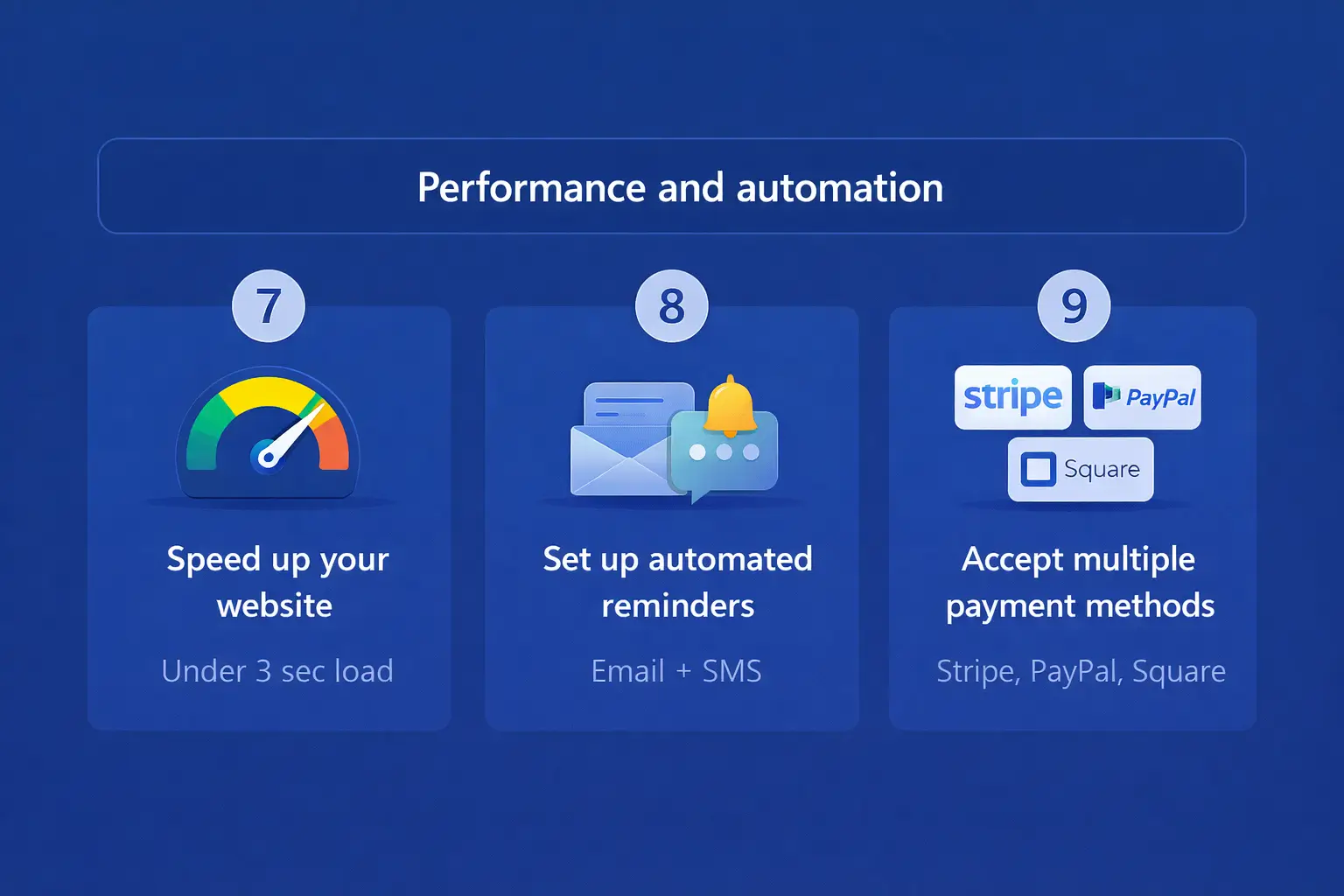
Test your page speed using Google PageSpeed Insights or GTmetrix. Aim for a load time under three seconds.
8. Set Up Automated Reminders
No-shows are one of the biggest problems for service businesses. When a client forgets their appointment, you lose both time and revenue. Automated reminders solve this.
Most booking plugins support email reminders out of the box. Some also support SMS reminders through integrations with services like Twilio. Set up at least two reminders: one sent 24 hours before the appointment and another sent one to two hours before.
Reminders do more than reduce no-shows. They also make your business look professional and well-organized, which encourages repeat bookings.
9. Accept Multiple Payment Methods
If you only accept payment by bank transfer or cash on arrival, you are adding unnecessary friction to your booking process.
Integrate payment gateways like Stripe, PayPal, or Square into your booking plugin. Let visitors pay at the time of booking. Offering multiple payment options means fewer people abandon the process because their preferred method is not available.
Requiring a small deposit or full prepayment at the time of booking also reduces no-shows. When people have already paid, they are far more likely to show up.
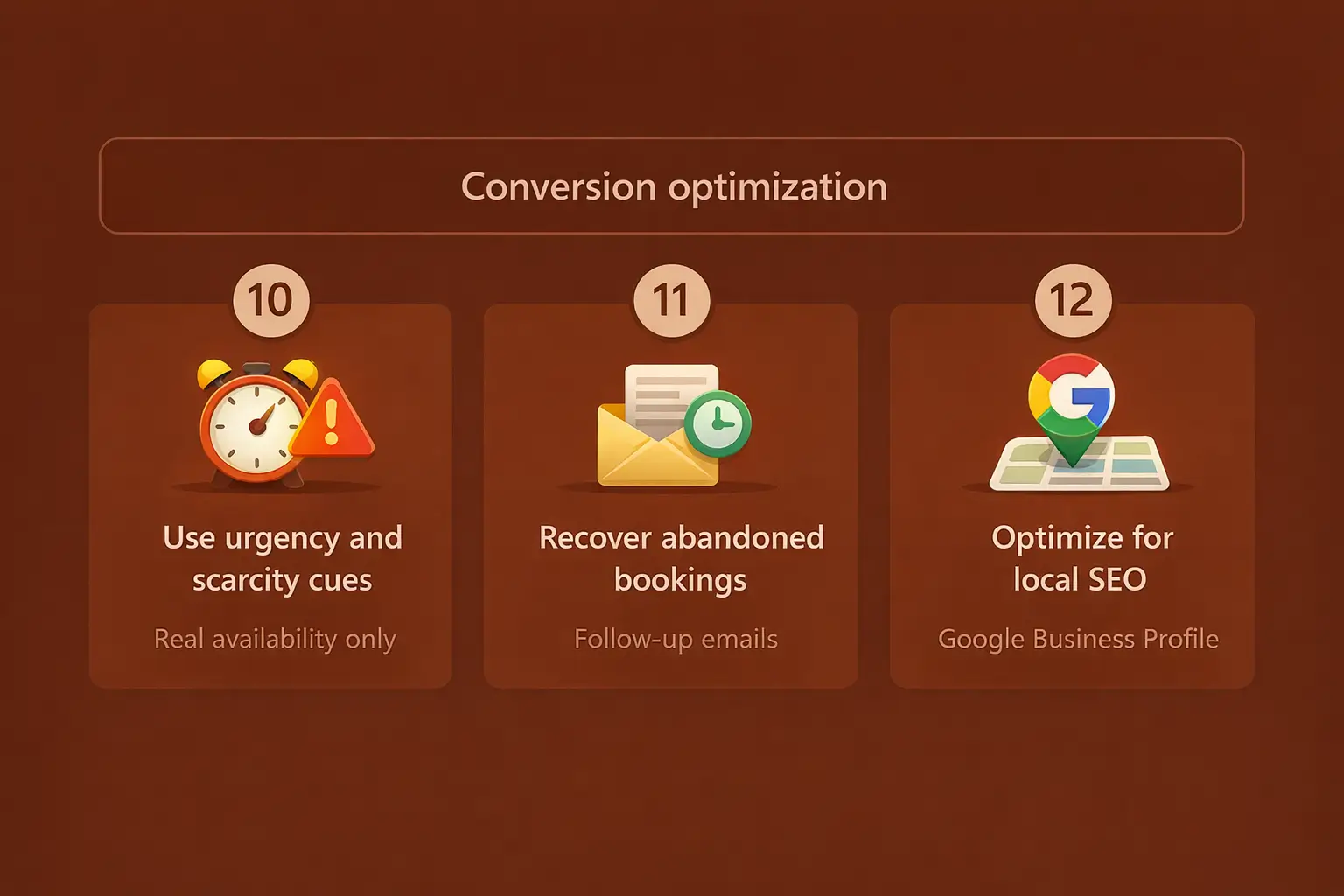
10. Use Urgency and Scarcity Cues
When visitors feel no pressure to act now, they often tell themselves they will come back later. Most of them never do.
You can create genuine urgency by showing limited availability. For example, display messages like “Only 3 slots left this week” or “Next available appointment: Thursday.” If you run promotions, add a countdown timer to create a deadline.
The key word here is genuine. Do not fake scarcity. If you show “last spot available” every single day, visitors will catch on and lose trust. Use real data from your calendar to show actual availability.
11. Recover Abandoned Bookings
Not everyone who starts the booking process will finish it. Some get distracted. Others need more time to decide. Abandoned booking recovery helps you bring them back.
Set up an automated follow-up email that goes out within an hour of someone leaving the booking process incomplete. A short, friendly message reminding them of their selected service and offering to answer any questions can recover a surprising number of lost bookings.
Some booking plugins and email marketing tools support this feature. If your plugin does not have it built in, you can achieve it through integrations with tools like Mailchimp, ActiveCampaign, or Zapier.
Growth and Measurement
12. Optimize for Local SEO
If you run a local service business, a large percentage of your bookings will come from people searching for services near them. Queries like “hair salon near me” or “dentist in [city name]” are some of the highest-intent searches on Google.
To capture this traffic, claim and optimize your Google Business Profile. Add your business name, address, phone number, hours, and service categories. Upload photos. Collect reviews from happy clients.
On your WordPress site, create location-specific service pages. Include your city and neighborhood in your page titles, headings, and meta descriptions. Add structured data (schema markup) for local businesses to help search engines understand your location and services.
👉 Good Read: How to Add Schema Markup in WordPress
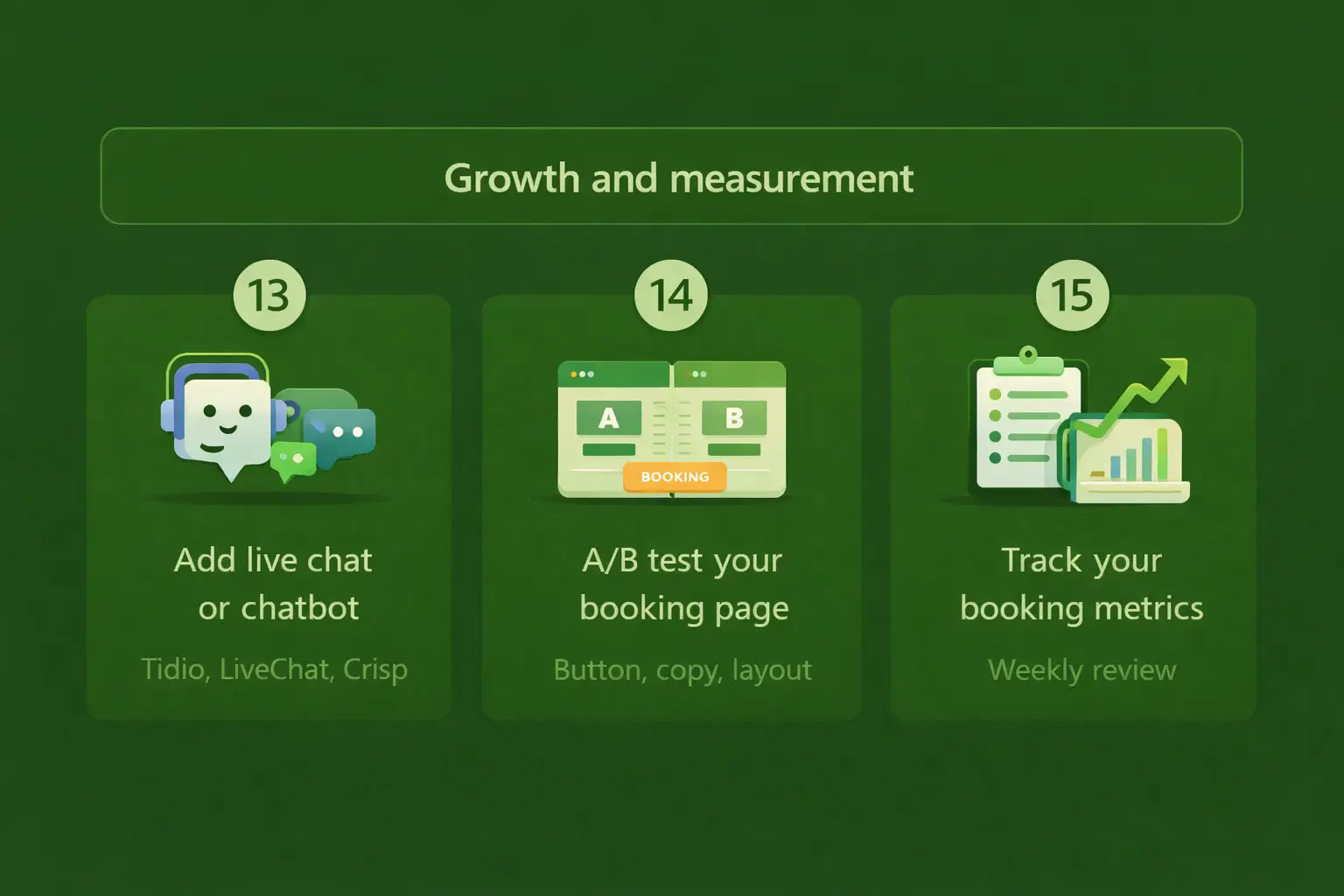
13. Add Live Chat or a Chatbot
Many visitors have a quick question before they are ready to book. How long does the service take? Can I reschedule if something comes up? Do you offer a specific treatment?
If they cannot find the answer fast, they leave. A live chat widget or an AI-powered chatbot gives visitors instant answers and can guide them directly to the booking form.
Tools like Tidio, LiveChat, and Crisp are easy to install on WordPress. Some can be configured to proactively greet visitors who have been on your service page for more than 30 seconds, which can nudge hesitant visitors toward booking.
👉 Good Read: Best WordPress Live Chat Plugins
14. A/B Test Your Booking Page
Small changes to your booking page can lead to big improvements in your conversion rate. But you will not know what works best unless you test it.
A/B testing means creating two versions of a page and sending half your traffic to each version. You then compare which version gets more bookings. You can test things like button color, button text (“Book Now” vs. “Reserve Your Spot”), the number of form fields, or the placement of testimonials.
Free tools like Google Optimize alternatives or plugins like Nelio A/B Testing make this possible on WordPress without writing code. Even one successful test per month can compound into a significant increase in bookings over time.
15. Track Your Booking Metrics
You cannot improve what you do not measure. Set up basic tracking so you know how your booking funnel is performing.
At a minimum, track these numbers: total website visitors, booking page views, completed bookings, and your conversion rate (completed bookings divided by booking page views). If your booking plugin has a built-in analytics dashboard, use it. Otherwise, set up goal tracking in Google Analytics.
Look at your numbers weekly. If your conversion rate drops, investigate. Did you add a new form field? Did your page speed slow down? Did a review get removed? Data tells you where to focus your efforts.
Bonus: Quick Checklist to Audit Your Booking Website
Use this checklist to quickly review your service booking website and spot areas for improvement:
- Is your booking plugin up to date and working correctly?
- Can visitors find your booking button within 5 seconds of landing on your page?
- Does your booking form ask for only essential information?
- Have you tested the booking process on mobile?
- Are your prices visible on service pages?
- Do you display at least 2 to 3 testimonials near the booking form?
- Does your booking page load in under 3 seconds?
- Are automated confirmation and reminder emails active?
- Do you accept at least 2 payment methods?
- Is your Google Business Profile claimed and optimized?
- Do you have a way to recover abandoned bookings?
- Are you tracking your booking conversion rate?
Frequently Asked Questions
There is no single best plugin for every business. Amelia is great for salons, clinics, and consulting businesses. Bookly works well for businesses with multiple staff members. Simply Schedule Appointments is ideal if you want a fast, simple setup. WooCommerce Bookings is a good choice if you already run a WooCommerce store. Choose based on your specific needs, not popularity alone.
Set up automated email and SMS reminders at least 24 hours and 1 to 2 hours before each appointment. Require a small deposit or full prepayment at the time of booking. Add a clear cancellation policy to your booking confirmation page and emails. These three steps together can cut no-shows dramatically.
Yes, in almost all cases. Hiding prices creates uncertainty and friction, which leads to lower conversion rates. If your pricing varies, show a starting price or a range. Only hide prices if your service requires a custom consultation to quote accurately.
Keep it to the essentials: name, contact information, preferred date and time, and service selection. That is usually 4 to 5 fields. Collect any additional details through a follow-up form after the booking is confirmed.
Absolutely. A page that takes more than 3 seconds to load will lose a significant portion of visitors before they even see your booking form. Faster pages lead to better user experience, higher engagement, and more completed bookings.
Yes. Optimizing your booking page for conversions, improving your local SEO, collecting and displaying reviews, and setting up abandoned booking recovery can all increase bookings without spending money on advertising. Paid ads can help drive more traffic, but fixing your conversion funnel should come first.
Final Words
Getting more bookings from your WordPress website is not about one big change. It is about making many small improvements that work together. Fix your booking flow, build trust, remove friction, and stay consistent with tracking your results.
Start with the tips that are easiest to apply. Update your booking form. Add a few testimonials. Turn on automated reminders. Then work through the rest of the list over the coming weeks.
Every improvement brings you closer to a service booking website that works harder for your business, even while you sleep.



