


On This Page
Displaying client, partner, or sponsor logos on your website is one of the fastest ways to build credibility. A visitor who sees recognizable brand logos on your site is more likely to trust your business. But dropping a bunch of logo images onto a page without structure looks messy and unprofessional.
That is where logo slider plugins come in. They let you present logos in a clean, animated carousel or grid layout that looks polished on every screen size. And the good news is that you do not need to spend a single dollar to get started.
In this post, we have reviewed six of the best free logo slider plugins for WordPress. Each one has been tested, and we pulled insights from official plugin pages, WordPress.org reviews, and community feedback to give you a clear picture of what works and what does not.
Why Add a Logo Slider to Your WordPress Site?
Before jumping into the plugin list, it helps to understand why logo sliders are worth adding to your site in the first place.
Trust and social proof are the biggest reasons. When potential customers see logos of well-known brands you have worked with, it creates instant credibility. A study by Nielsen found that 92% of consumers trust recommendations from people they know, and brand association works on a similar principle.
Logo sliders also save space. Instead of dedicating an entire section of your homepage to a static grid of 20 logos, a carousel scrolls through them smoothly, keeping the page clean while still showing every brand. They are also fully responsive, so they look just as good on mobile as on desktop.
If you are still in the process of building your website, our guide on how to create a business website with WordPress covers the foundation you need before adding features like logo sliders.
What to Look for in a Free Logo Slider Plugin
Not all logo slider plugins are created equal. Here are the key things to evaluate:
- Layout options: Does it support both slider/carousel and grid views?
- Responsiveness: Does it adapt properly to mobile, tablet, and desktop?
- Customization: Can you control speed, columns, navigation arrows, and spacing?
- Shortcode or block support: Can you place it anywhere using shortcodes or Gutenberg blocks?
- Performance: Is the plugin lightweight enough to avoid slowing down your site?
- Ease of use: Can a non-technical user set it up in under 10 minutes?
Speaking of site speed, our post on how to speed up your WordPress website covers optimization tips that pair well with any plugin you install.
1. Logo Slider and Showcase (by RadiusTheme)
Grid, carousel, and isotope filtering in one plugin
| Rating: 4.6/5 | Active Installs: 4,000+ | Price: Free |
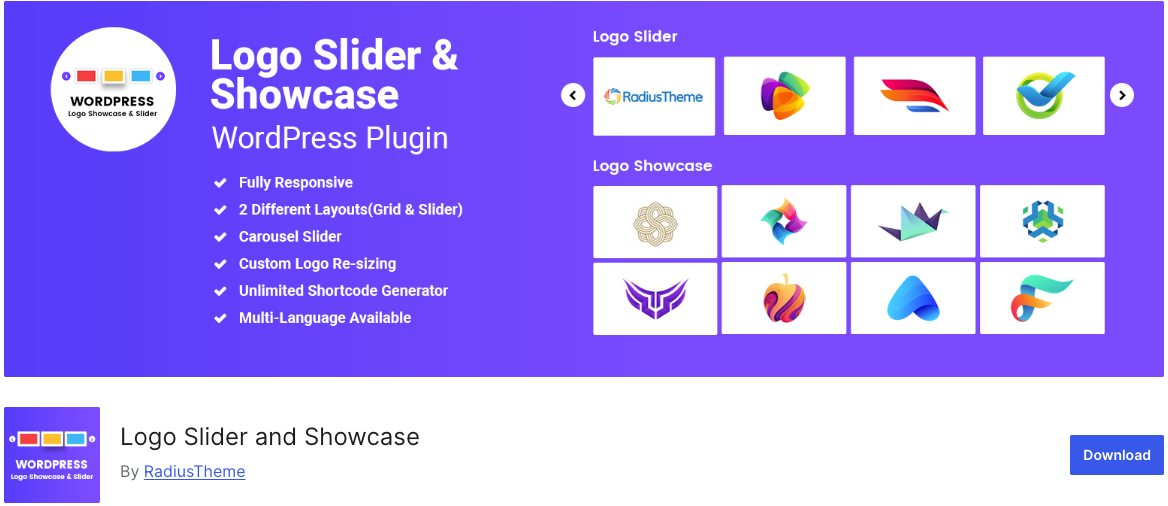
Logo Slider and Showcase by RadiusTheme is a versatile plugin that offers two layout types in its free version: grid and carousel. It supports custom logo resizing, unlimited shortcode generation, custom URLs for each logo, RTL languages, and widget placement. The plugin is also multi-language ready.
Standout Free Features
- Grid and carousel slider layouts
- Custom logo resizing for consistent display
- Unlimited shortcode generator for placing logos anywhere
- Custom URL links for each logo
- RTL and multi-language support
- Widget ready for sidebar placement
- Field selection to control what displays
Pro Upgrade Highlights
The Pro version adds isotope filtering by category (great for organizing logos by type), drag and drop ordering, center mode, tooltip options, and a visual layout builder. It is available on CodeCanyon.
Who Should Use It
A good fit for users who want a clean grid or carousel without unnecessary bloat. The shortcode generator makes placement flexible, and RTL support is a plus for Arabic and Hebrew websites.
2. GS Logo Slider (by GS Plugins)
Lightweight logo carousel with 10+ display themes
| Rating: 4.8/5 | Active Installs: 30,000+ | Price: Free |
GS Logo Slider is one of the more popular free logo plugins with over 30,000 active installations. It creates a dedicated logo post type and provides a shortcode generator for easy embedding. The plugin is known for its lightweight code and responsive design that adapts well across devices.
Standout Free Features
- Dedicated logo post type for clean organization
- Shortcode generator with multiple display options
- Responsive design that works on all screen sizes
- Lightweight and fast loading
- Regular updates and compatibility with latest WordPress
- Comprehensive documentation for setup help
Who Should Use It
Best for users who want a popular, well-maintained plugin with strong community support. The dedicated logo post type keeps things organized, and the lightweight nature means it will not slow down your site. A solid default choice if you are unsure which plugin to start with.
3. WP Logo Showcase Responsive Slider and Carousel
Page builder friendly with Gutenberg, Elementor, Divi, and more
| Rating: 4.3/5 | Active Installs: 20,000+ | Price: Free |
This plugin by Essential Plugin stands out for its broad page builder compatibility. It works with Gutenberg, Elementor, Beaver Builder, Divi, SiteOrigin, and Avada Fusion Builder out of the box. You can display logos in a slider or grid layout and control settings like autoplay, navigation, and logos per slide.
Standout Free Features
- Works with 6+ major page builders (Gutenberg, Elementor, Divi, Beaver, SiteOrigin, Avada)
- Logo slider and carousel display modes
- Autoplay, navigation, and per-slide logo count controls
- Logo descriptions and custom appearance settings
- Shortcode and block support for flexible placement
Who Should Use It
If you are using Elementor, Divi, or another page builder and want a logo slider that works without compatibility headaches, this plugin is a reliable choice. It is also a good fit for agencies managing multiple client sites built on different page builders. For Elementor users, our roundup of the best Elementor addons covers more tools worth exploring.
4. Logo Slider by LogicHunt
Highly customizable with strong admin controls
| Rating: 4.9/5 | Active Installs: 10,000+ | Price: Free |
Logo Slider by LogicHunt markets itself as a lightning-fast option with deep admin controls. You can manage almost everything from the settings panel without touching any code. The plugin supports unlimited logos with infinite loop sliding, and it includes both horizontal and vertical layout options.
Standout Free Features
- Unlimited logos with infinite loop carousel
- Horizontal and vertical slider layouts
- Strong admin settings panel with no coding required
- Lazy loading for better performance
- Mouse drag and touch swipe navigation
- Pagination dots with active color customization
- Shortcode based placement
Who Should Use It
Great for users who want granular control over slider behavior without writing code. The lazy loading feature is a nice touch for performance-conscious site owners. The vertical layout option also makes it unique compared to most competitors that only offer horizontal sliding.
5. Logo Carousel by ShapedPlugin
Beautiful carousel with detailed styling options
| Rating: 4.8/5 | Active Installs: 40,000+ | Price: Free |
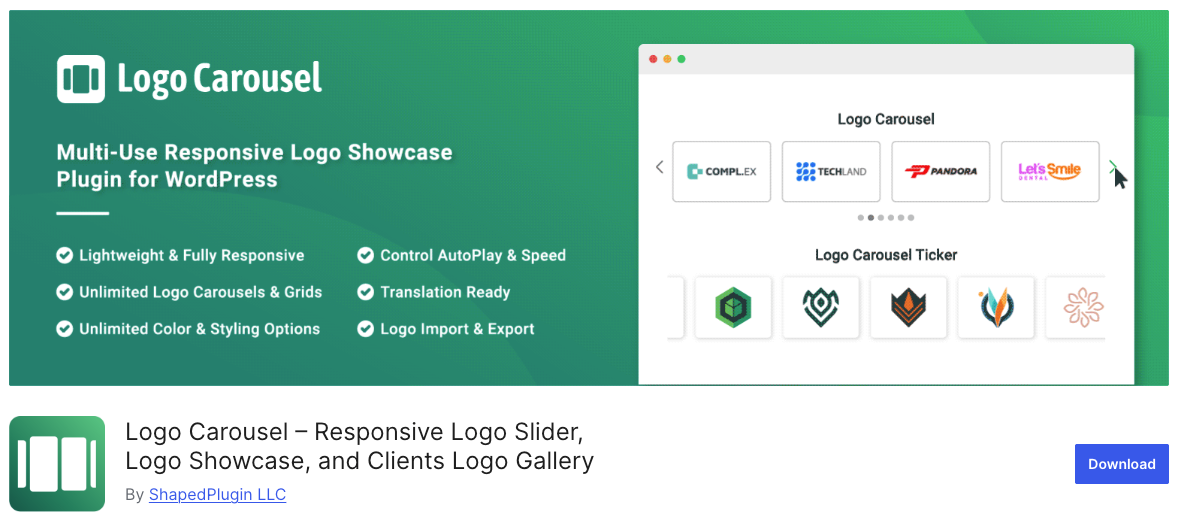
Logo Carousel by ShapedPlugin is the most popular plugin on this list with over 40,000 active installations. It provides an intuitive shortcode generator and gives you deep control over visual details like border width, border style, border color, navigation colors, pagination dots, and spacing between logos.
Standout Free Features
- Multiple carousels on the same page with unique settings each
- Logo border customization (width, style, color, hover color)
- Navigation arrow and pagination dot color controls
- AutoPlay with speed control and stop-on-hover
- Responsive column control for desktop, tablet, and mobile
- Logo ordering and order-by options
- Touch and swipe support for mobile devices
- Preloader option for smooth initial load
Who Should Use It
Ideal for users who care about fine-tuning visual details. The border and color controls let you match the carousel perfectly to your website’s design. With 40,000+ active users and regular updates, it is one of the most battle-tested options available. If you are working on your website’s overall image optimization alongside this, check out our guide on how to optimize images for WordPress.
6. Logo Showcase with Slick Slider (by InfornWeb)
Simple setup with slider, carousel, and grid options
| Rating: 4.5/5 | Active Installs: 10,000+ | Price: Free |
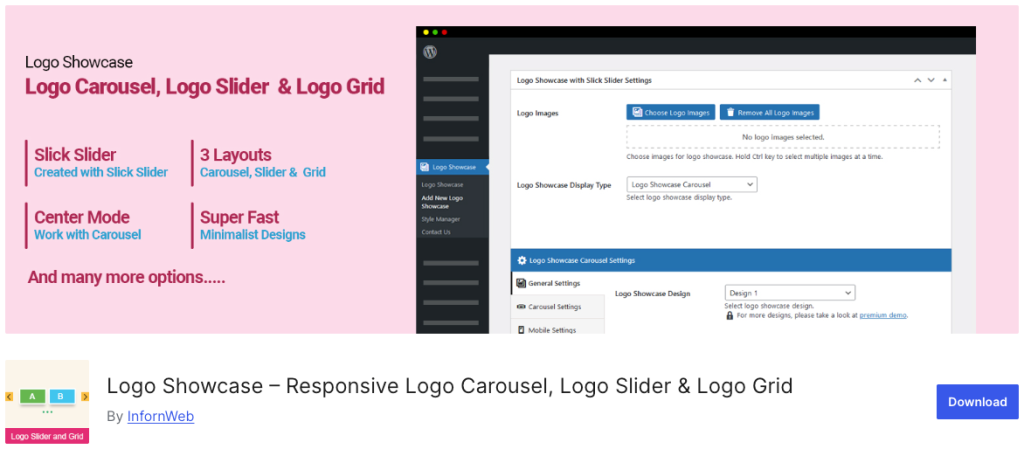
Logo Showcase with Slick Slider uses the popular Slick slider library under the hood, which gives it smooth animations and reliable touch support. The plugin offers three display types: slider, carousel, and grid. It includes a drag-and-drop logo ordering feature, which makes organizing your logos quick and intuitive.
Standout Free Features
- Built on the Slick slider library for smooth animations
- Three display modes: slider, carousel, and grid
- Drag and drop logo ordering
- Logo title, caption, and custom link support
- Infinite loop and RTL support
- Shortcode generator for easy placement
- Center mode for highlighting the active logo
Who Should Use It
A good pick for users who want a straightforward plugin backed by a proven slider library. The drag-and-drop ordering is a small but appreciated feature that saves time. The center mode option also adds a nice visual effect that not all competitors offer in their free versions.
Quick Comparison Table – Logo slider plugin
Here is a side-by-side view to help you compare all six plugins at a glance:
| Plugin | Rating | Installs | Slider | Grid | Best For |
| Logo Slider &Showcase | 4.6/5 | 4,000+ | Yes | Yes | RTL + widgetready |
| GS LogoSlider | 4.8/5 | 30,000+ | Yes | No* | Lightweight +popular |
| WP LogoShowcase | 4.3/5 | 20,000+ | Yes | Yes | Page buildercompatible |
| Logo Slider(LogicHunt) | 4.9/5 | 10,000+ | Yes | Yes | Deep admincontrols |
| Logo Carousel(ShapedPlugin) | 4.8/5 | 40,000+ | Yes | No* | Visual stylingoptions |
| Slick LogoShowcase | 4.5/5 | 10,000+ | Yes | Yes | Drag & drop +center mode |
* Grid layout available in Pro version for these plugins.
How to Choose the Right Plugin for Your Site
Here is a simple decision framework:
- Want the most popular and tested option? Go with Logo Carousel by ShapedPlugin (40,000+ users).
- Need page builder compatibility across Elementor, Divi, and more? Pick WP Logo Showcase Responsive Slider.
- Looking for deep customization without code? Logo Slider by LogicHunt gives you the most admin control.
- Need RTL support and widget placement? Logo Slider and Showcase by RadiusTheme covers both.
- Prefer a lightweight, well-maintained plugin? GS Logo Slider keeps things simple and fast.
- Want smooth Slick-based animations with drag and drop ordering? Logo Showcase with Slick Slider does the job.
A practical tip: install your top two choices on a staging or test site. Upload 5 to 10 logos, try both the slider and grid views, and check how they look on your phone. The plugin that feels right in 10 minutes of testing is usually the right pick.
Frequently Asked Questions
A logo slider plugin lets you display a rotating carousel or grid of logo images on your WordPress site. It is commonly used to showcase client logos, partner brands, sponsor logos, or certification badges in a professional, space-saving format.
Yes. All six plugins on this list offer fully functional free versions that you can download directly from WordPress.org. Some offer Pro upgrades with extra layouts and features, but the free versions cover the basics well.
Most modern logo slider plugins are lightweight and should not cause noticeable performance issues. Plugins like GS Logo Slider and Logo Slider by LogicHunt (with lazy loading) are particularly performance-friendly. To be safe, always test your site speed after installing any new plugin.
Yes. All six plugins support multiple instances on the same page through shortcodes. Logo Carousel by ShapedPlugin specifically highlights this as a feature, with each instance having its own unique settings.
Most of them work through shortcodes, which can be placed inside any page builder. WP Logo Showcase Responsive Slider has the broadest native page builder support, working with Gutenberg, Elementor, Divi, Beaver Builder, SiteOrigin, and Avada out of the box. For more Elementor tools, see our list of best Elementor addons.
Logo Carousel by ShapedPlugin or Logo Showcase with Slick Slider are both great for event sponsor displays. The center mode in Slick Slider is especially nice for highlighting a featured sponsor.
Yes. All six plugins support custom URLs for individual logos, so clicking a logo can take visitors to the partner’s website or a specific landing page.
Wrapping Up
A logo slider is a small addition that makes a noticeable difference in how professional your website looks. Whether you are displaying 5 client logos or 50 partner brands, the right plugin keeps them organized, animated, and responsive across all devices.
All six plugins in this list are free, actively maintained, and capable enough for most use cases. Start with the one that matches your priorities, whether that is design control, page builder support, or lightweight performance, and upgrade to a Pro version only if you genuinely need the extra features.
While you are improving your site, you might also want to explore our guides on best WordPress slider plugins, best testimonial slider plugins, and how to add custom CSS to WordPress for further customization.
Tried any of these plugins? Share your experience in the comments below.



