

On This Page
Most Shopify stores pay a lot to get visitors. Then each shopper buys just one item and leaves. That is money left on the table.
Bundles fix this. They help each shopper buy more in a single order. Studies from McKinsey and others show product bundles can raise average order value (AOV) by 20% to 30%. Bundle buyers also tend to come back more often and spend more over time.
The catch is that many bundle apps are hard to use. Some need code. Some look messy on your store. Some hide the useful data behind a high price.
Radius Bundles is built to fix all of that. It is a new Shopify app that lets you build four kinds of bundle offers in minutes. No code. No discount codes. Just more value in every cart.
What is Radius Bundles?
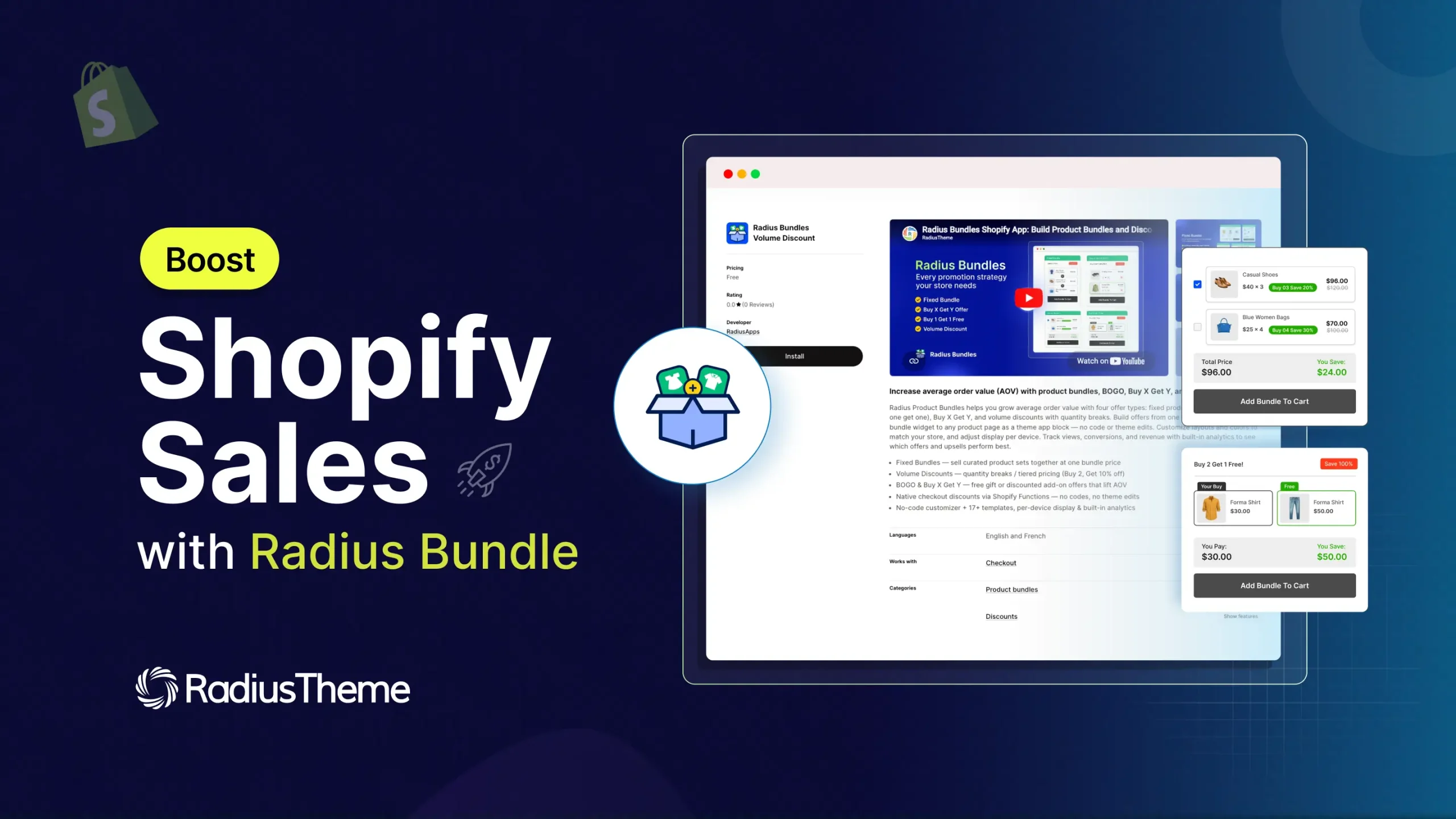
Radius Bundles is a free Shopify app that lets you sell products together at a deal. It adds a clean bundle widget to your product pages. A shopper sees the offer, clicks one button, and the whole bundle drops into their cart. The discount then applies on its own at checkout.
Here is what makes it stand out:
- Four bundle types in one app.
- Works on every Shopify plan.
- A free plan to start with.
- Discounts apply with no code.
- A visual style editor with a live preview.
- Deep analytics that tell you what to fix.
👉 You can install it from the Shopify App Store.
How bundles boost your sales
Bundles work because they make buying easy and feel like a better deal. Here is what the data shows.
- Product bundles can lift AOV by 20% to 30% on average.
- Bundles are on track to make up close to a third of online orders.
- Bundle buyers can show up to 2.7 times higher lifetime value than single-item buyers.
The reasons are simple. A bundle raises the value a shopper sees for the price. It also cuts down on choices, so people decide faster. And it helps slow products sell next to your best sellers.
The 4 bundle types in Radius Bundles
Each bundle type fits a different goal. Here is a quick view, then a closer look at each one.
| Bundle Type | Best For | How It Lifts AOV |
| Fixed Bundle | Kits, gift sets, outfits | Sells 2 to 3 items as one offer |
| Volume Discount | Bulk buys, refills, B2B | Rewards shoppers for buying more units |
| Buy X Get Y | Cross-sells and add-ons | Pairs a main product with an extra item |
| BOGO | Buy one get one deals | Doubles the units in a cart |
1. Fixed Bundle
A Fixed Bundle groups a set of products into one offer at one price. Every shopper gets the same set. There is no picking and choosing.
This is great for gift sets, starter kits, and outfit bundles. For example, sell a candle, a diffuser, and a room spray as a “Home Sanctuary Kit.” Or pair a laptop with a case and a mouse.
A shopper who came for one item now buys three. That is a direct lift to your order value.
2. Volume Discount
A Volume Discount gives a bigger deal as a shopper buys more of one product. The more they add, the more they save.
Set tiers like this:
- Buy 2 to 4: save 10%
- Buy 5 to 9: save 20%
- Buy 10 or more: save 30%
This works well for refills and daily-use items like coffee, supplements, or cleaning supplies. It also fits bulk and B2B orders. Shoppers see every tier up front, so they often size up to hit the next deal.
3. Buy X Get Y
Buy X Get Y rewards shoppers who buy one product with a deal on another. You set both the buy amount and the get amount. That gives you full control.
A few ways to use it:
- Buy 2, get 1 free
- Buy a camera, get a memory card 30% off
- Buy 3 skincare items, get a travel bag 50% off
This is a strong cross-sell tool. It pairs a main product with an add-on, so carts grow without feeling pushy.
4. BOGO (Buy One Get One)
BOGO gives a shopper a second item free or at a discount when they buy the first. It can be the same product or a different one.
Use it to run a classic “buy one, get one free” deal. Or use it to move slow stock by offering it as the free item with a popular product. BOGO doubles the units in a cart, so it is a fast way to grow order size.
Discount options for each bundle
Inside these bundle types, you can pick how the discount looks:
- Percentage: Take a percent off the total. Good for clear “Save 15%” messages.
- Fixed amount: Take a set dollar amount off. Good for “$10 off the set” copy.
- Custom price: Set one final price for the whole bundle, like $49.99. (Pro)
- No discount: Group products together with no price cut. Good for testing.
What makes Radius Bundles different
Many apps can make a bundle. These four things set Radius Bundles apart.
Turn any bundle into a real Shopify product. Flip the “Bundle as Product” toggle, and the app creates a real product for your bundle. Now it shows up in your collections, your store search, and other sales channels, not just one product page. When a shopper buys it, the app adds all the parts to the cart for them.
A real style editor, no code needed. The Style Customizer matches the widget to your brand with a live preview on desktop, tablet, and mobile.
You get 8 presets, color pickers, and control over corners, shadows, spacing, and layout. You can style each bundle type on its own, so your BOGO deals can look different from your kits. Pro adds per-device settings and a custom CSS box.
Analytics that tell you what to do next. Other apps show numbers. This one adds meaning. Each bundle earns a badge like High Converter, Revenue Star, or Trending, plus a health label and a clear next step. Pro adds a funnel that shows where shoppers drop off, from view to cart to purchase. Your data becomes a simple to-do list.
Discounts with no code, free on any plan. The discount applies on its own at checkout, so there are fewer steps and fewer lost sales. Radius Bundles works on every Shopify plan and has a free tier. Run up to 3 active bundles for free and test the idea on your real store first.
Features You’ll Get on Radius Bundle Shopify App
| Feature |
| Active bundles |
| Fixed, BOGO, Buy X Get Y |
| Volume Discount |
| Custom price and quantity breaks |
| Products per bundle |
| Analytics KPIs and badges |
| Custom date range |
| Per-device styling and custom CSS |
| Duplicate a bundle |
| Discount stacking |
How to create your first bundle (step by step)
You can build your first bundle in a few minutes.
- Install the app. Add Radius Bundles from the Shopify App Store.
- Add the widget block. In your theme editor, add the Radius app block to your product page. This is the step people forget. The widget only shows where you place this block.
- Create the bundle. Go to Bundles, click Create bundle, and pick a type.
- Add products and a discount. Choose your products, set quantities, then pick a discount.
- Style and preview. Pick a layout and a preset. Check it on desktop and mobile.
- Review and publish. Check the summary, then click Publish to go live. Or save it as a draft.
That is it. Your bundle is now live on the product page.
Common mistakes to avoid
A few small slips can stop a bundle from working. Watch for these.
- Forgetting the widget block. Making the bundle is not enough. You must add the app block in the theme editor.
- Setting a quantity to zero. Every product needs at least one.
- Leaving gaps in volume tiers. If one tier ends at 4 and the next starts at 6, a shopper who buys 5 gets nothing.
- Wrong buy or get roles. In BOGO and Buy X Get Y, each product needs the right role or the discount will not apply.
- Expecting a discount in draft orders. The discount runs at checkout, not in the admin cart.
Get started with Radius Bundles
Radius Bundles gives you four ways to grow your order value, all in one app. You get a real style editor, smart analytics, and discounts that just work. And you can start free on any Shopify plan.
Pick one bundle idea and try it this week. A simple kit or a “buy one, get one” deal is a great first test. Watch the analytics, follow the next-step tips, and build from there.




