

On This Page
Ever notice how online shopping always follows the same process?
You spot something you like. You hunt for your color. Then comes the size debate.
The default product variation system in WooCommerce is very flunky. Shoppers withdraw when they see buried dropdowns, invisible options, and too many clicks. And they rarely come back.
That’s where variation swatches plugins come in. The right plugin transforms your product pages from simple to genuinely compelling. Studies show visual swatches can increase add-to-cart rates by 10–25%.
To guide you in the right path, we’ve listed the best variation swatches for WooCommerce.
What Are WooCommerce Variation Swatches?
WooCommerce variation swatches are visual selectors that replace the default dropdown menus for product attributes like color, size, or material. Instead of forcing customers to read through a dropdown list, swatches display:
- Color swatches — clickable color circles or squares (hex-based)
- Image swatches — product thumbnails per variation
- Button/label swatches — styled text buttons (e.g., S, M, L, XL)
- Radio button swatches — single-select visual radio options
WooCommerce includes text-based variations out of the box. But they’re buried inside dropdowns and barely visible at first glance.
A dedicated plugin brings them to the surface visually and interactively. This process genuinely improves the shopping experience.
Why Your Store Needs a Variation Swatches Plugin
Before diving into the list, here’s why this upgrade matters for your bottom line:
Better product visualization. Customers can immediately see available colors, patterns, and sizes without any interaction.
Faster decisions. Visual cues reduce thinking load. Shoppers choose faster when they can see, not just read.
Higher conversion rates. Less friction at the product selection stage means fewer abandoned carts.
Reduced bounce rates. When shoppers find variations, they stay longer and buy more often.
Archive page selling. Advanced plugins let you show swatches directly on your shop or category pages. So customers can select a variation before even opening a product page.
What to Look for in a WooCommerce Variation Swatches Plugin
Use this criteria checklist before committing to any plugin:
- Supports color, image, button, and radio swatch types.
- Displays swatches on single product pages AND archive/shop/category pages.
- Handles out-of-stock variations (cross-out, blur, or hide).
- Tooltip support (text and/or image).
- Swatch shape and size customization.
- Compatible with your theme and page builder.
- Actively maintained with regular updates for current WooCommerce versions.
- Reasonable support quality.
10+ Best Variation Swatches for WooCommerce
The standard for online shopping has shifted. Consumers no longer want to click through clunky dropdown menus to see if a product is available in “Navy Blue” or “XL.” They expect immediate visual feedback.
According to recent UX studies, visual swatches can increase conversion rates by reducing “decision fatigue.” Here, we listed the top-performing WooCommerce variation swatches plugins, evaluated for speed, mobile responsiveness, and SEO compatibility.
1. Variation Swatches for WooCommerce by RadiusTheme
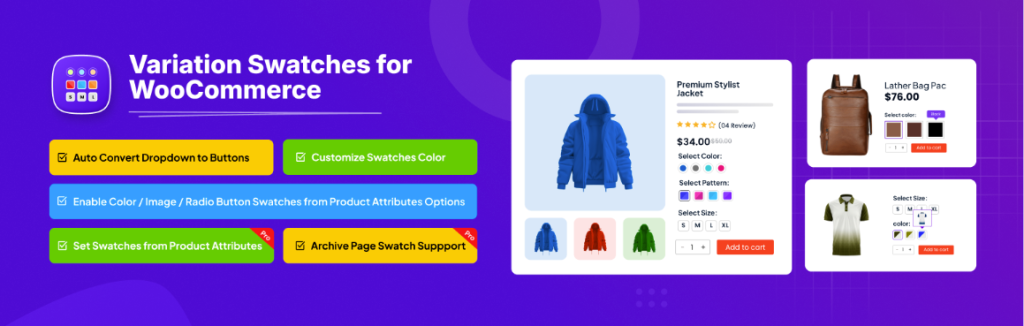
This plugin is best for stores wanting deep tooltip and archive page customization.
WordPress.org Rating: 4.7/5 (50+ reviews) | Active Installs: 10,000+
Variation Swatches for WooCommerce plugin is a well-established option trusted by over 10,000 stores worldwide. It offers solid free features and a Pro version with extensive control over archive page display and tooltip customization. The plugin author provides responsive support and consistent monthly updates.
Key Features (Free):
- Auto convert all variations dropdown to button swatches.
- Color, image, label, and radio swatch types.
- Round and square swatch shapes.
- Font size and color control.
- Cross signs for out-of-stock variations (instead of hiding).
- Full opacity control.
- Tooltip for product and category pages.
- Worked at quick view popup.
Key Features (Pro):
- Swatches on archive/shop pages with per-product attribute selection control.
- Dual-color swatches for two-color variations.
- Image and text tooltips with full customization (size, padding, arrow, border).
- “Show more” link for stores with many attributes.
- Quick View swatches for higher conversion rates.
- Variation links from archive pages.
- Tooltip text customization per product attribute.
- Cross, blur, or hide out-of-stock variations.
Who It’s For: Stores that need granular tooltip and archive page control, or those who want a plugin with long-term active development and good support.
Pricing: Free | Pro starts at ~$39/year
2. Variation Swatches for WooCommerce by Emran Ahmed

Best free option with the largest active install base.
WordPress.org Rating: 4.8/5 (900+ reviews) | Active Installs: 300,000+
This is the most widely installed WooCommerce variation swatches plugin in the WordPress repository. Built by Emran Ahmed, it auto-converts all dropdowns to button swatches the moment it’s installed. Also, it requires just a two-step setup for color and image swatches. The free version is genuinely powerful, making it the go-to starting point for most store owners.
Key Features (Free):
- Auto-converts all variation dropdowns to button swatches on install.
- Color, image, and label/text/button swatch types.
- Global attribute conversion. No need to configure each product individually
- Round and squared swatch shapes.
- Cross, blur, or hide out-of-stock variations (up to 30 variations).
- Selected variation name displayed beside attribute label.
- Tooltip support with flexible display settings.
- Swatch size control on product pages.
- Reorder product attribute swatches.
- Quick View popup compatibility.
- Option to disable default plugin stylesheet for custom CSS.
- Compatible with Elementor, Dokan Multivendor, Printful, OceanWP, Flatsome, Divi, and more.
Key Features (Pro):
- Swatches on archive, shop, and category pages.
- Dual-color swatches for two-color product variations.
- Image and text tooltips on archive pages.
- Show only selected attributes on the shop page.
- Direct variation links for sharing or social media.
- Remaining stock quantity display to create purchase urgency.
3. YITH Color and Label Variations for WooCommerce
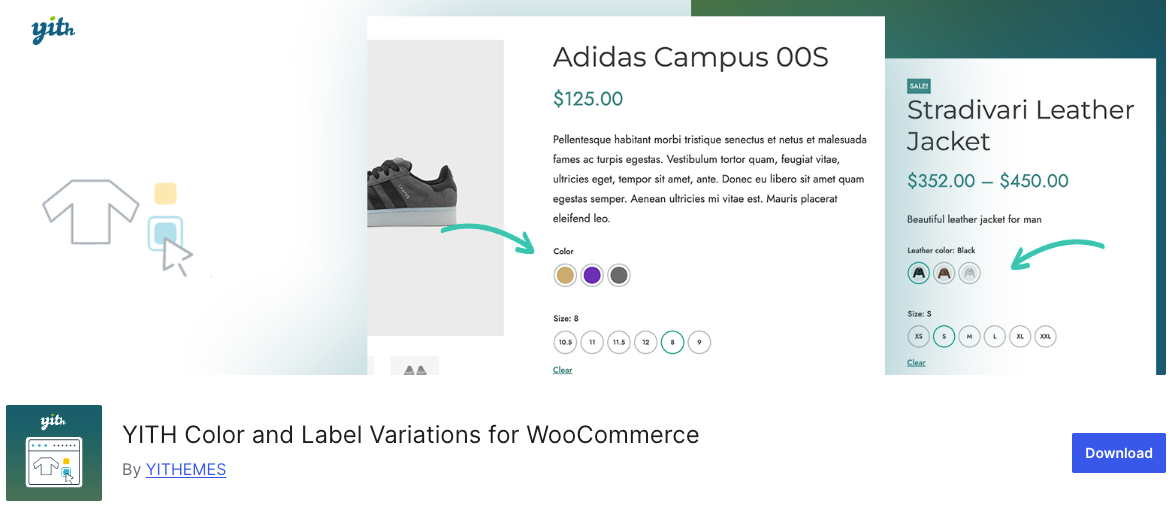
Best for stores already using the YITH plugin ecosystem
WordPress.org Rating: 3.6/5 | Active Installs: 10,000+
YITH is one of the most established names in the WooCommerce plugin space. Their Color and Label Variations plugin brings their signature reliability to variation swatches. The free version covers the basics cleanly. While the premium version adds the deeper display and customization options that serious stores need.
Key Features (Free):
- Color, image, and label swatch types.
- Customizable swatch size and border radius on product pages.
- Custom border color per attribute option.
- Unlimited attributes per product.
Key Features (Pro):
- Swatches on shop, category, and archive pages.
- Bicolor swatches for two-color product variations.
- Text and image tooltips per attribute.
- Product image swap on attribute hover.
- Separate image gallery per product variation.
- Override global swatch styles per individual product.
- Show/hide attribute description on product page.
- Display variations as separate products on the shop page.
- Custom “Add to Cart” button text per selected variation.
Who It’s For: Store owners already running YITH plugins who want everything in one trusted ecosystem. Also a solid choice for stores that need variation-level image galleries without a separate plugin.
Pricing: Free | Premium available with 30-day money-back guarantee.
4. WCBoost – Variation Swatches
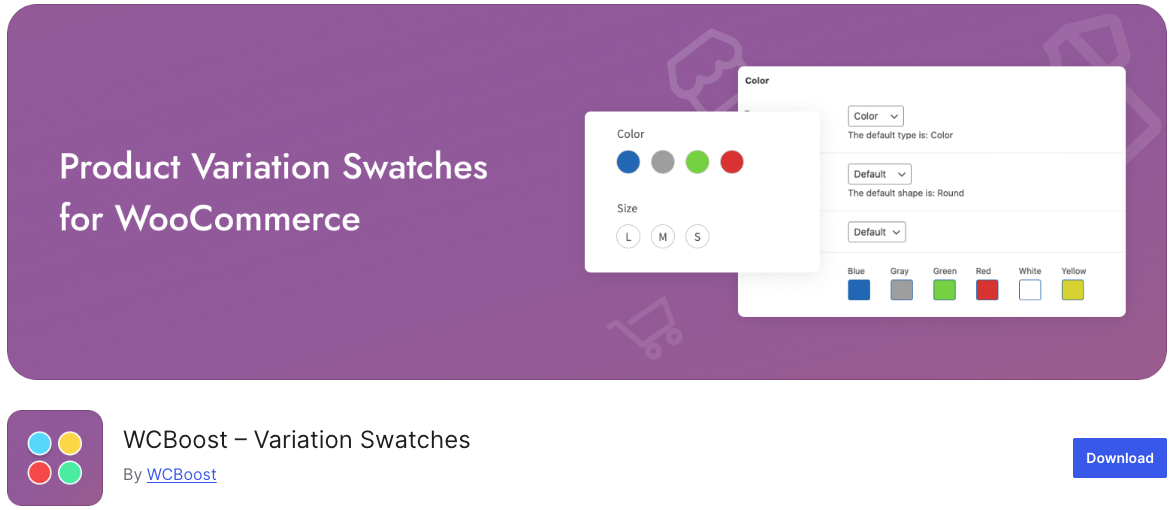
Best lightweight option for performance-focused stores
WordPress.org Rating: 4.8/5 | Active Installs: 40,000+
WCBoost Variation Swatches is a lean, well-engineered plugin. It prioritizes clean code, minimal performance impact, and seamless WooCommerce integration. Everything is managed from within the standard WooCommerce product and attribute pages.
It also stands out for its developer-friendly API and full support for WooCommerce’s native exporter and importer.
Key Features (Free):
- Auto-converts all variation dropdowns to button swatches on install.
- Color, image, label, and button swatch types.
- Global and per-product attribute swatch management.
- Customizable swatch shape, size, border, spacing, and alignment.
- Tooltip support showing attribute name and option name on hover.
- Hide or blur invalid/unavailable swatches based on current selection.
- Supports multilingual and RTL websites.
- WooCommerce export/import compatibility.
- Developer API with hooks and filters for custom extensions.
- Lightweight codebase with minimal impact on page speed.
- No extra admin menus. Fully integrated into native WooCommerce UI.
Key Features (Pro):
- Swatches on shop, category, and archive pages.
- Direct add-to-cart from archive pages for variable products.
- Auto-convert dropdowns to image swatches using variation images.
- Dual-color and multi-color swatches for gradient or patterned products.
- Custom swatch position on archive pages.
- Swatch display limit with a “show more” toggle for large attribute sets.
- Disable and customize out-of-stock swatch appearance.
Who It’s For: Performance-conscious store owners and developers who want a clean, standards-compliant plugin that integrates natively with WooCommerce without adding unnecessary overhead.
Pricing: Free | Pro available
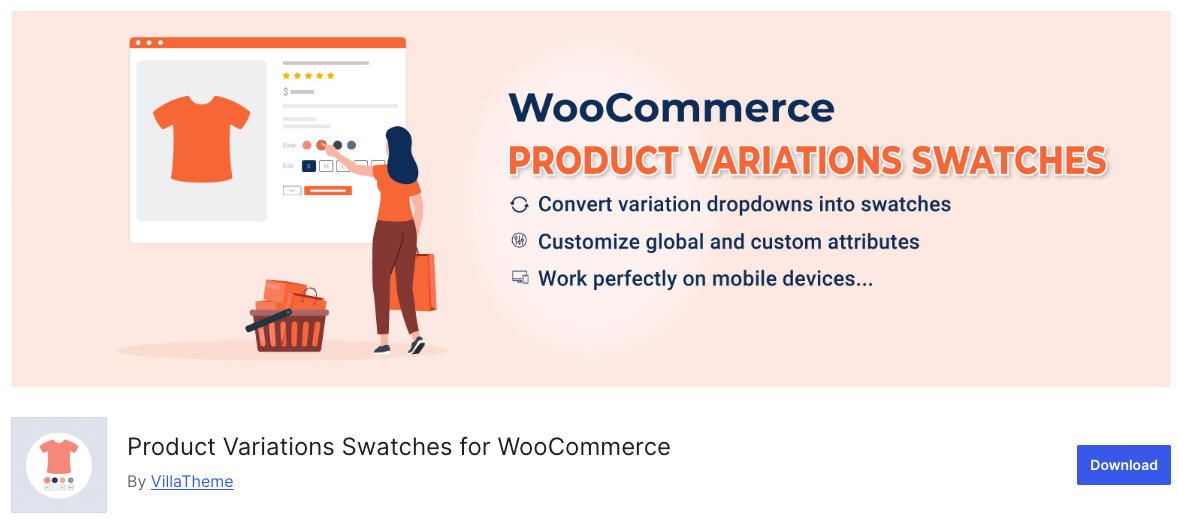
5. Product Variations Swatches for WooCommerce
Best for stores needing multiple swatch profiles with deep style control
WordPress.org Rating: 4.7/5 (70+ reviews) | Active Installs: 10,000+
VillaTheme’s plugin is built around a powerful swatch profile system — a design pattern concept that lets you create, save, and reuse complete swatch styles across your entire store. With 5 display types, 2 layout orientations, and extensive hover/selected/tooltip state styling, it gives store owners more design control per attribute than most plugins in this category.
Key Features (Free):
- Auto-converts variation dropdowns to swatches instantly
- 5 display types: button, color, image, variation image, radio
- Horizontal and vertical layout styles per attribute
- Full swatch profile styling: size, padding, color, box-shadow
- Hover and selected state styling control
- Tooltip customization: color, border, font size, position
- Mobile-responsive with easy-to-use admin interface
Key Features (Pro):
- Unlimited swatch profiles with one-click duplication
- Show or hide specific attributes on product list pages
- Product image swaps automatically on attribute selection
- Out-of-stock variations shown as blurred, crossed-out, or hidden
- Tooltip content with attribute or variation image support
- Custom attribute assignment per product category
- Add to Cart button, swatch position, and item count control on shop pages
Who It’s For: Store owners who want full visual control over swatch design patterns and need the flexibility to apply different styles across different product categories. The swatch profile system makes it especially efficient for large stores managing many product types with distinct visual identities.
Pricing: Free | Pro available on Envato Market
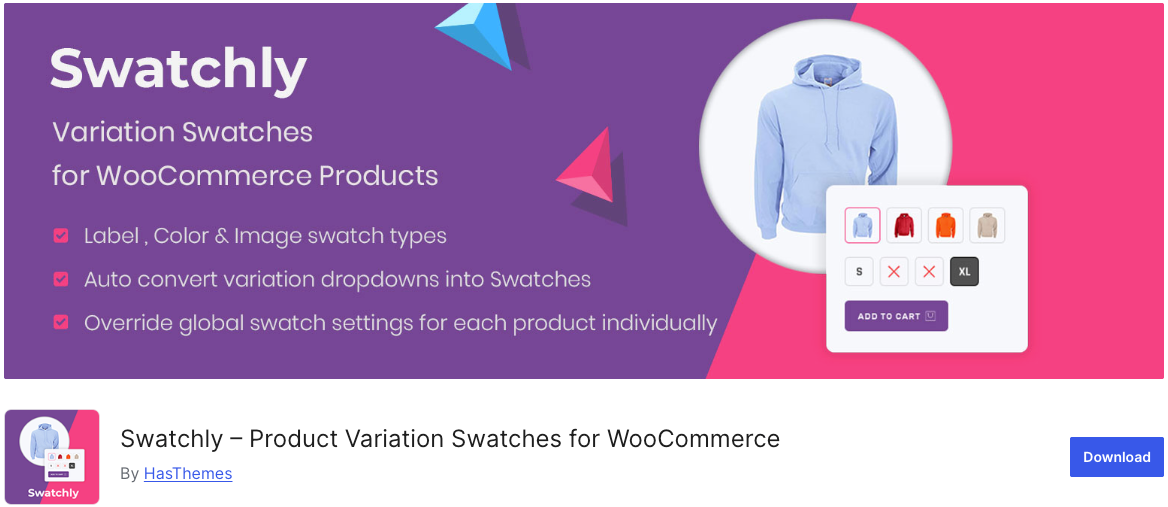
7. Swatchly — Variation Swatches for WooCommerce
Best for stores that want three swatch shapes and advanced Tooltip control
WordPress.org Rating: 4.4/5 | Active Installs: 6,000+
Swatchly stands out from most plugins by offering three swatch shapes, (squared, rounded, and fully circular) rather than the usual two. It also provides unusually granular tooltip customization in its Pro version. This includes control over font size, padding, line height, color, and arrow styling.
Key Features (Free):
- Color, image, and text swatch types.
- Three shape options: squared, rounded, circular.
- Left/center/right swatch alignment.
- Swatch width, height, and font size controls.
- Cross/blur/hide out-of-stock variations.
- Text and image tooltip support.
- Admin panel swatch preview column.
- Click-to-deselect variation feature.
Key Features (Pro):
- Override global settings per individual product.
- Shortcode support for adding swatches on any page.
- Ajax Add to Cart on shop pages.
- Custom Add to Cart text.
- Product thumbnail selector.
- Advanced tooltip styling (font, padding, line height, arrow size, border).
- Custom hook positioning for swatches.
- Variation label separator with selected variation name display.
Who It’s For: Stores that care about precise design consistency and want the most flexible tooltip and shape customization of any free plugin.
Pricing: Free | Pro available
8. Smart Variations Images & Swatches for WooCommerce
Best for stores that need full variation image gallery control alongside swatches
WordPress.org Rating: 4.7/5 (140+ reviews) | Active Installs: 2,000+
Most variation swatches plugins only swap the main product image when a variation is selected. Smart Variations Images swaps the entire product gallery.
This makes it the standout choice for stores where each variation has its own set of multiple images, not just a single featured photo. It combines a robust image gallery system with color, image, and label swatches in one plugin.
Key Features (Free):
- Unlimited additional images per variation gallery
- Full gallery swap on variation selection — not just the main image
- Trigger gallery change on a single attribute change
- Color, image, and label variation swatches replacing default dropdowns
- Drag & drop custom image sorting per variation
- Showcase variations on product loop/archive pages
- Stacked layout display option
- Display one image under variation selection
- Slider with navigation arrows
- Magnifier lens with Lens, Window, or Inner display modes
- Lightbox support
- Hide thumbnails until a variation is chosen
- WPML compatible
- Compatible with popular page builders and themes with responsive design
Key Features (Pro):
- Video support per variation
- Advanced slider, lightbox, and magnifier lens options
- Trigger image swap on a specific attribute change
- Variation image displayed in cart, order emails, admin order edit, and order details
- Filter attribute animation with sliding effects (diagonal, vertical, horizontal layouts)
- Import/Export handling
- API actions for developer customization
Who It’s For: Stores selling visually complex products — fashion, furniture, art prints, home décor, or any product where each variation deserves its own full image gallery.
If showing multiple images per variation is critical to your selling process, this is the most capable free option available.
Pricing: Free | Pro available
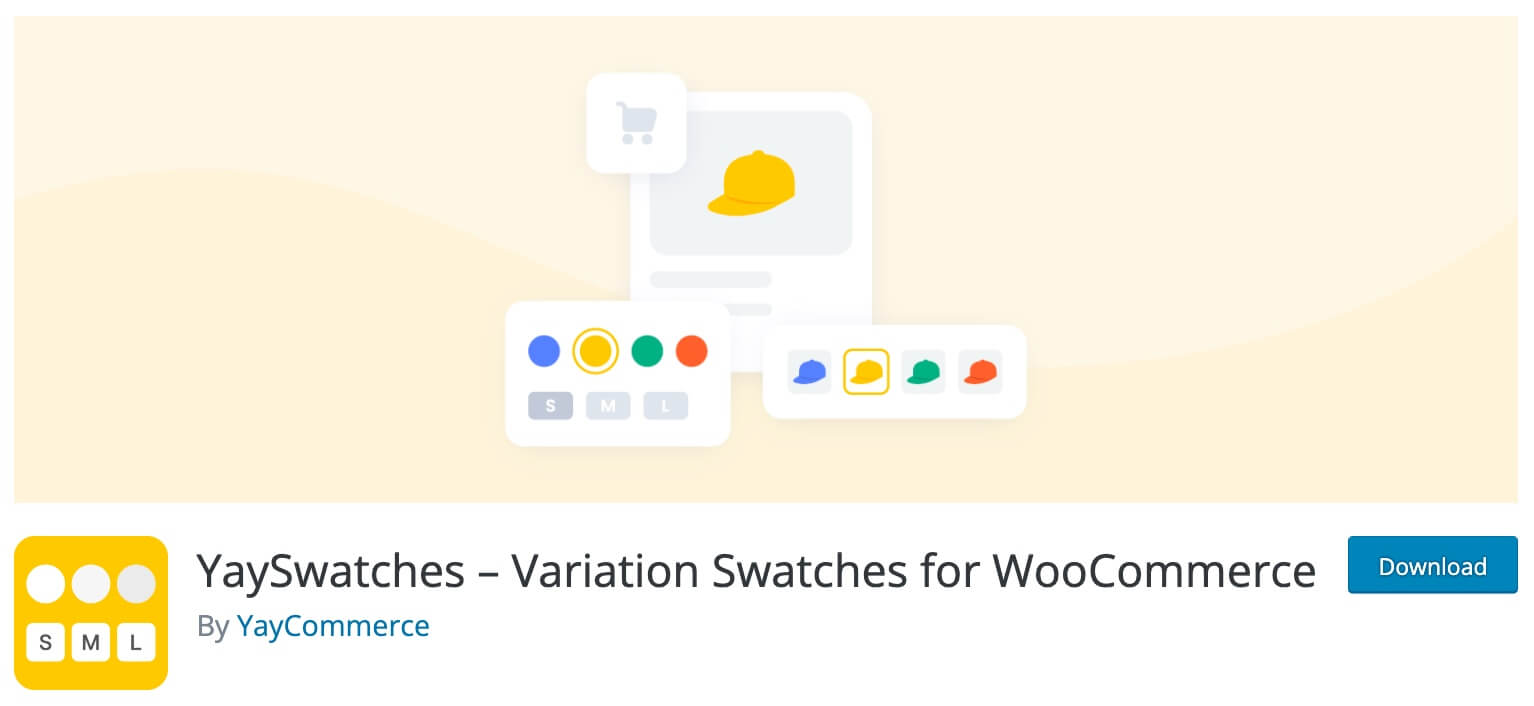
8. YaySwatches – Variation Swatches for WooCommerce plugin
Best for brand-conscious stores with a polished visual identity
WordPress.org Rating: 5/5 (9+ reviews) | Active Installs: 900+
YaySwatches from YayCommerce offers a polished product with strong branding customization options. It automatically replaces dropdowns with swatches. Also, it includes a dedicated settings panel inside the WooCommerce product editor for per-product custom styles.
Key Features (Free):
- Auto-replaces dropdowns with image, color, duo-color, and button swatches.
- Swatches on single product, shop, and category pages.
- Swatch shape, size, border, and hover effect customization.
- Zoomed image thumbnails on hover.
- Custom color/image swatches per product via product editor.
Key Features (Pro):
- Swatch display limit on shop pages (cap visible swatches with a “show more” option).
- Show/Hide out-of-stock variations with clear visual cues.
- Customizable sold-out effects to match store branding.
- Advanced styling for available, out-of-stock, and tooltip variants.
- Product grid layout customization.
Who It’s For: Store owners who want a sharp, design-forward implementation with strong control over how unavailable variations are displayed.
Pricing: Free | Pro available
9. Product Variation Swatches for WooCommerce – Smart Swatches
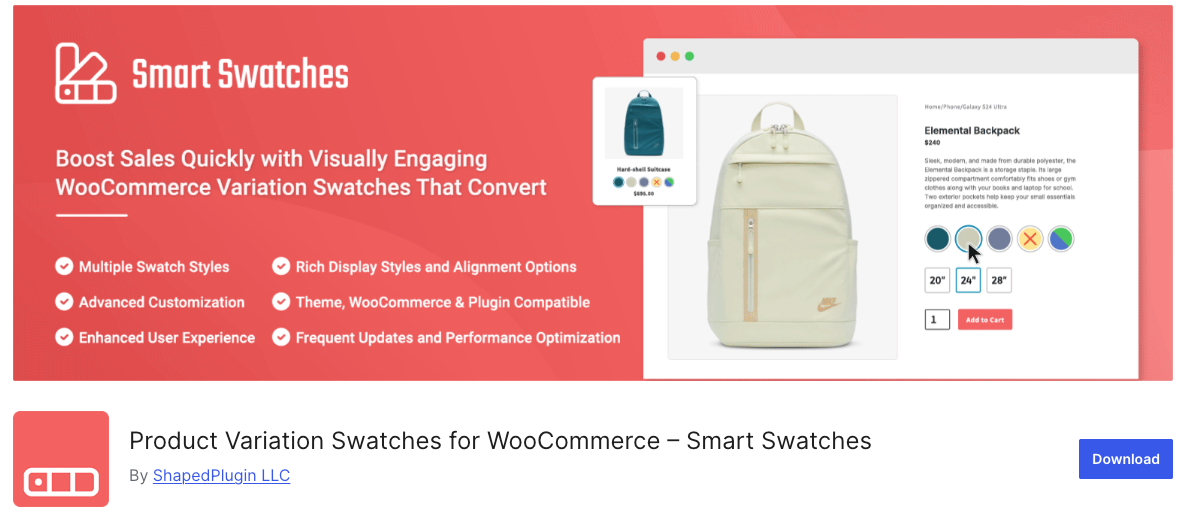
Best for auto-converting existing stores without manual reconfiguration
WordPress.org Rating: 5/5 | Active Installs: 700+
Smart Swatches by ShapedPlugin is one of the newer entries on this list. But it’s quickly become a top recommendation due to its single-click auto-conversion capability.
It scans your existing product catalog and instantly converts all dropdowns to button or image swatches without requiring you to touch each product individually.
Key Features:
- Auto-converts all variation dropdowns to button swatches.
- Color, image, and button/label swatch types.
- Text tooltips with individual tooltip settings per swatch.
- Slide effects for tooltip animations.
- 4 shop page display styles: slider, accordion, vertical scrollbar, horizontal scrollbar.
- Swatches on both shop/archive pages and product detail pages.
- Cross and blur styles for disabled/unavailable attributes.
- Disable out-of-stock attribute display.
- Show selected variation label with separator option.
- Set swatch border, background color, font size, and text color.
- Per-product swatch customization override.
- Option to use product page styling on the shop page.
- Clear swatches on reselect.
- Disable default plugin stylesheet for custom CSS.
- Show/hide variation label.
Who It’s For: Store owners migrating from dropdown-only setups who want a fast, low-effort upgrade path. Also excellent for stores with large catalogs.
Pricing: Free | Pro available
Comparison Table of Best Variation Swatches for WooCommerce.
| Plugin | Swatch Types | Archive Page | Out-of-Stock Control | Update Frequency |
| Variation Swatches – RadiusTheme | Color, Image, Label, Radio | ✅ Pro | Cross, Blur, Hide | Monthly |
| WooCommerce Attribute Swatches – IconicWP | Color, Image, Text, Radio | ✅ | Marked Unavailable | Monthly |
| YITH Color & Label Variations | Color, Image, Label | ✅ Pro | Hide (Pro) | Monthly |
| Variation Swatches – Emran Ahmed | Color, Image, Button, Radio | ✅ Pro | Cross, Blur, Hide | Monthly |
| YaySwatches | Color, Image, Duo-color, Button | ✅ Pro | Show/Hide (Pro) | Monthly |
| WCBoost Variation Swatches | Color, Image, Label, Button | ✅ Pro | Hide, Blur | Monthly |
| Swatchly | Color, Image, Text | ✅ Pro | Cross, Blur, Hide | Occasional |
| Smart Variations Images & Swatches | Color, Image, Label | ✅ | Hide Thumbnails | Monthly |
| Smart Swatches – ShapedPlugin | Color, Image, Button | ✅ | Cross, Blur | Monthly |
| Product Variations Swatches – VillaTheme | Button, Color, Image, Radio | ✅ Pro | Blur, Cross, Hide (Pro) | Monthly |
Some FAQ about the Variation Swatches plugin
It is a plugin for the WooCommerce platform that allows you to display product variations in a more visually appealing way, using swatches instead of dropdown lists.
The plugin supports image swatches, color swatches, and text swatches.
The plugin should work with most WooCommerce themes, but compatibility may vary based on the specific theme and the version of WooCommerce you are using.
Yes, you can display swatches for any product attribute, including custom attributes you create.
Yes, you can display swatches on the archive/category pages, in addition to the product detail page.
Yes, you need to have WooCommerce installed and active on your WordPress website to use this plugin.
Bottom Line
The default WooCommerce layout and experience is less than adequate, leave alone satisfactory. Shoppers have different preferences when it comes to the products they buy. Your website needs to assure them that the variations they choose are the ones they want. Most business niches are quite competitive, and shoppers will flock to websites that give the best products but also the best experiences.
So, which WooCommerce variation swatches plugin will give you the easiest time giving your website the features you need it to have? Which plugin in this list stands to elevate the status of your overall WooCommerce shop the farthest?
The notable features of each plugin can sway your decision. Maybe you will link the ratings of each plugin to the particular experiences of WooCommerce shop owners who used them. On the other hand, you can consider the frequency of updates to make you decide which plugins will keep you UpToDate with the latest tech improvements in WooCommerce swatches. Both these paths of thought are viable and can be helpful.
After testing and evaluating the different experiences each plugin in this list offers, we have our favorite, and you may have already guessed which one. If you guessed the Variation Swatches for WooCommerce by RadiusTheme, you’re right.
We like it for different reasons, but its exceptional usability is difficult to miss. The author of this theme has taken the time to create the perfect plugin. The plugin’s premium version has gained plaudits for the robust features it offers. The author’s support is also outstanding.
Don’t just take our word for it – install the plugin and have a first-hand experience with the one you liked most.


