This documentation is valid for Classima 2.95.2 and upper versions. #
**Before you start the process, Please make sure you’re using the latest version of our plugin (Classified Listing Pro). Older version of plugin will not work with newer version of app.**
First of all install project dependencies using npm. Follow the following steps.
Step 1: Download and extract the project zip file in your project directory.
Step 2: Open terminal in your project directory (git bash terminal for windows user and iterm or terminal for mac users is recommended)
and run this command: npm install
npm install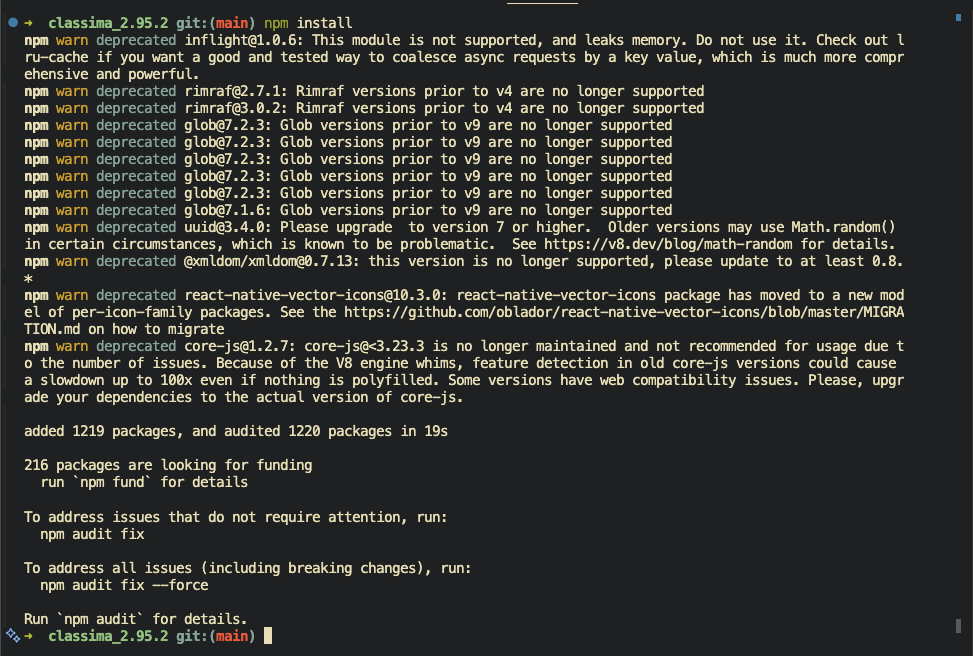
This will install the project dependencies. This might take a while depending on the speed of your internet connection, so sit back and wait to finish installation.
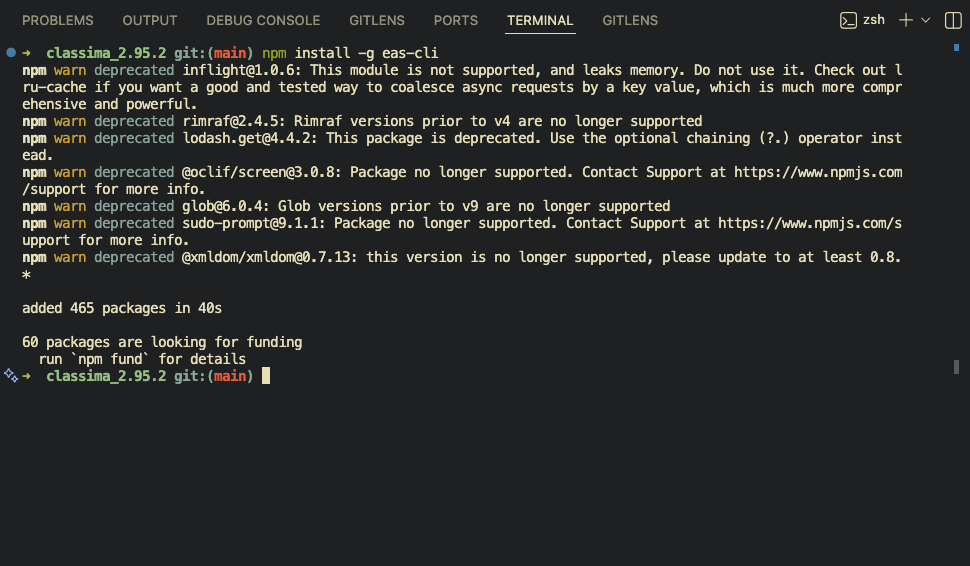
Step 3: Now run this command: npm install -g eas-cli to install the eas command line globally.
npm install -g eas-cli