Now, you can perform settings on your My Account page.
6.1) My Account Page: Choose My Account Page. Users must insert the shortcode [tpg_my_account] in the page.
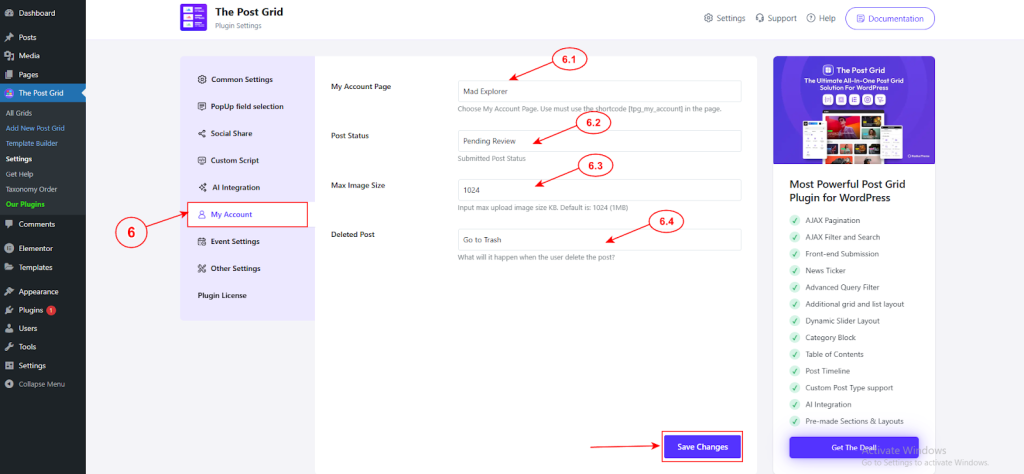
6.2) Post Status: Choose the post status. You can select from Pending review, Draft, Private, Publish.
6.3) Max Image Size: Determine maximum upload image size KB. Default is: 1024 (1MB).
6.4) Deleted Post: Set the condition of what will happen when the user deletes the post.
Click on the ‘Save Changes’ button to update all the settings.
Front End Submission From Dashboard #
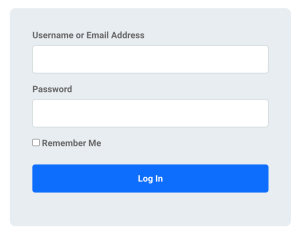
Now, when a user visits the frontend of the “My Account” page without being logged in, they will see the login screen. After logging in, they will access the dashboard menu.
Dashboard
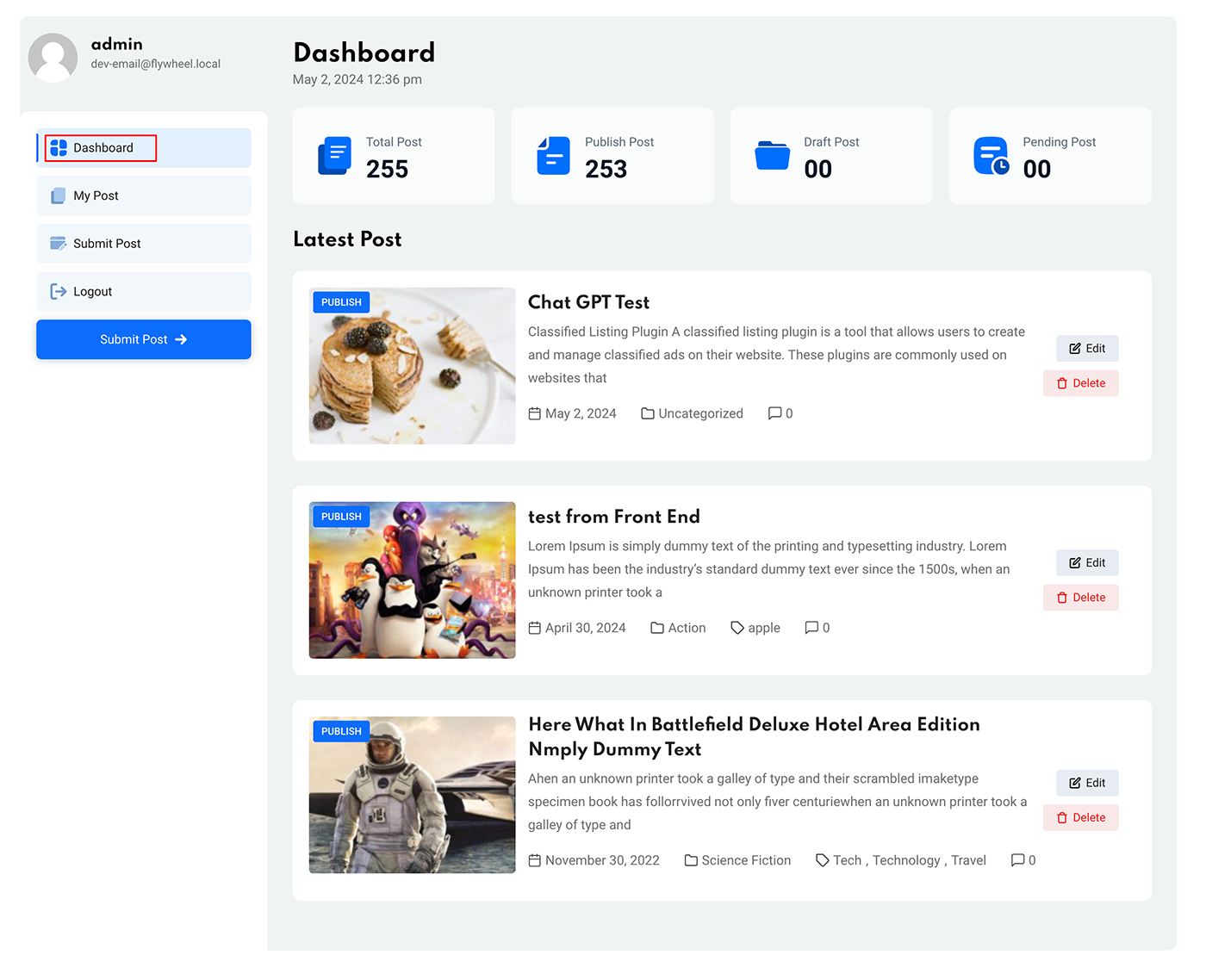
After logging in, users will view a dashboard. Here, they can see total posts, published posts, draft posts, and pending posts numbers.
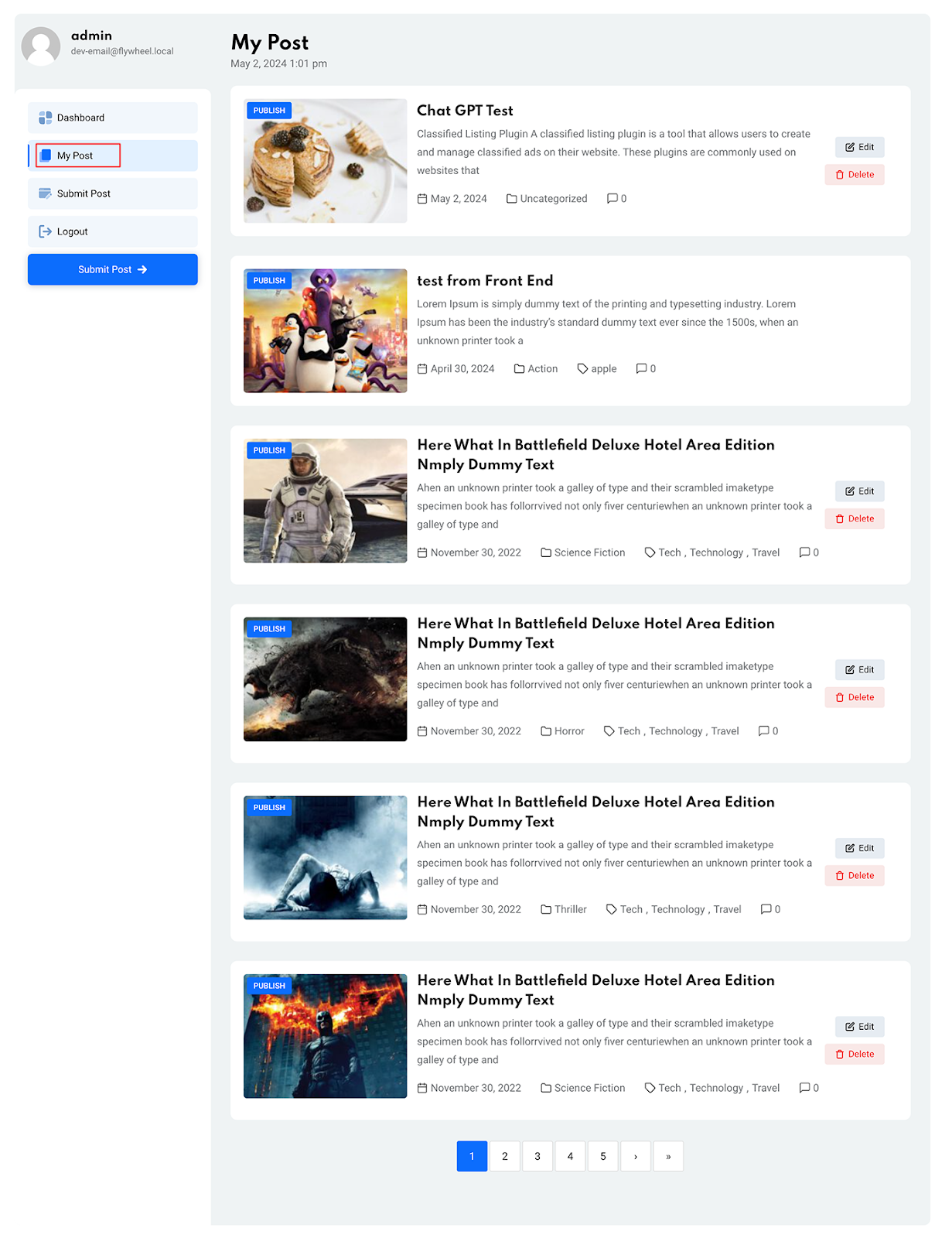
My Post
Users can view all the posts they’ve submitted from the My Post tab. From here, they can independently delete or edit any particular posts.
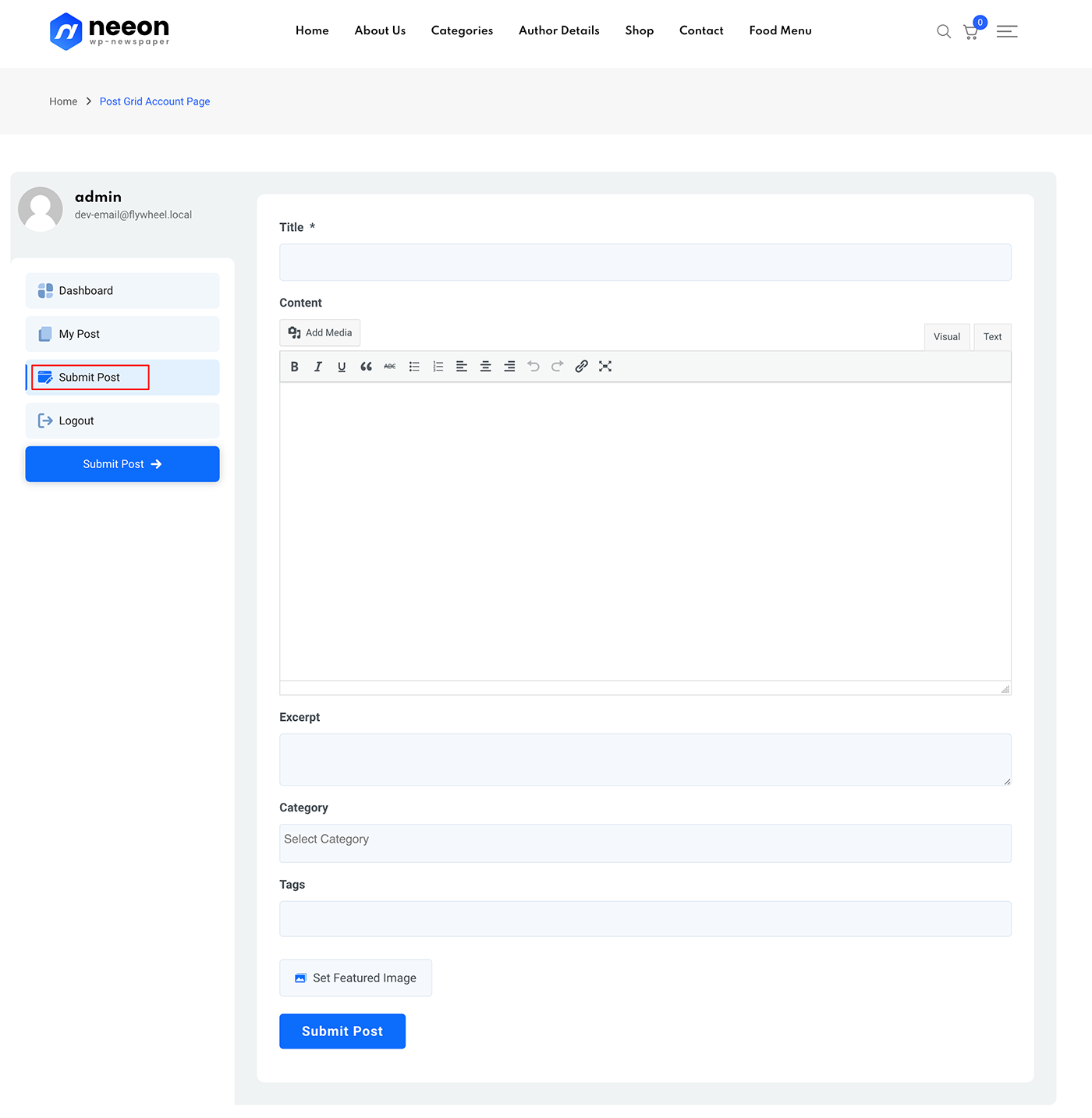
Front End Submission Form
Here, users can effortlessly submit their posts. They need to insert an appropriate title for the post. After that, add excerpts, determine the category, and add tags for the post.
Lastly, they can set featured image for the post and click on submit post.