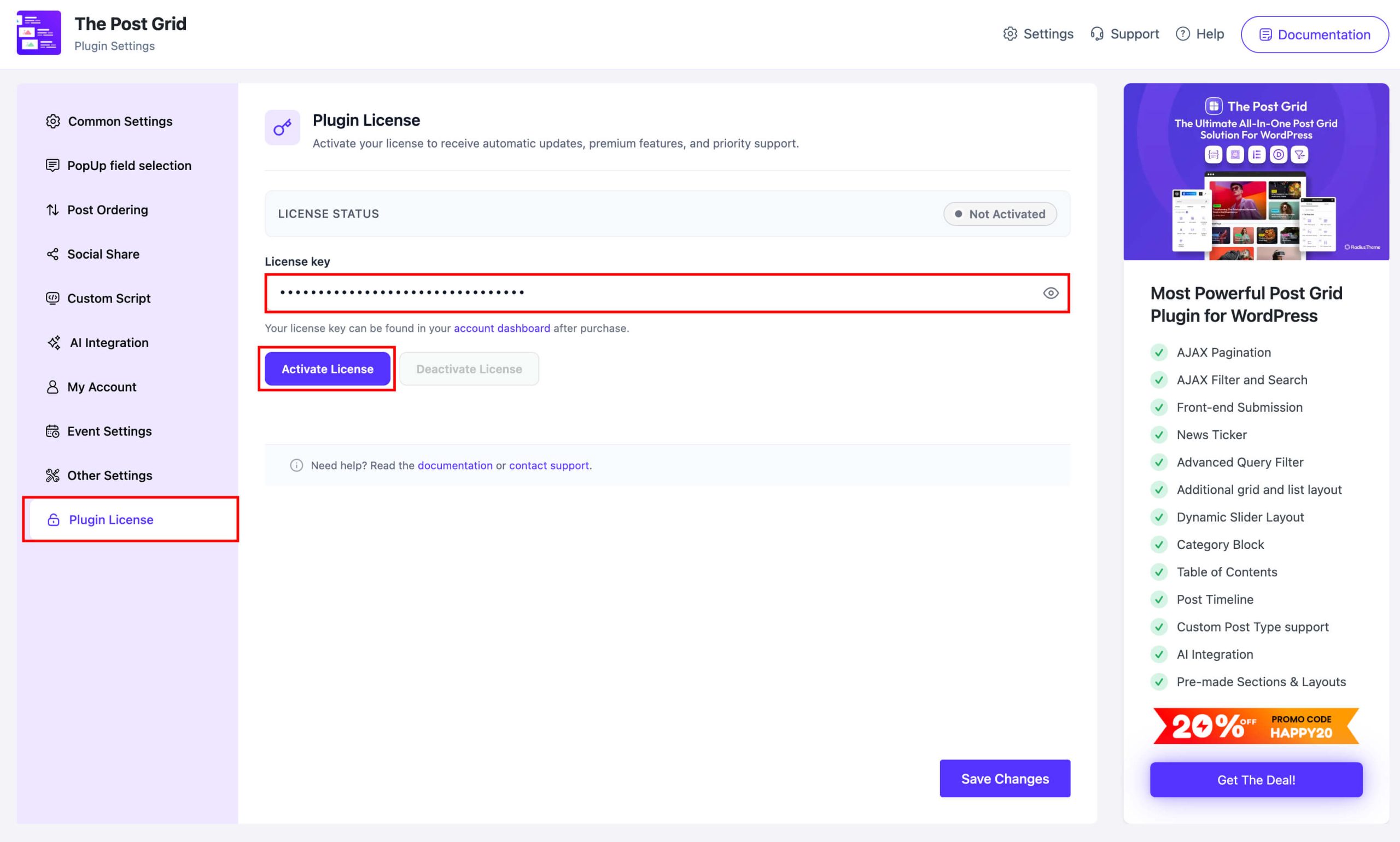
After activating the plugin, you need to activate the plugin license key, To get the key check your “purchase email” or go to login RadiusTheme.com then navigate to purchase history and click on the “License Key“.
To activate the plugin License, move to Settings> Plugin License from your WordPress Dashboard. Paste the key here. After that, click on ‘Save Changes’.