
This documentation is based on the PRO version, so additional features are PRO features. #
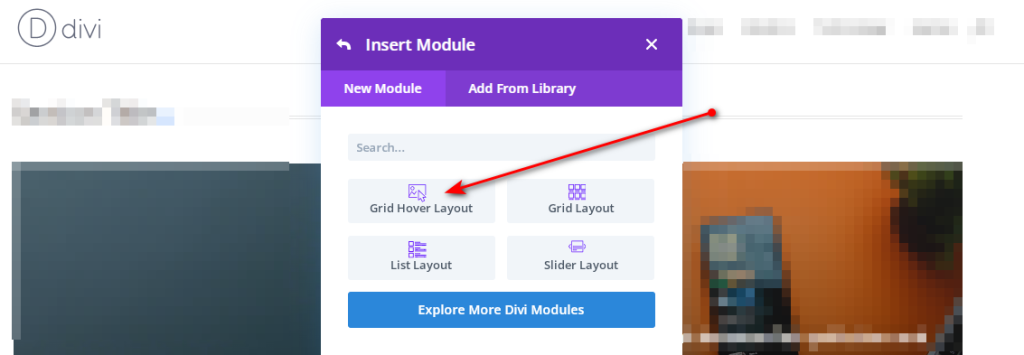
Step 1: To create a Grid Hover Layout, first, select the TPG – Grid Hover Layout widget from the Divi widget list. Please see the screenshot below.
Step 2: Choose the layout from [ Content > Layout ] of the Divi editor panel. The first 3 layouts are free. So if you are a free user, then you can’t select the rest of the layout from here.
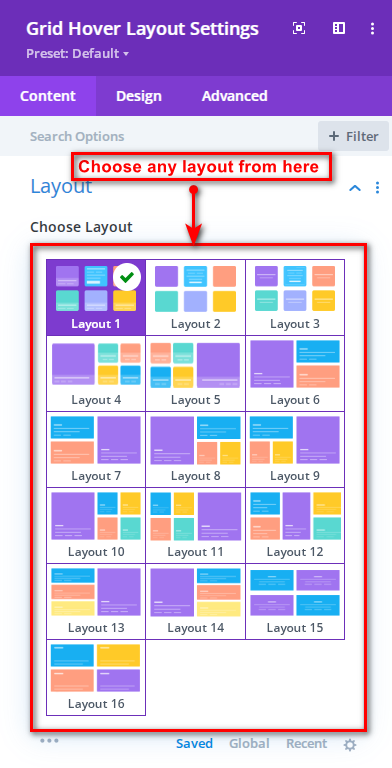
Note: The first 3 layouts are free. The remaining layouts are available on the pro version.


