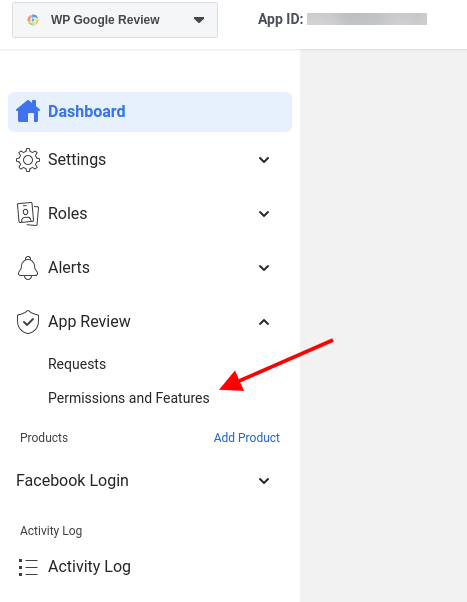
This is optional, But if you want to change it for yourself you can do it.
- First, go to Developer Facebook
- Click on Create App Button
- Choose Manage Business Integrations and Click Continue

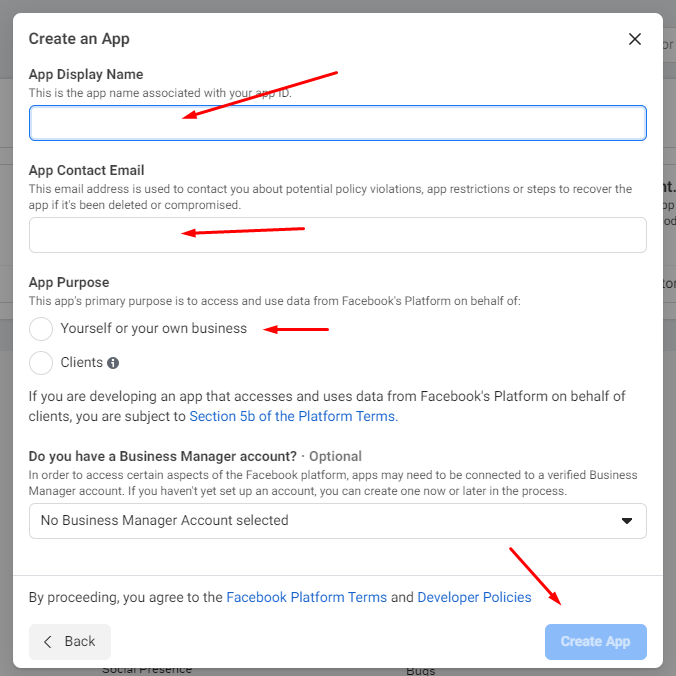
4. Give the informations and Click Create App
5. You will see App ID in the top bar, just click to copy

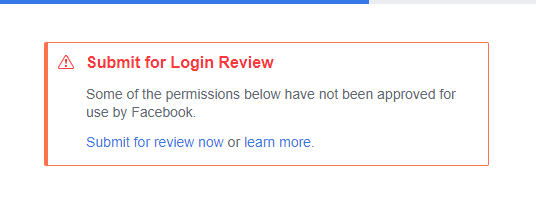
Note: Keep in mind when you connect login with facebook you need to submit for review otherwise some data like (image, name) won’t show.
How to request for App advance permission on Facebook? #
Step 1: After creating your application, go to Permissions and Features Menu, Find title pages_show_list, pages_read_user_content, and pages_read_engagement click button Request Advance Access.
Step 2: Then, go to Request Menu above Permissions and Features Menu, Here you need to fill up the necessary information and submit it for review.